+$%&
4
HP
PrecisionScan Pro
User’s Guide
92
Adjusting images of
pictures
Book Contents
Index
➮
➮
Set threshold for black and white bitmaps
When you want to save a black and white image from a
color or black and white photograph, you can often
improve the result by changing the threshold for the
division between black and white pixels.
The black and white threshold can be changed with the
Black & White Threshold
tool for an image that has the
Black & White Bitmap (raster)
output type. (See page
38
for more about the
Black & White Threshold
tool.)
Applying the default threshold
■
Click the
Auto
button in the
Black & White Threshold
tool.
•
The optimal black and white threshold setting
determined by the scanning software is applied to
the
Black & White Threshold
tool.
•
The result of the change to the threshold setting
can be seen in the preview area.
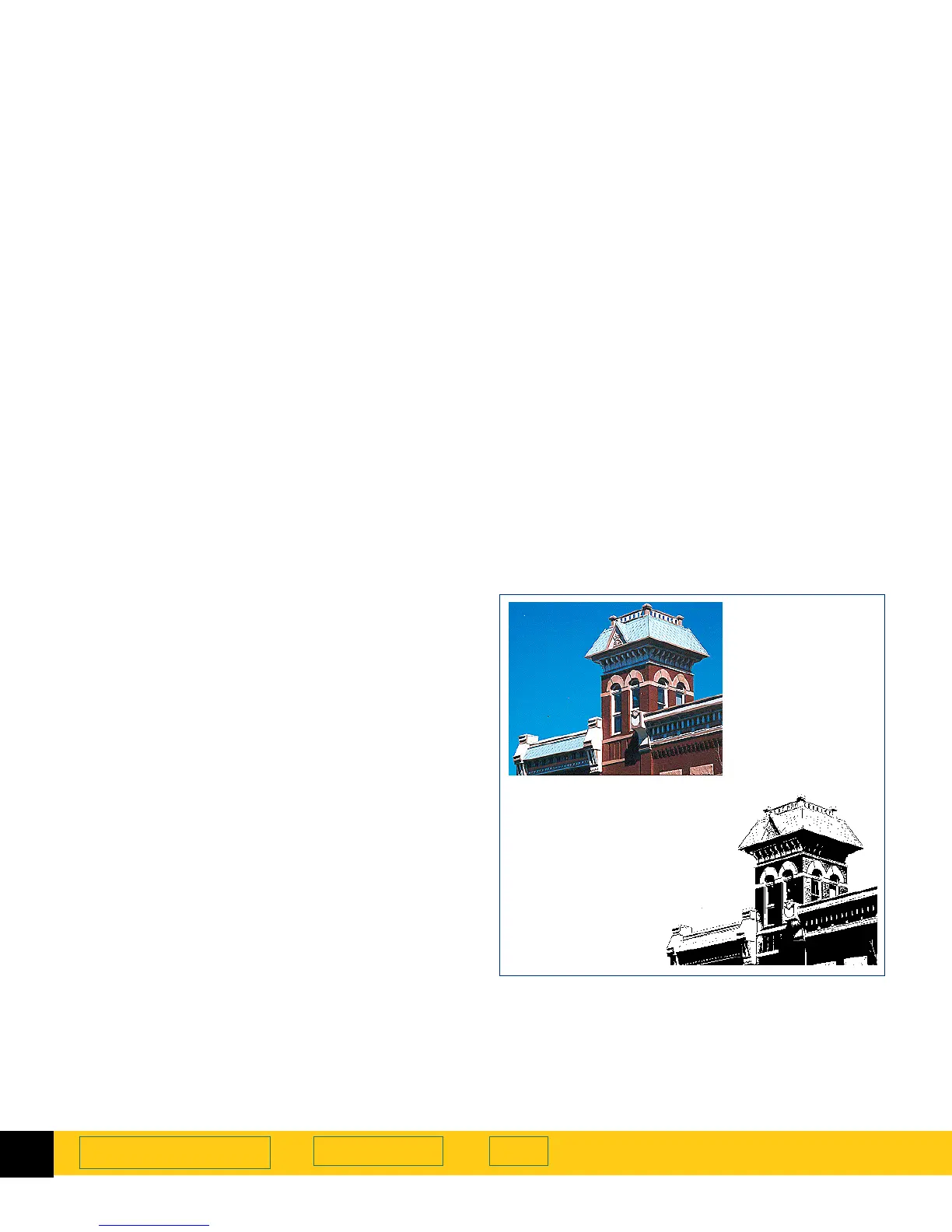
Image of a color
photograph with
the
True Color
output type
The
Black & White
Bitmap (raster)
output
type and a black
and white threshold
of 15 applied








 To Next Page