+$%&
HP
PrecisionScan Pro
User’s Guide
2
Book Contents Index
➮
➮
Welcome to scanning
with HP PrecisionScan Pro and your
HP ScanJet scanner
The scanning software and your HP ScanJet scanner
let you quickly create excellent electronic images from
pictures and convert text on paper into editable text.
Features
Some of the features of the scanning software are:
■
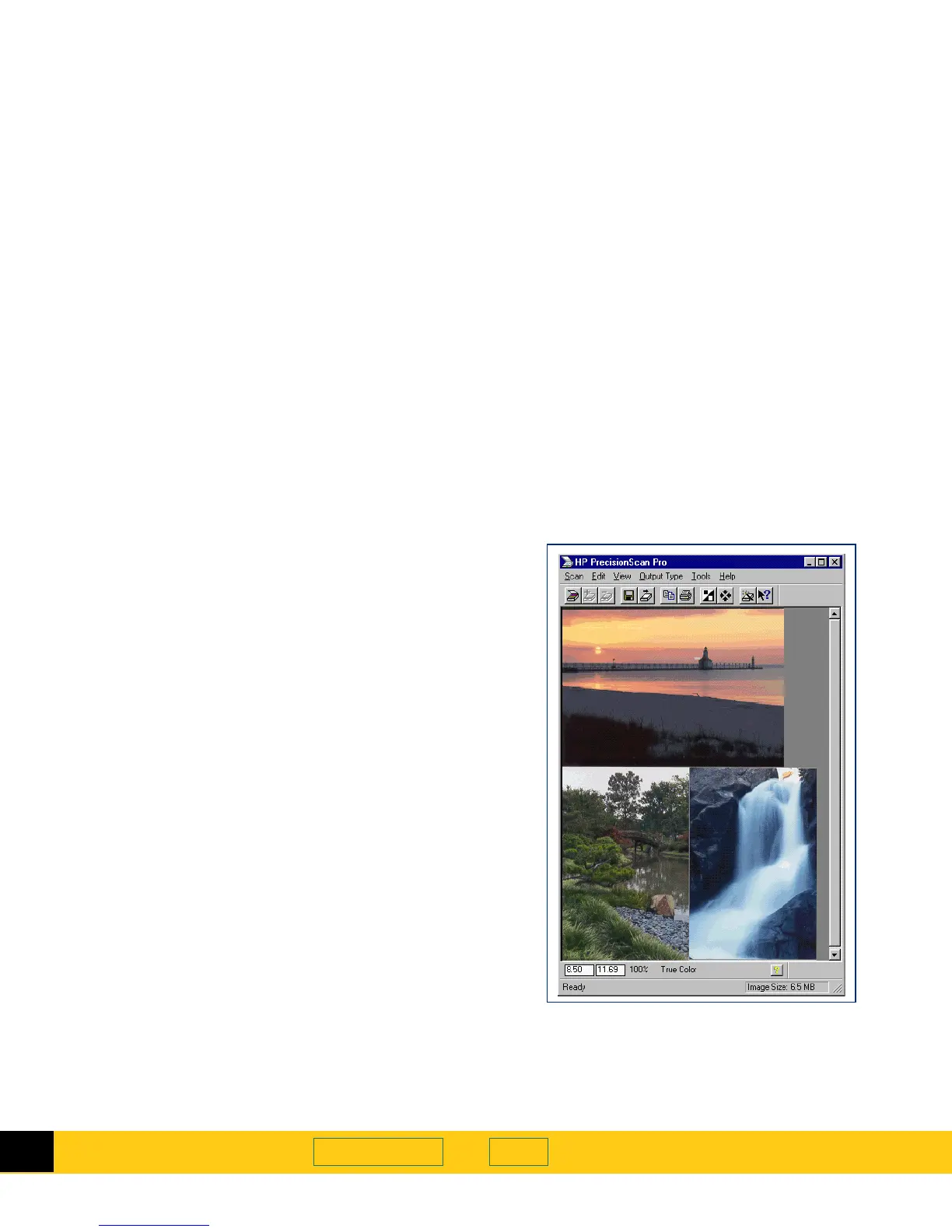
Click to select an image in the preview
■
Automatic sensing of output type
■
Automatic sensing of optimal exposure, color, black
and white threshold, sharpen level, and resolution
for images of pictures
■
Drag-and-drop the image to another program or to
the desktop
■
Scale and size the image prior to exporting it to a
program or a file
■
Return to the preview image without rescanning
■
Tools for adjusting exposure, color, black and white
threshold, sharpen level, and resolution
■
Save and re-use scanning settings
■
Use
HP PrecisionScan Pro
scanning software and your
HP ScanJet scanner on a local area network








 To Next Page