+$%&
2
HP
PrecisionScan Pro
User’s Guide
34
A tour of the scanning
software
Book Contents
Index
➮
➮
Dimensions tool
The
Dimensions
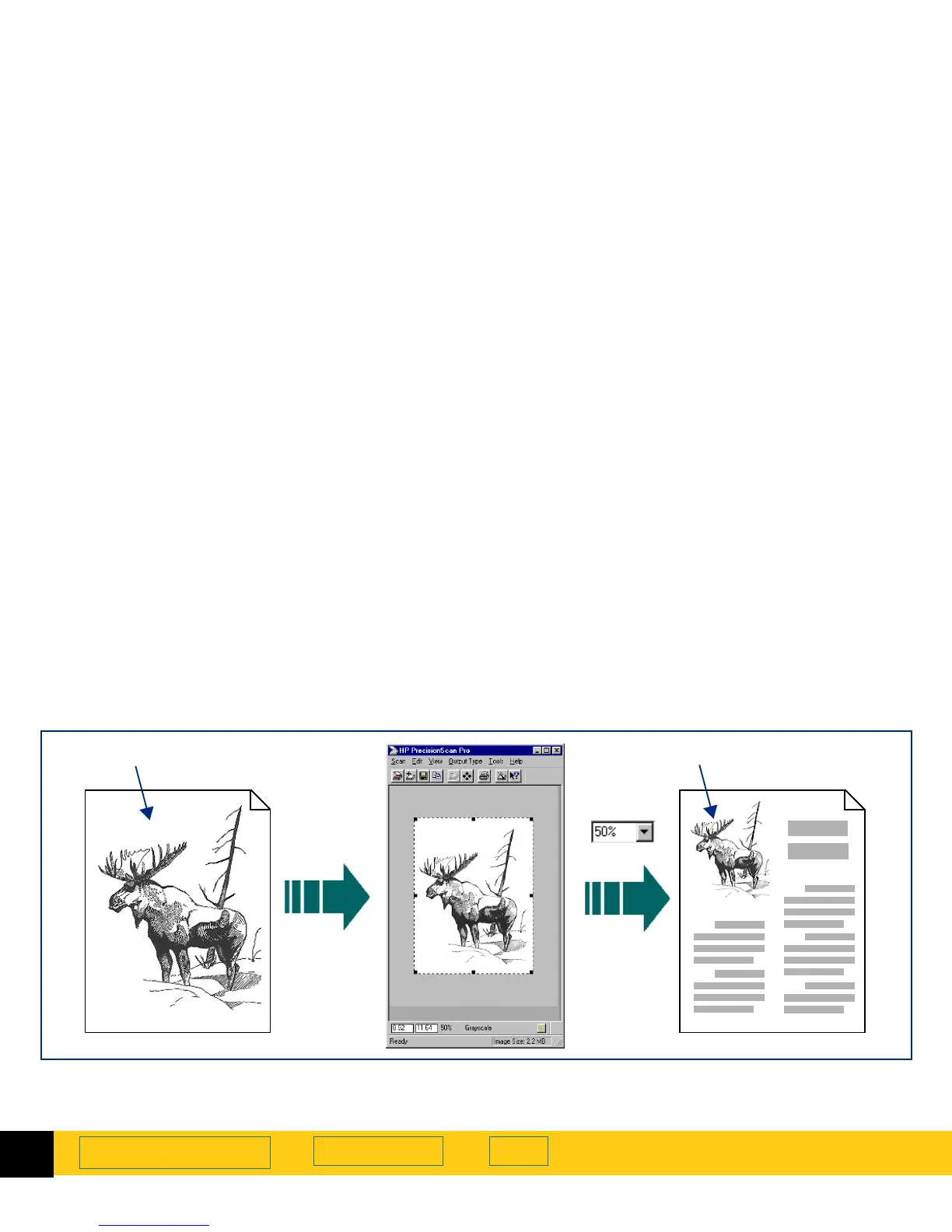
tool lets you change the size of the
scanned image of a picture so that the image will be
the size you want it when you use the image in another
program or print it. For example, you can save a small
scanned image from a larger original picture.
In the
Dimensions
tool, you can:
■
set the dimensions of the selection area
■
set the units for the selection area and the output
dimensions
■
scale the image to a percentage of the size of the
original
■
set the output dimensions of the image for the final
scan
Original picture 50% Scaled image
Scale








 To Next Page