+$%&
1
HP
PrecisionScan Pro
User’s Guide
9
Using the HP ScanJet
scanner
Book Contents Index
➮
➮
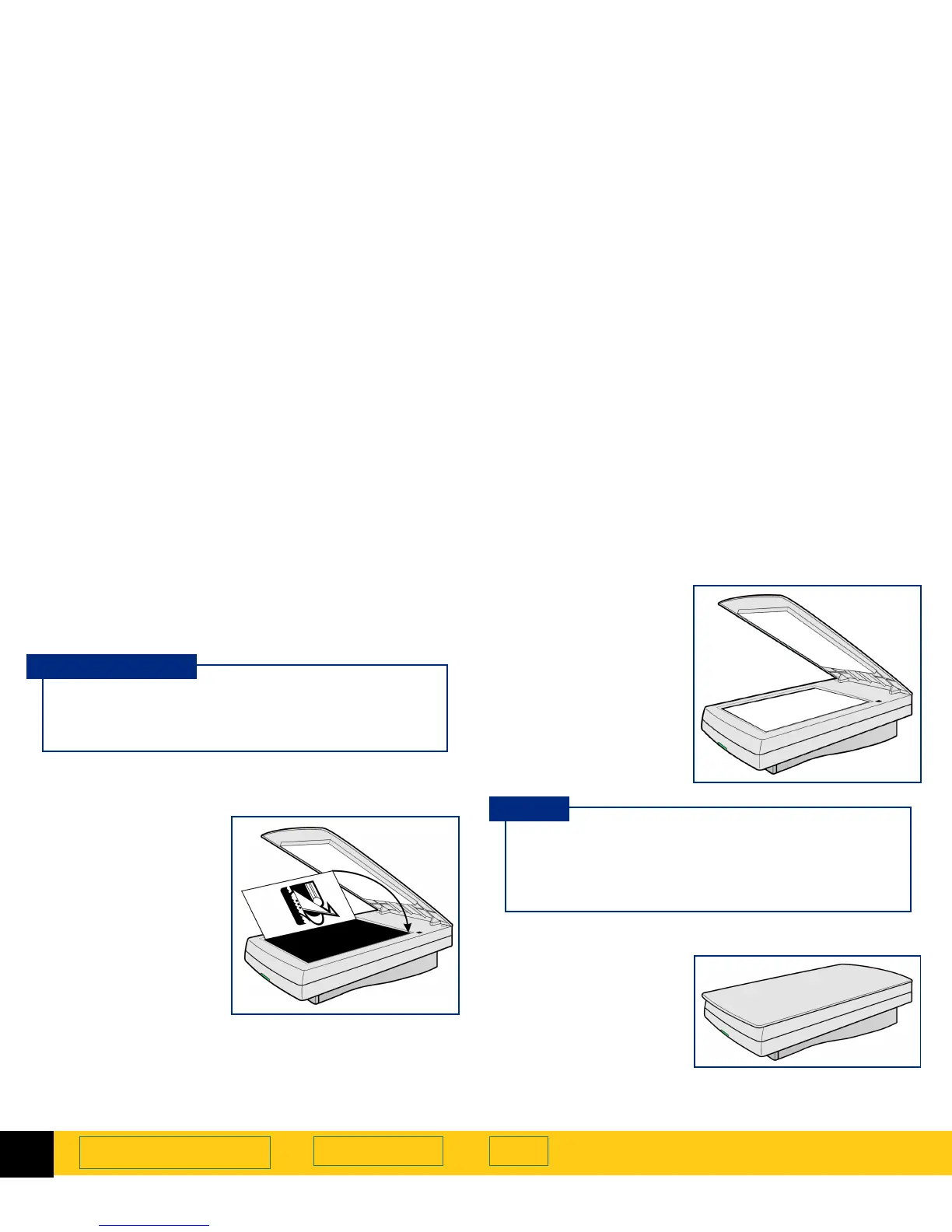
Place the picture on the scanner
The picture you want to scan must be placed face down
on the scanner glass.
1
Lift the scanner lid
and hold it up.
2
Place the picture
face down on the
scanner glass.
3
Close the scanner
lid.
If you are using the
HP Automatic Document Feeder
,
see the online manual HP Automatic Document
Feeder Guide.
ADF users
If the picture has straight edges, place the top and
right edges next to the top and right edges of the
scanner bed. This will make the preview image
straight when you scan.
TIP








 To Next Page