+$%&
6
HP
PrecisionScan Pro
User’s Guide
109
Saving scanned images
Book Contents Index
➮
➮
Save to a file
File formats
The scanning software can save images in several
graphics file formats.
Bitmap Image (.bmp)
An image file format used by Microsoft Windows and
many Windows programs. This is often a good choice
because Windows itself and most Windows programs
accept the .bmp file type.
FlashPix (.fpx)
A FlashPix file contains a complete image plus several
lower resolution copies of that image. The advantage
of the FlashPix file format over other file formats is that
a software program can automatically select the best
resolution for a particular job to make editing and
using images in programs faster and easier.
GIF Image (.gif)
GIF is a compressed file format suitable for an image
that will be used on the Web or on multiple platforms.
You can save your GIF file as an interlaced GIF.
HTML (.htm)
HTML is useful for text and graphics that will be viewed
on the World Wide Web. When this format is selected
for an image and text, the text is converted to editable
text and is saved as HTML and the graphics are saved
as GIF or JPEG files. The HTML file format is available
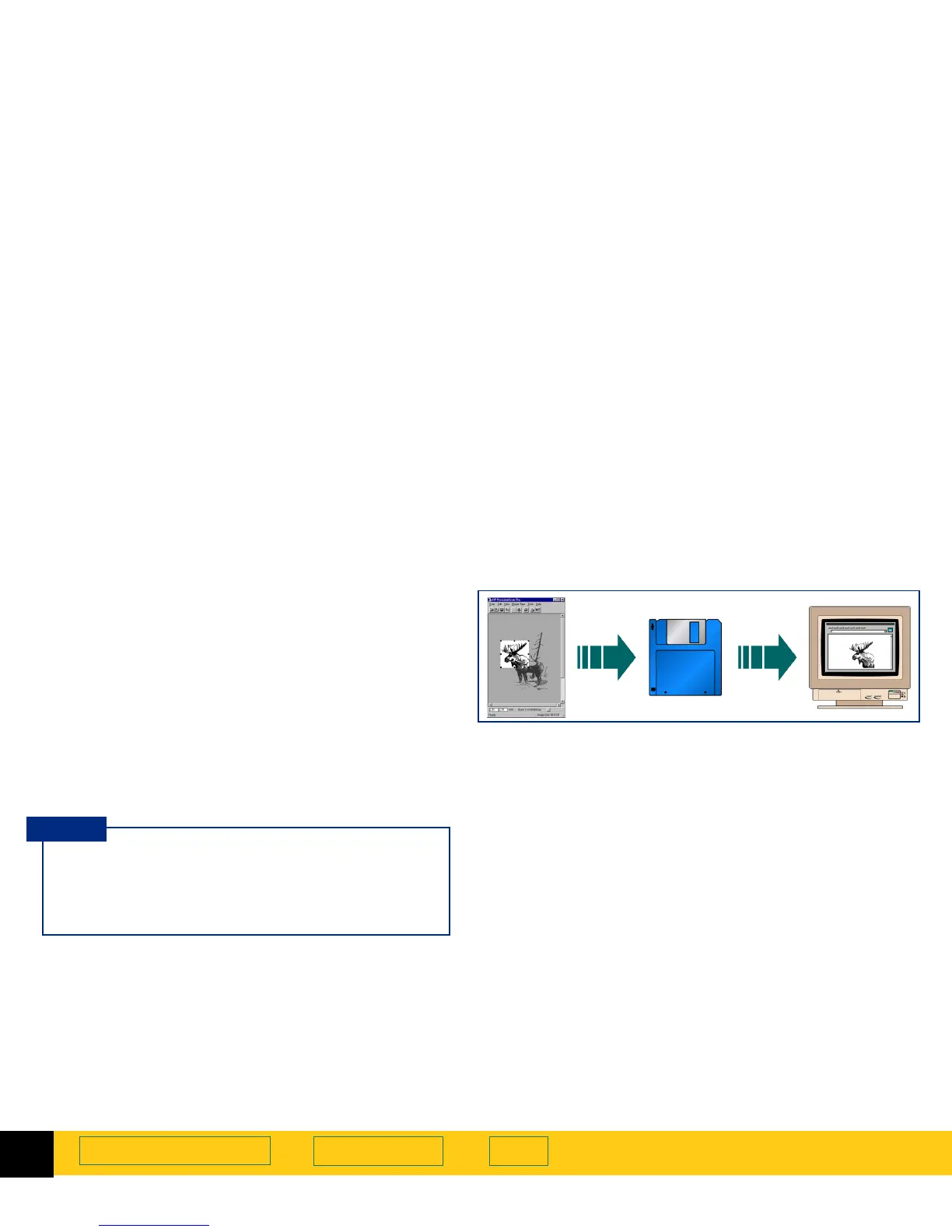
The image in the selection area can be saved to a file,
then the image file can be inserted into another
program’s document with an
Insert File
or
Import File
command.
You will need to know what file format to use when
saving the file.
Not all output types can be saved in all file
formats. Only the valid file formats for the output
type applied to the image can be selected from
the
Save as type
list box in the
Save As
dialog box.
TIP








 To Next Page