+$%&
4
HP
PrecisionScan Pro
User’s Guide
96
Adjusting images of
pictures
Book Contents
Index
➮
➮
Invert options
The
Invert
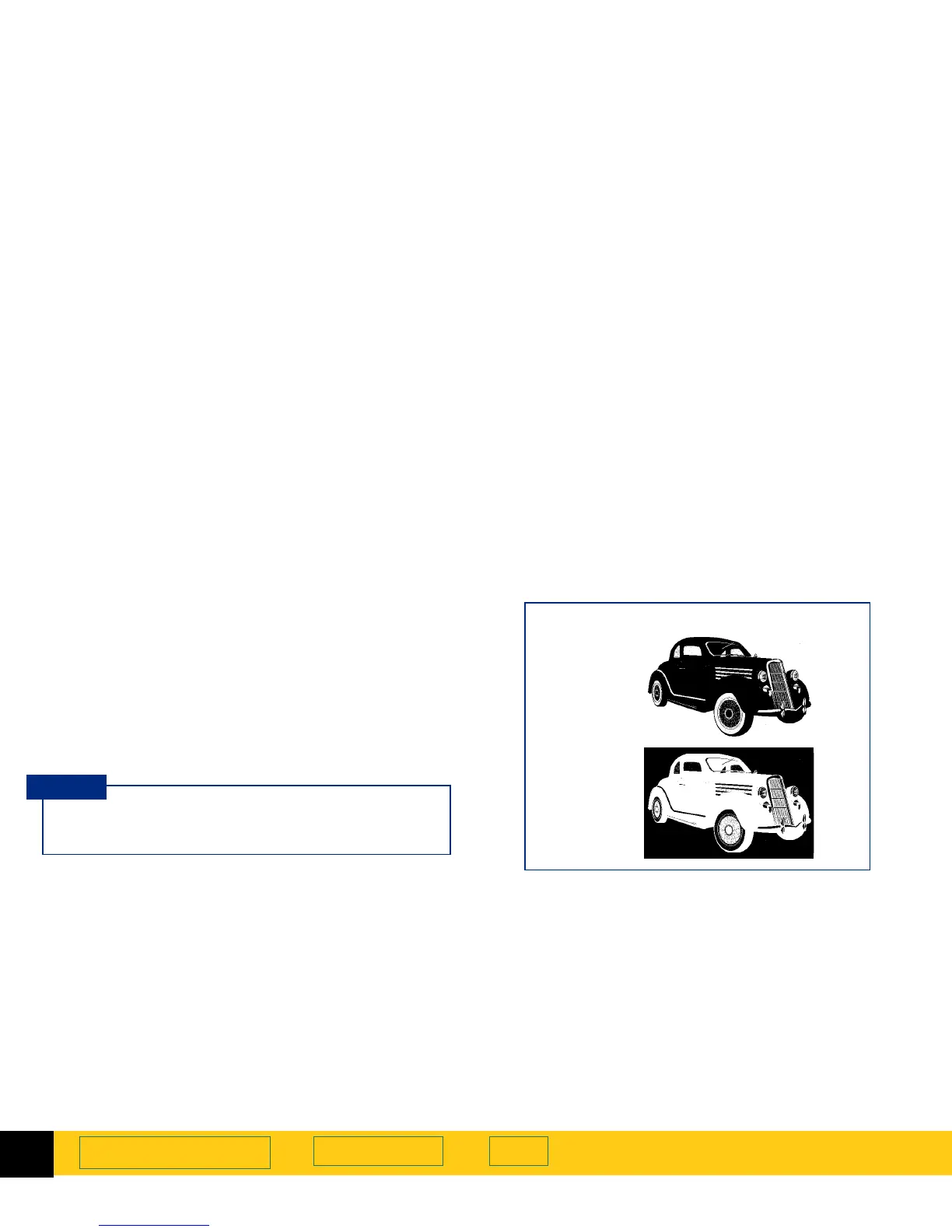
tool inverts, or reverses, the colors in an
image. For example, the black and white areas are
reversed in a black-and-white image. A color image will
look like the negative of a color photo.
You can invert an image if you save to a raster output
types, such as TIFF, GIF, or JPEG. Scans saved as B&W
Vector, Text and Text with Images can not be inverted.
This tool is probably most useful for B&W bitmaps and
grayscale images.
When you turn on the
Invert
option, the inverted
image is displayed in the preview area.
TIP
Black & White Bitmap (raster)
output type
Normal
Inverted








 To Next Page