+$%&
2
HP
PrecisionScan Pro
User’s Guide
33
A tour of the scanning
software
Book Contents
Index
➮
➮
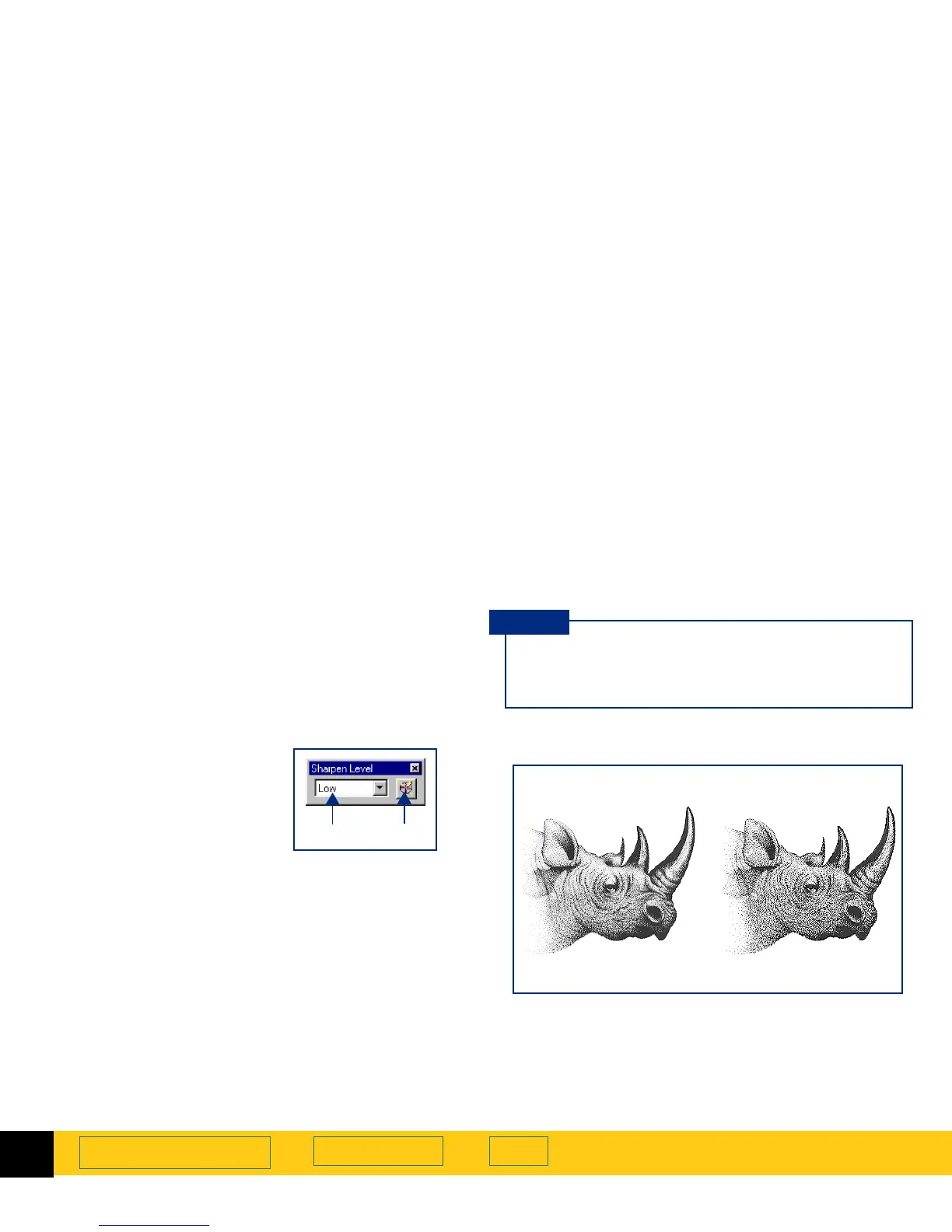
Sharpen Level tool
The
Sharpen Level
tool lets you enhance details in the
image of a picture for the final scan. See
Sharpen
on
page
75
for more about how to use the
Sharpen Level
tool.
When you choose an
Output Type
for the image of a
picture, the scanning software automatically applies
the optimal sharpen level.
After you have drawn a selection area, use this tool to:
➊
select a sharpen level from
the list box, if necessary
➋
reset the sharpen level
setting to the optimal value
for the current output type
The choices in the
Sharpen Level
list box are listed in order from
the least amount of sharpening to the most amount of
sharpening:
■
None
■
Low
■
Medium
■
High
■
Extreme
➊➋
After you select a new sharpen level in the
Sharpen Level
tool, the result of the new sharpen
level can be seen in the preview area.
TIP
Grayscale
output type
Medium sharpen level Extreme sharpen level








 To Next Page