+$%&
2
HP
PrecisionScan Pro
User’s Guide
32
A tour of the scanning
software
Book Contents
Index
➮
➮
Images to be printed
The resolution setting for printing images varies,
depending on the output type applied to the image and
the maximum resolution capability of the printer (see
page
90
).
To print images of photographs with the
True Color
,
256
Color
, or
Grayscale
output types, set the value in the
Output Resolution
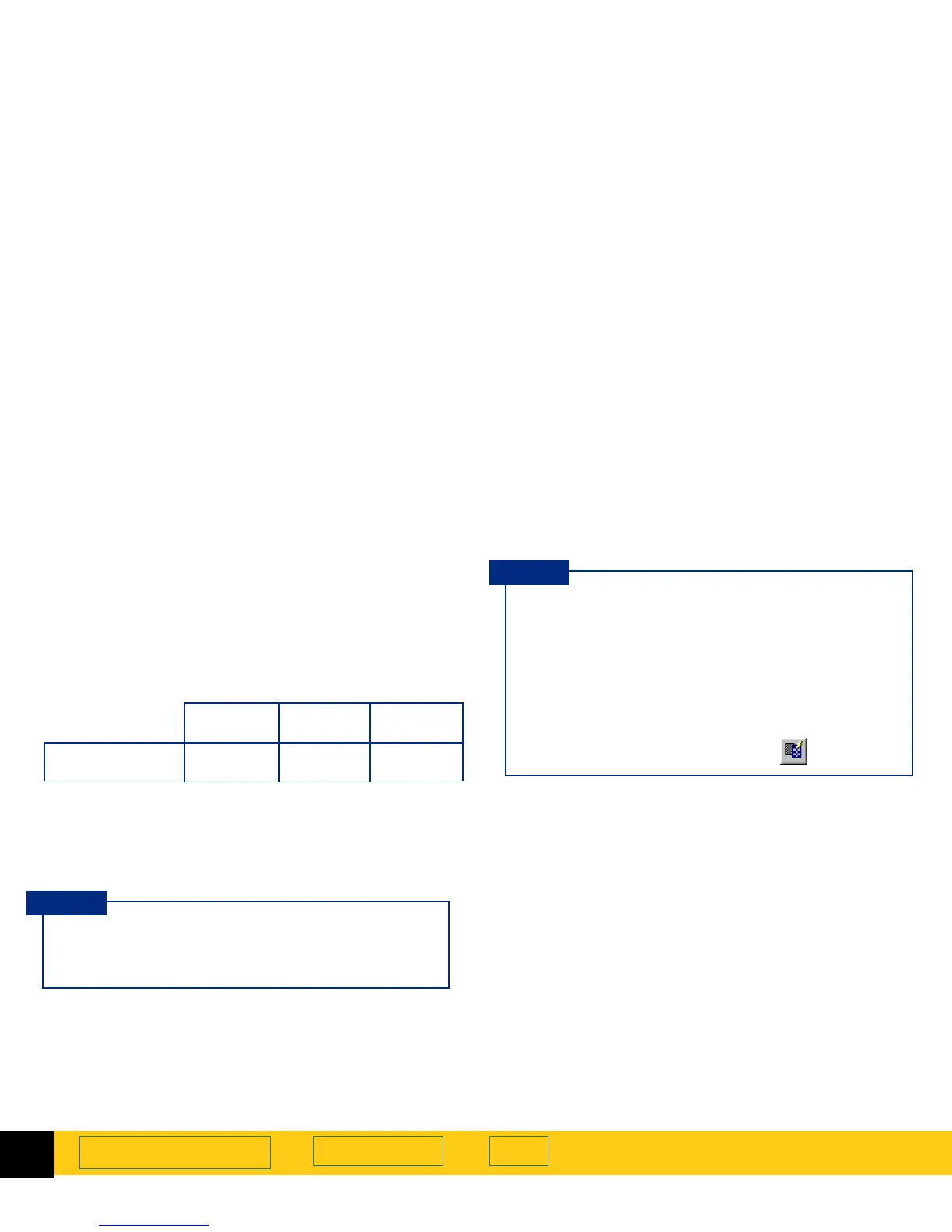
tool according to the following table.
To print images of drawings with the
256 Color
or
Black
& White Bitmap (raster)
output types, set the value in the
Output Resolution
tool equal to the resolution of the
printer.
300 dpi
printer
600 dpi
printer
1200 dpi
printer
Resolution tool
setting
100 20 0 30 0
You can change the resolution settings available in
the
Resolution
tool’s list box
(see page
52
).
TIP
■
When you change the resolution setting for the
image of a picture, you will not see the image
change in the preview area.
■
You can type any value between 12 and 999,999
in the
Output Resolution
tool.
■
If you change the resolution setting in the
Output Resolution
tool and then change the
output type, you can apply
AutoResolution
for
the new output type by clicking .
TIP








 To Next Page