+$%&
7
HP
PrecisionScan Pro
User’s Guide
114
Scanning transparencies
Book Contents Index
➮
➮
Scan the slide
1 Preview
scan (page
57
).
2
Create a selection area of the part of the image you
want in the final scan (page
58
).
3 Zoom
scan (page
63
).
4
Set the output dimensions (page
65
).
5
If necessary, make adjustments to the image (see
Chapter 4 Adjusting images of pictures
page
72
).
6
Save, copy, drag-and-drop, or print (see
Chapter 6
Saving scanned images
page
102
).
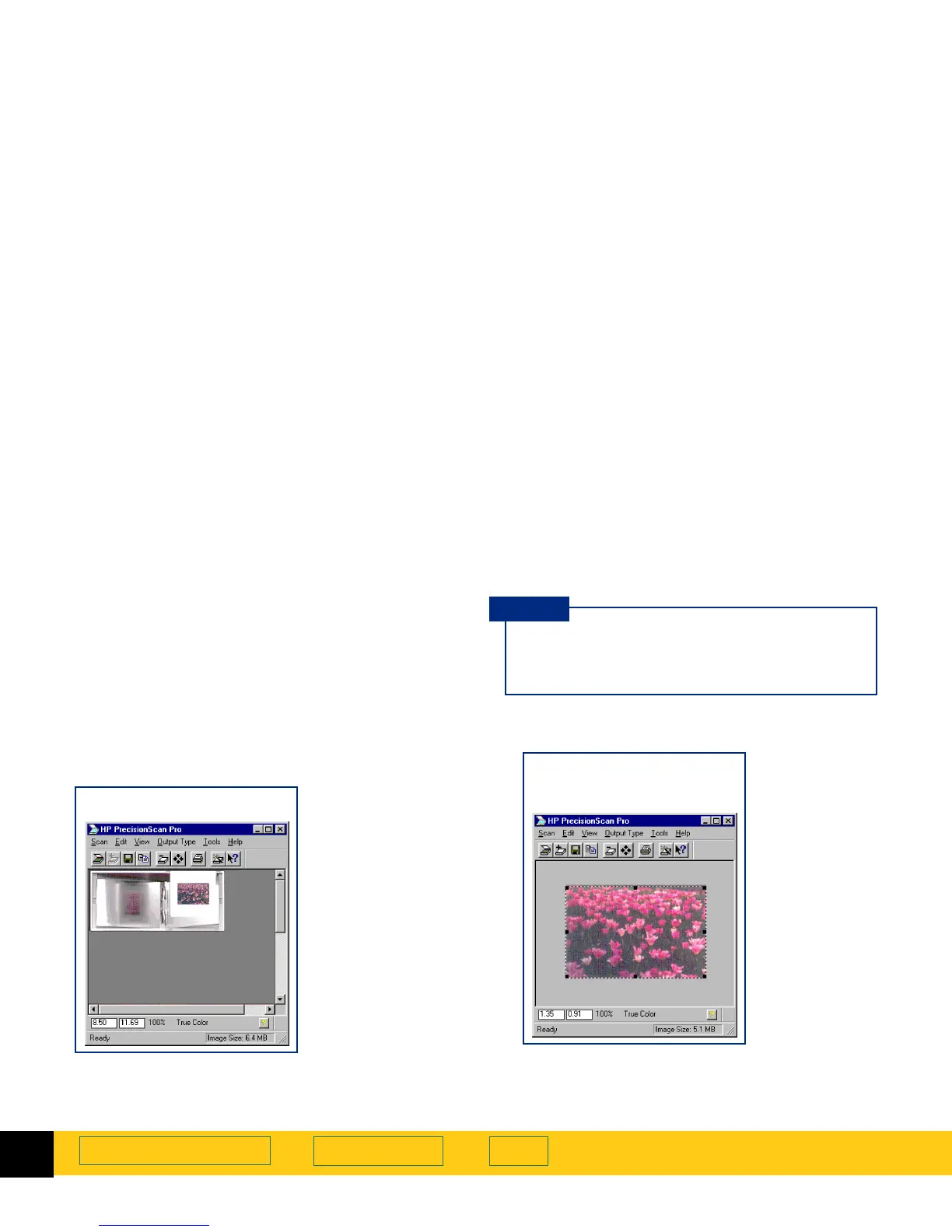
A
Preview
scan of the slide
Be sure to keep the slide in the same place on
the scanner glass until the final scan of the
image is completed.
TIP
A
Zoom
scan of the
selection area








 To Next Page