+$%&
7
HP
PrecisionScan Pro
User’s Guide
115
Scanning transparencies
Book Contents Index
➮
➮
Active Transparency Adapter
The
Use
Transparency Adapter
tool lets you use the
Active Transparency Adapter (XPA) to scan, instead of
scanning from the scanner bed.
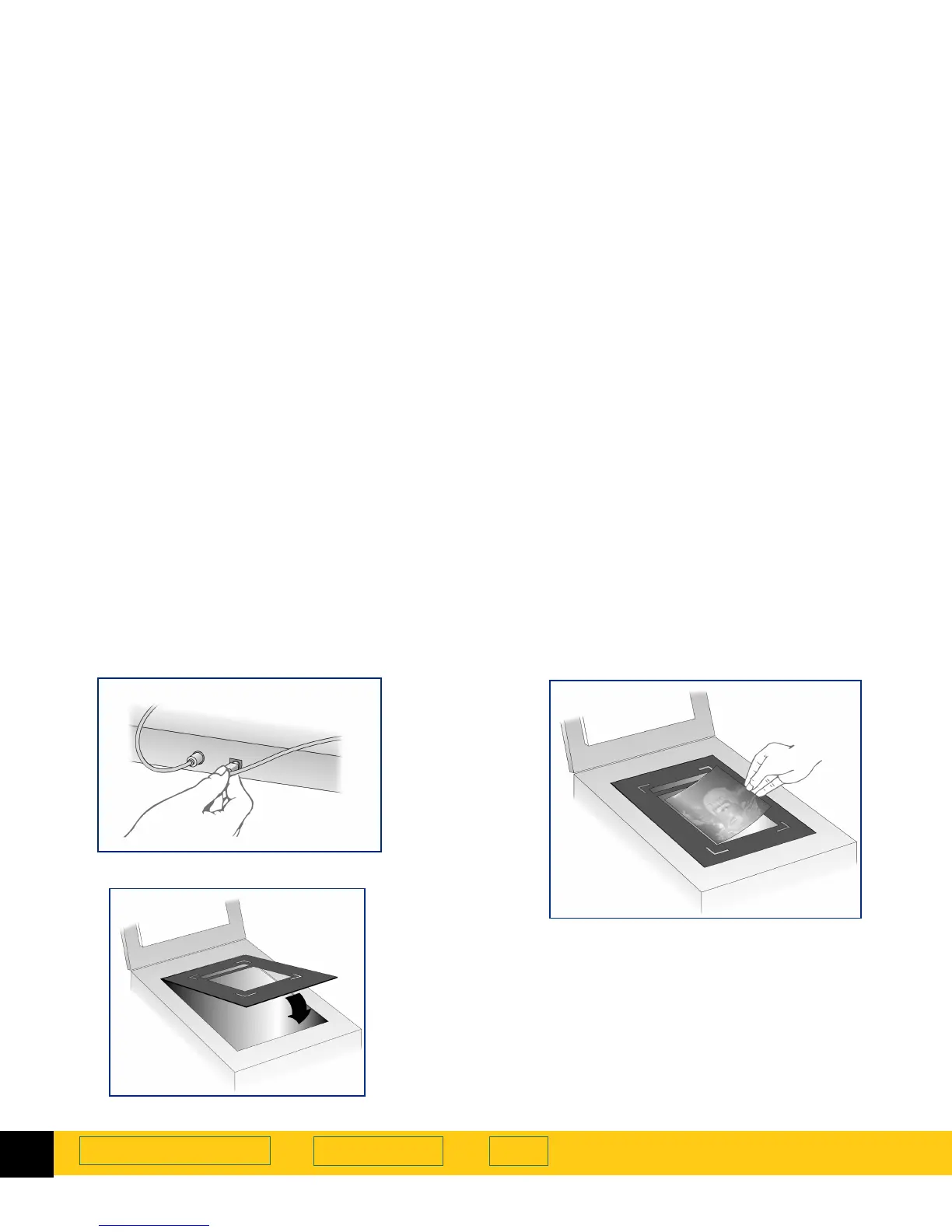
1
Plug the
Active Transparency Adapter
(XPA) connector
into back of scanner.
2
Place the large template on the scanner bed.
3
Position the transparency.
•
For scanning general transparencies up to 5 inches
by 5 inches (12.7 centimeters by 12.7 centimeters),
place the transparency in the large cut-out in the
middle of the template.








 To Next Page