+$%&
7
HP
PrecisionScan Pro
User’s Guide
116
Scanning transparencies
Book Contents Index
➮
➮
•
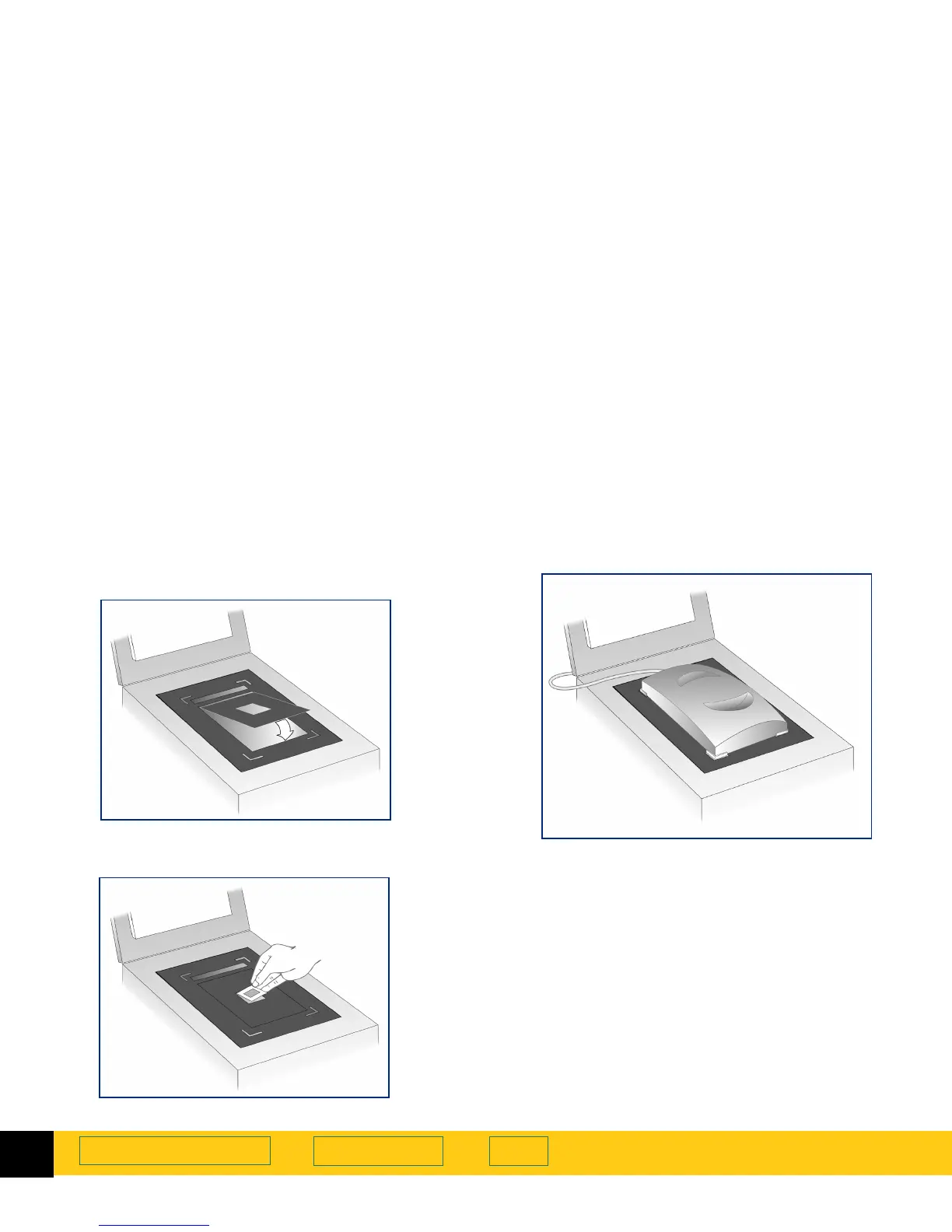
For scanning 35mm Slides:
a
Place the second, smaller template in the cut-out
of the large template on the scanner glass.
b
Place the 35mm slide in the cut-out in the middle
of the small template.
4
Place the Active XPA over the transparency. Align it
to fit in the corner cut-outs on the large template.
5
Close the lid on the scanner (you may leave it up).
6
Check the
Use Transparency Adapter
option in the HP
scanning software:
•
In HP PrecisionScan Pro it’s under the
Tools
menu.
•
In HP PrecisionScan it’s under the
Settings
menu.
7
Scan as you usually do.
See
Use Transparency Adapter Tool
on page
40
for more
details about connecting and using the Active XPA.








 To Next Page