+$%&
HP
PrecisionScan Pro
User’s Guide
4
Book Contents Index
➮
➮
How to use this online document
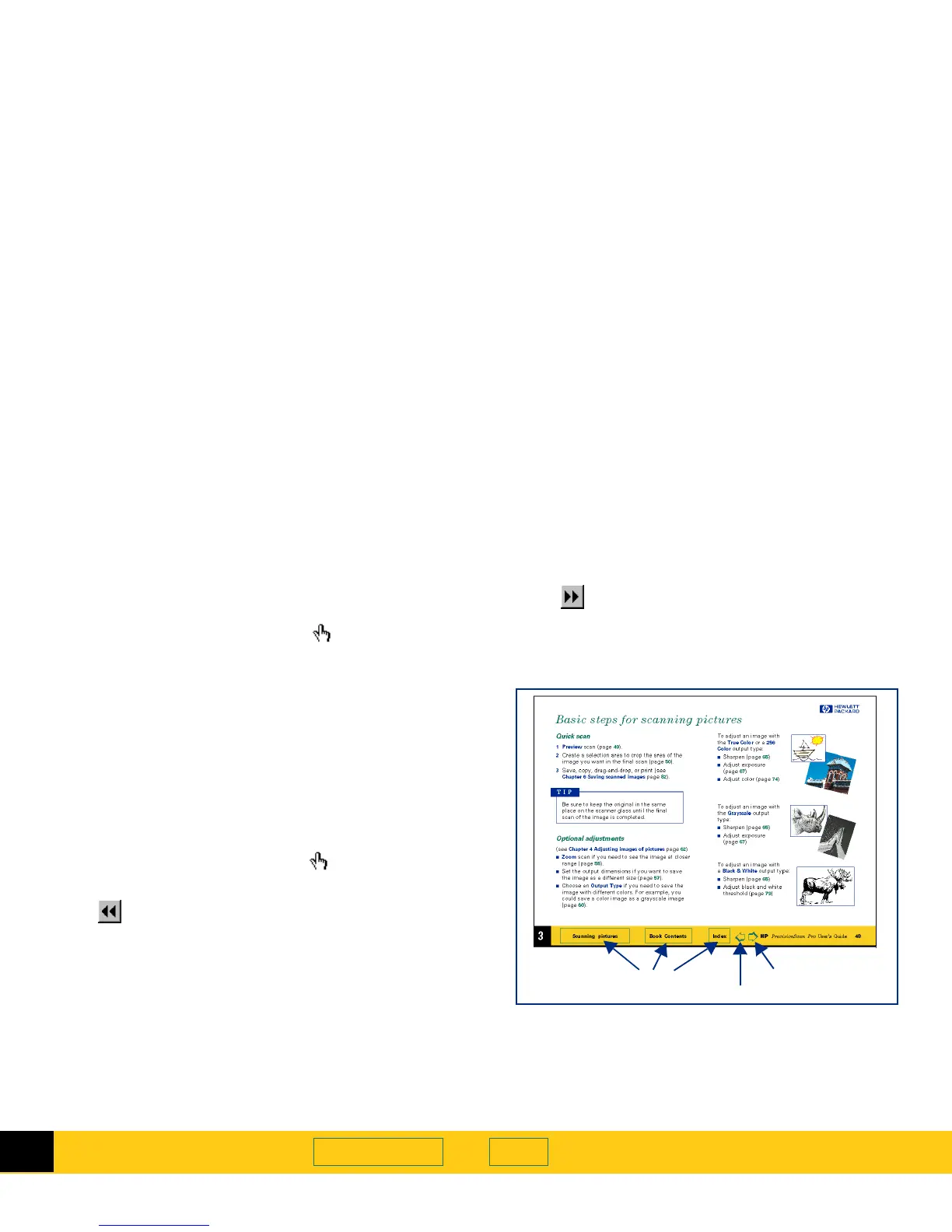
Go to the book contents, chapter contents, or
index
■
Click the button in the yellow bar at the bottom of the
page when the pointer looks like .
Page forward one page
■
Press
Enter
or
PgDn
,
– or –
■
Click in the yellow bar at the bottom of the page.
Page backward one page
■
Press
Shift+Enter
or
PgUp
,
– or –
■
Click in the yellow bar at the bottom of the page.
Jump to a different part of the document
■
Click when the pointer looks like .
Undo a jump
■
Click in the toolbar,
– or –
■
Right-click to display the dropdown Acrobat Reader
menu, then select
Go Back
.
Re-do a jump
■
Click in the toolbar,
– or –
■
Right-click to display the dropdown Acrobat Reader
menu, then select
Go Forward
.








 To Next Page