+$%&
7
HP
PrecisionScan Pro
User’s Guide
113
Scanning transparencies
Book Contents Index
➮
➮
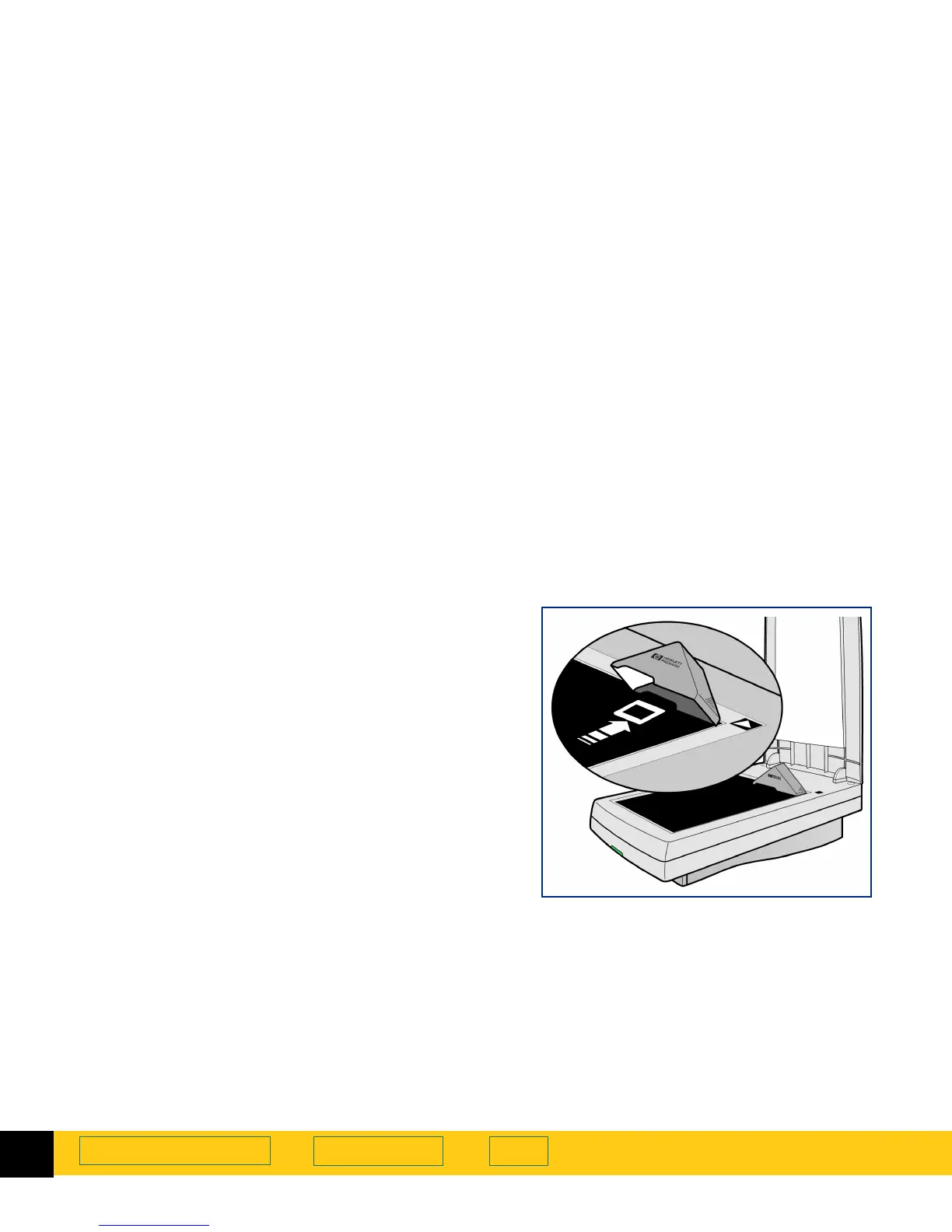
The 35mm slide adapter
The HP ScanJet slide adapter can be used to scan
35mm mounted slide photographs.
Placing the slide and the adapter
1
Lift the scanner lid so that it stays up.
2
Place the adapter next to the top edge of the scanner
glass so that the arrowhead on the adapter points to
the arrowhead on the scanner bed.
3
Tip the adapter toward the scanner lid.
4
Turn the slide so the emulsion side is next to the
scanner glass.
5
Orient the slide with the top of the picture directed to
the top edge of the scanner glass.
6
Place the slide under the notched section of the
adapter.
7
Lower the adapter onto the scanner glass.








 To Next Page