+$%&
2
HP
PrecisionScan Pro
User’s Guide
46
A tour of the scanning
software
Book Contents
Index
➮
➮
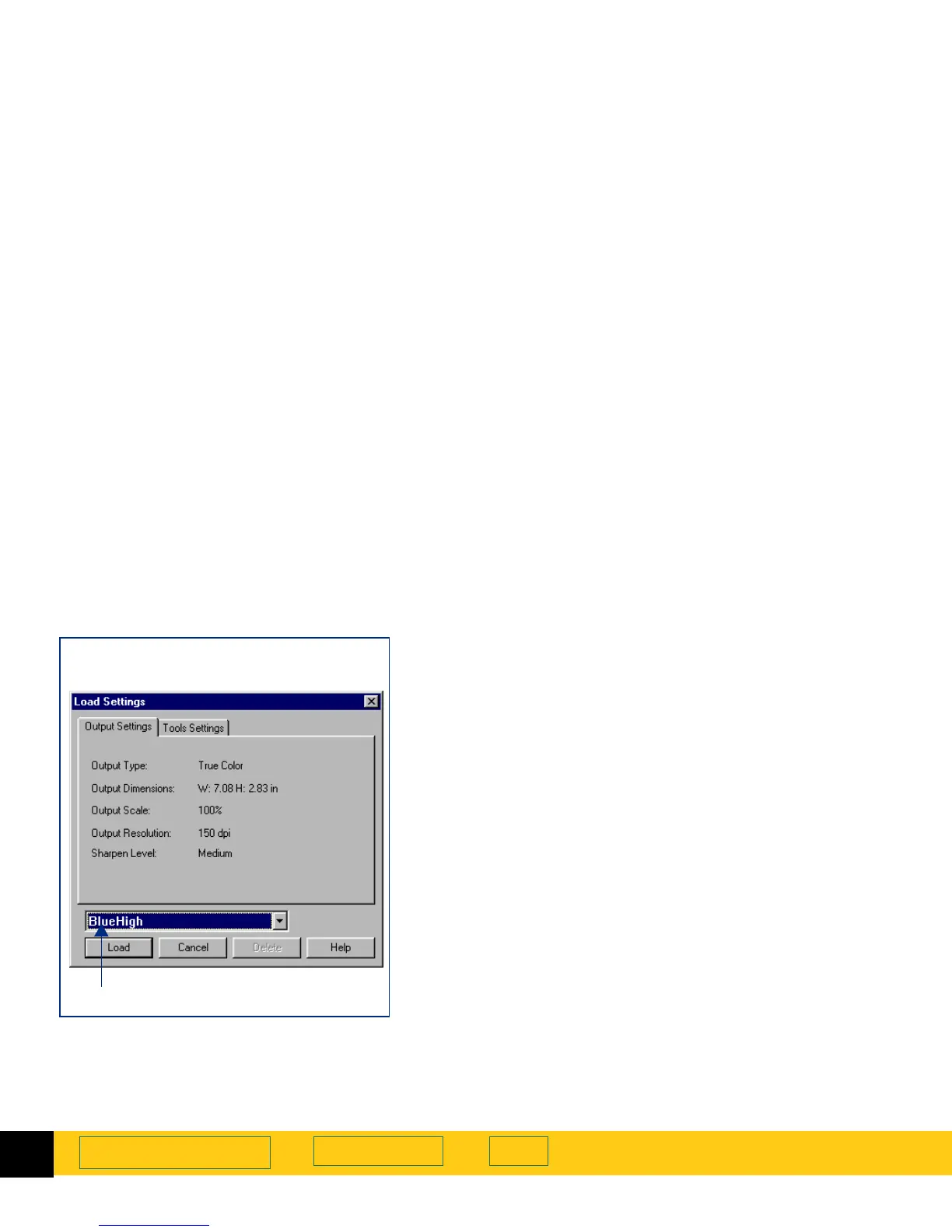
Loading a set of settings
Any set of scanning settings you have saved with the
Save Settings
dialog box can be applied to the image
currently displayed in the preview area.
1
From the
Scan
menu, select
Load Settings...
The
Load Settings
dialog box appears.
2
From the list box, select the name of the set of
settings you want to load.
3
Review the settings listed in the
Output Settings
and
the
Tools Settings
tabs.
4
If the settings are acceptable for loading, click
Load
.
•
The
Load Settings
dialog box closes.
•
The settings are applied to the image.
Deleting a set of settings
1
From the
Scan
menu, select
Save Settings...
The
Save Settings
dialog box appears.
2
From the list box, select the name of the set of
settings you want to delete.
3
Click
Delete
.
The
Delete setting
dialog box appears.
4
Click
Yes
.
The set of settings is deleted from the list of saved
settings.
Load Settings
dialog box
Output Settings
tab
The settings name is selected








 To Next Page