+$%&
3
HP
PrecisionScan Pro
User’s Guide
67
Scanning pictures
Book Contents Index
➮
➮
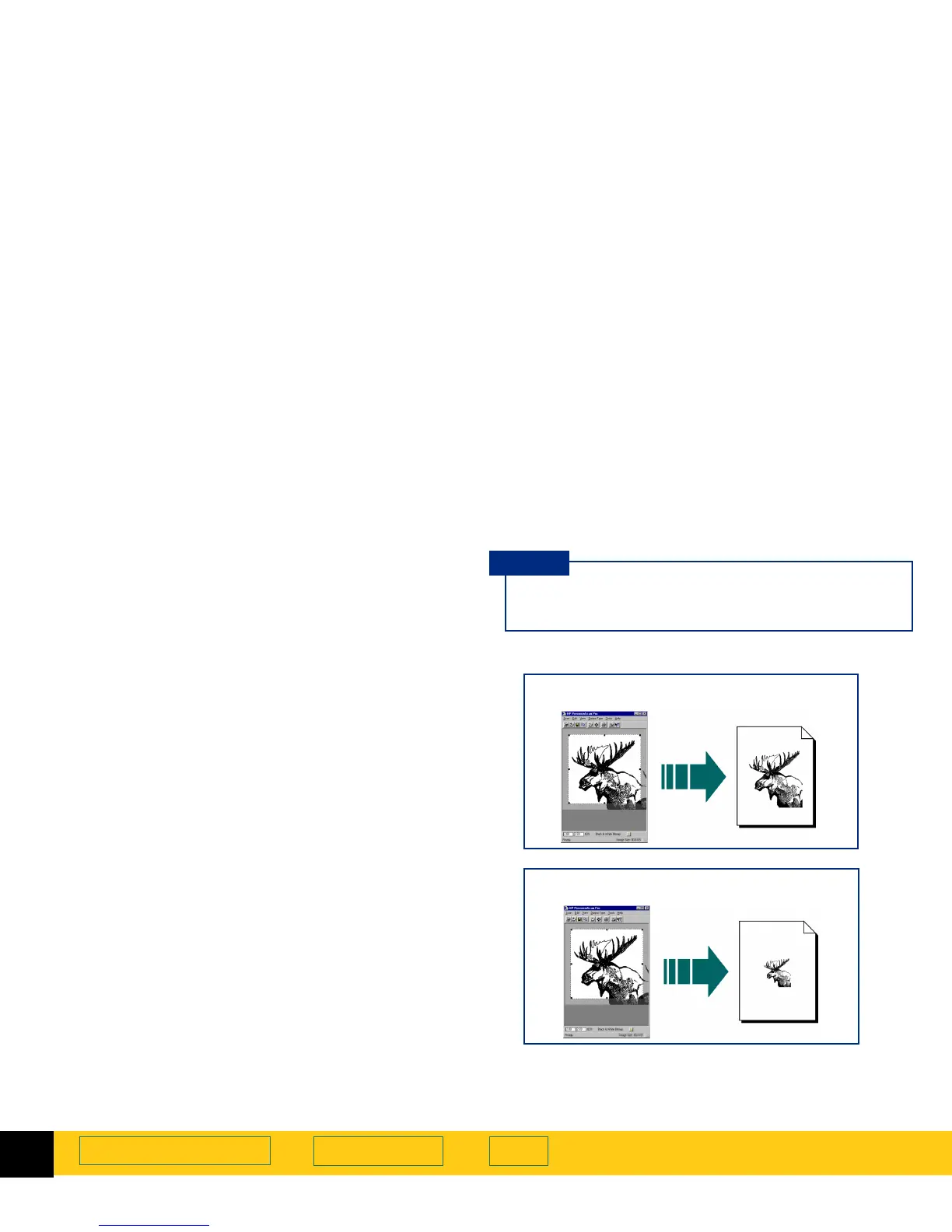
Scaling output as a percentage of the original
The
Scale
field is useful for setting output dimensions
when you know approximately how big you want the
final image to be.
For example, when you want the image to be half the
size of the original, set the value in the
Scale
value to
50%. Or if you want the final image to be twice the size
of the original, set the
Scale
value to 200%.
1
Create a selection area (page
58
).
2
Click the list button in the
Scale
field and select a
percentage
-or-
type a value in the
Scale
field, then press
Enter
.
The new output width appears in the
Width
field in
the
Output Dimensions
area and in the info bar.
The new output height appears in the
Height
field in
the
Output Dimensions
area and in the info bar.
The new scale percentage appears in the
Scale
field
and in the info bar.
The new image size displays in the
Image Size
box in
the status bar.
The selection area remains the same.
When you change the
Scale
value, you will not see
the image change in the preview area.
TIP
Image output when
Scale
is set to 100%
Image output when
Scale
is set to 50%








 To Next Page