+$%&
2
HP
PrecisionScan Pro
User’s Guide
27
A tour of the scanning
software
Book Contents
Index
➮
➮
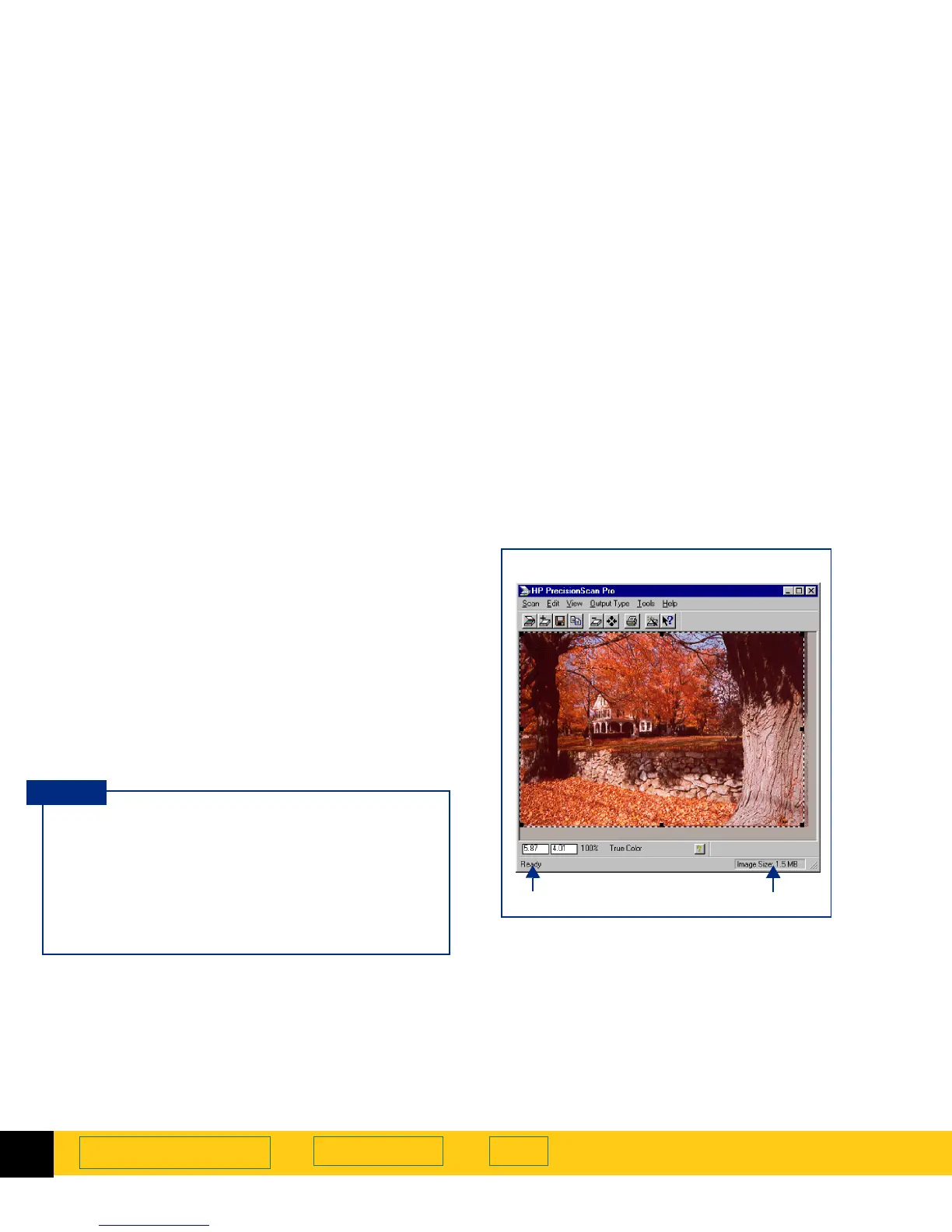
Status bar
The status bar displays the following information:
➊
a message about the action you can take when the
pointer is over some part of the scanning software
window or a tool
➋
the number of KB (kilobytes), MB (megabytes),
GB (gigabytes), or TB (terabytes) in the image
displayed in the selection area (
Image Size
)
-or-
a progress bar for showing when the scanner is
scanning or the scanning software is processing a
command
The
Image Size
shown in the status bar is the
number of KB, MB, GB, or TB in the image
displayed in the selection area.
This size is only an estimate of the actual size of
the saved file. The file size depends on the format
used to save the file (see page
109
) and may be
larger or smaller than the
Image Size
value shown.
TIP
➊➋
Scanning software window status bar








 To Next Page