+$%&
2
HP
PrecisionScan Pro
User’s Guide
29
A tour of the scanning
software
Book Contents
Index
➮
➮
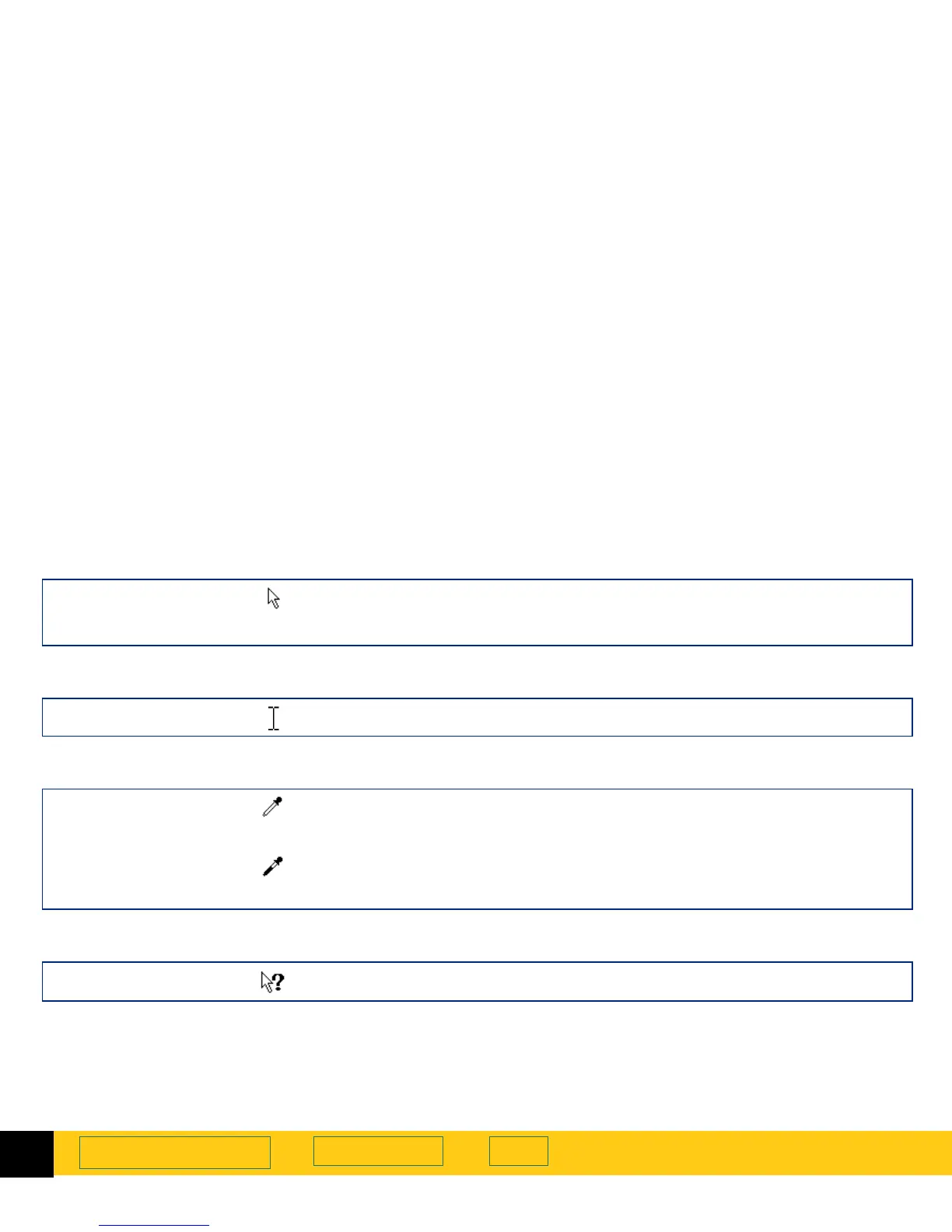
Ready pointer
Ready for activity
■
Click a menu item to select a command.
■
Click a list button to select a choice.
■
Click a button to turn it on or off, or to increase or decrease a number.
Typing pointer
Data entry accepted
Click, then type a value.
Pixel value pointers
White eyedropper
Position this pointer over a light area of the image to see the area’s pixel value in
the RGB meter and in the pixel distribution histogram in the
Exposure Adjustment
tool. Click to set the
Highlights
value.
Black eyedropper
Position this pointer over a dark area of the image to see the area’s pixel value in
the RGB meter and the pixel distribution histogram in the
Exposure Adjustment
tool. Click to set the
Shadows
value.
What’s This Help pointer
What’s This Help
Click on a tool, field, button, or menu item for pop-up
Help
on that item.








 To Next Page