+$%&
4
HP
PrecisionScan Pro
User’s Guide
88
Adjusting images of
pictures
Book Contents
Index
➮
➮
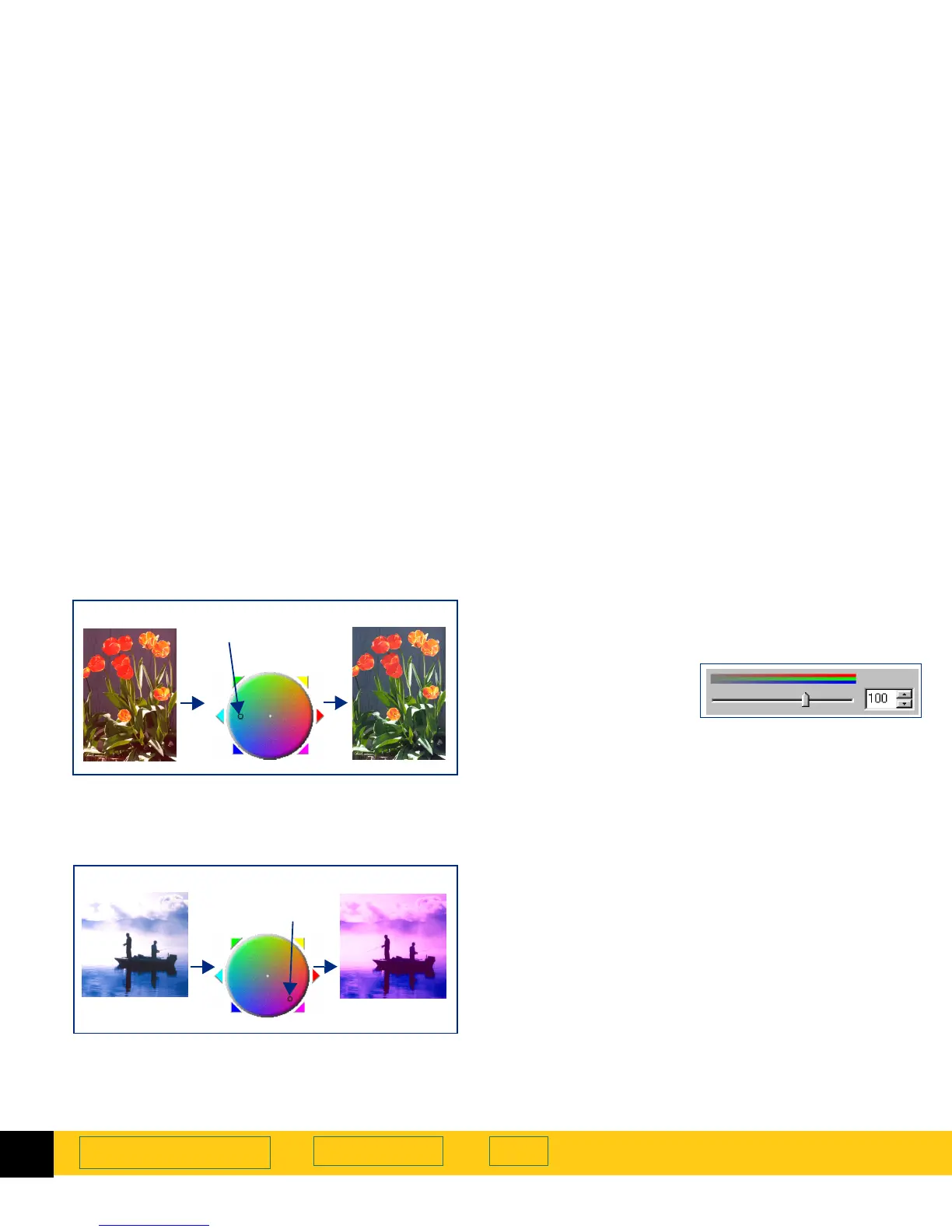
To correct the excess red in the picture below, the
indicator circle can be moved into the cyan area of the
Color Wheel
.
The hue of an image can be changed to create a
different effect.
Changing color saturation
You can adjust the amount of color in the image with
the
Saturation
slider control in the
Color Adjustment
tool.
The higher the number in the
Saturation
field, the more
vivid the colors will be in the image. A low number in
the
Saturation
field gives the image diluted colors.
The range for the
number in the
Saturation
field is 0 to 150.
The result of the change to the saturation value can be
seen in the preview area.
Increasing the amount of color
Increase the number in the
Saturation
field to make
colors in the image more vivid:
■
Click on the right side of the slider,
– or –
■
type a higher number in the
Saturation
field, then
press
Tab
or
Enter
,
– or –
■
click the UP spin button next to the
Saturation
field.
Decreasing the amount of color
Decrease the number in the
Saturation
field to dilute the
color in the image:
■
Click on the left side of the slider,
– or –
■
type a lower number in the
Saturation
field, then
press
Tab
or
Enter
,
– or –
moved
indicator circle
Very red
Less red
moved
indicator circle
Original
Special effect








 To Next Page