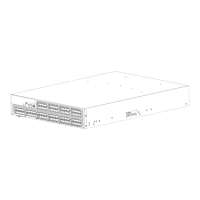
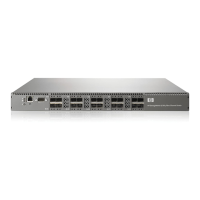
Replacing an 8/80 SAN Switch power supply
CAUTION:
If a power supply fails, leave the power supply in the switch until it can be replaced. Maintain both
power suppli
es in operational condition to pr ovide redundancy.
Replacing a power supply takes approximately two minutes. You will need:
• 8/80 SAN Switch
• New power supply
• Phillips-head screwdriver #1
To replace a power supply:
1. If the switch will remain powered on, verify that the functioning power supply (the one not being
replaced) has been p owered on for at least four seconds and displays a green LED.
2. If the power supply you are replacing is not already powered off, press the AC power switch
to pow er it off.
3. Unplug the power cord from the power supply you are replacing.
60
Operating the 8Gb SAN Switch



 To Next Page
 Loading...