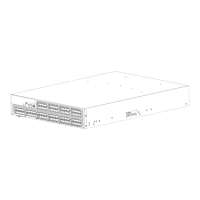
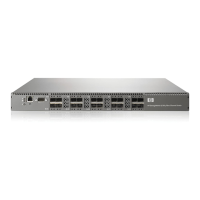
Nonport side LED activity for the 8/80 SAN Switch
Table 11 describesLEDsandrecommendedactions.
Table 11 Nonp
ort sid e LED patterns during norm al operation
LED name
LED color
Status of hardware
Recommended action
No light
Power supply is not receiving
power or is
off.
Verify that t
he power supply is on
and seated a
nd the power cord
is connecte
dtoafunctioning
power sour
ce.
Steady green
Power supply is operating
normally.
No action required.
Power supply
status
Steady a mber
nl
(for more tha n five
seconds)
Powersupplyfaultforoneofthe
following reasons:
•
P o wer supply is switched off.
•
Power cable is disconnected.
•
Power supply has failed.
NOTE:
When the switch is first powered
on the power supply status LED
will show amber until POST has
completed.
Try the following:
•
Check the power cable
connection.
•
Verify the power supply is on.
•
Replace the power supply FRU.
No light
Fan assembly is not receiving
power.
Try the following:
• Verify the fan FRU is seated.
• Verify the switch is on.
Steady green
Fan assembly is operating
normally.
No action required.
Fan status
Steady amber (for
more than five
seconds)
Fan fault for one of the following
reasons:
•
Oneormoreofthefan(s)inthe
fan assembly has failed.
•
The fan FRU was disabled by
the user.
NOTE:
When the switch is first powered
on, the fan status LED will
show amber until POST has
completed.
Try the following:
•
Verify the fan FRU is enabled
(use the fanEnable command).
•
Replace the fan FRU.
8Gb SAN Switch hardware reference manual
53



 To Next Page
 Loading...