Chapter 12 Firewall
B222s User’s Guide
108
12.3 The Services Screen
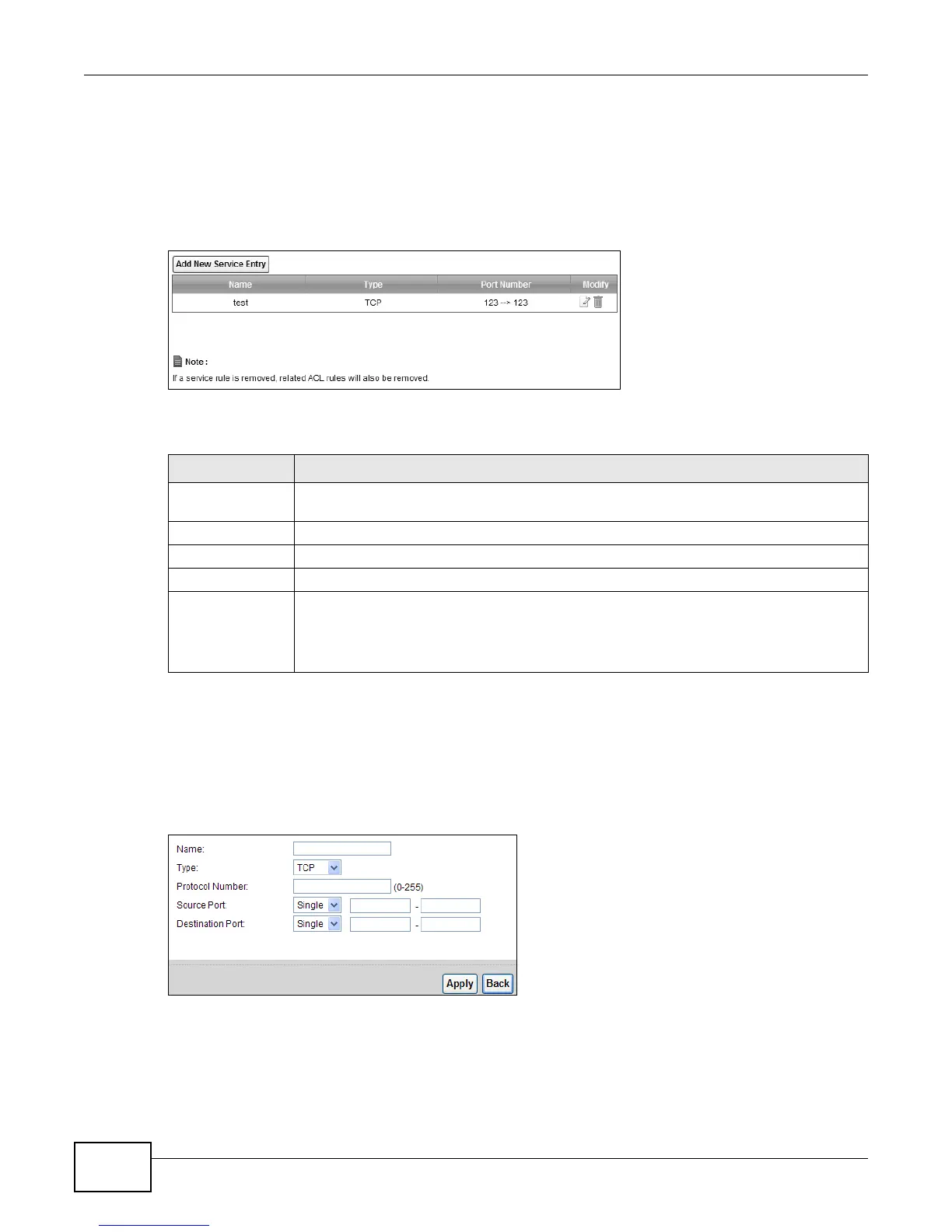
Use this screen to view the configured service list. To access this screen, click Security > Firewall
> Services. You have to configure at least one service in this screen before configuring the
Security > Firewall > Access Control > Add New ACL Rule/Edit screen.
Figure 61 Security > Firewall > Services
Each field is described in the following table.
12.3.1 The Add New Services Entry Screen
Use this screen to configure a service that you want to use in an ACL rule in the Security >
Firewall > Access Control > Add New ACL Rule/Edit screen. To access this screen, click
Security > Firewall > Services and then the Add New Serviice Entry button.
Figure 62 Security > Firewall > Services > Add New Service Entry
Table 41 Security > Firewall > Services
LABEL DESCRIPTION
Add New Service
Entry
Click this to define a new service.
Name
This is the name of a configured service.
Type This is the protocol type (TCP, UDP, ICMP or Others) of the service.
Port Number This displays a range of port numbers that defines the service.
Modify Click the Edit icon to edit the service.
Click the Delete icon to delete the service. Note that subsequent rules move up by one
when you take this action. Deleting a service rule also deletes the related ACL rules which
are configured in the Security > Firewall > Access Control screen.











 To Next Page