Chapter 15 VoIP
B222s User’s Guide
129
15.3 The SIP Account Screen
The LTE Device uses a SIP account to make outgoing VoIP calls and check if an incoming call’s
destination number matches your SIP account’s SIP number. In order to make or receive a VoIP
call, you need to enable and configure a SIP account, and map it to a phone port. The SIP account
contains information that allows your LTE Device to connect to your VoIP service provider.
See Section 15.3 on page 129 for how to map a SIP account to a phone port.
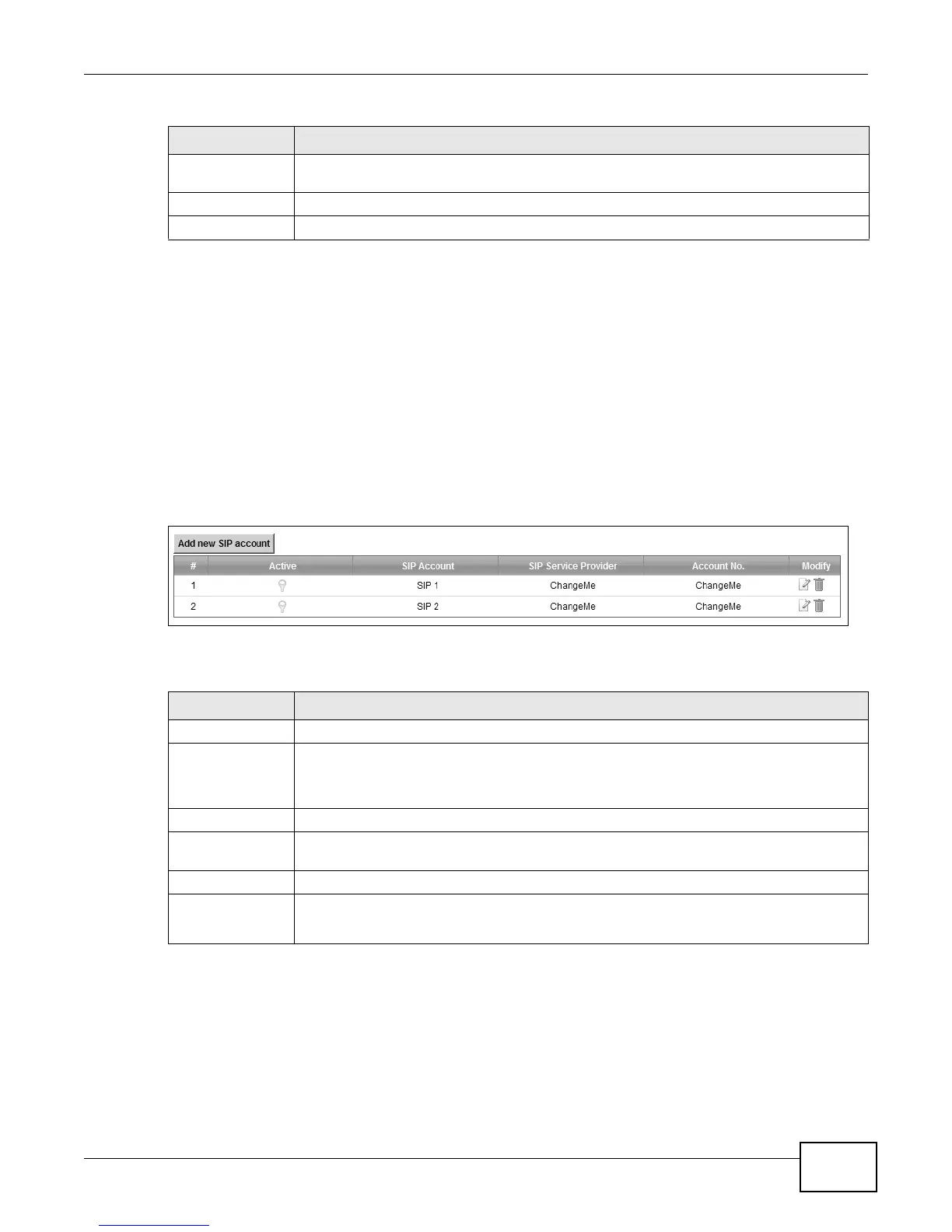
To access the following screen, click VoIP > SIP > SIP Account.
Figure 70 VoIP > SIP > SIP Account
The following table describes the labels in this screen.
Do Not Disturb
Disable
This code is used to turn the Do Not Disturb feature off.
Apply
Click Apply to save your changes.
Cancel Click Cancel to restore your previously saved settings.
Table 49 VoIP > SIP > SIP Service Provider (continued)
LABEL DESCRIPTION
Table 50 VoIP > SIP > SIP Account
LABEL DESCRIPTION
# This is the index number of the entry.
Active This shows whether the SIP account is activated or not.
A yellow bulb signifies that this SIP account is activated. A gray bulb signifies that this SIP
account is activated.
SIP Account
This shows the name of the SIP account.
SIP Service
Provider
This shows the name of the SIP service provider.
Account No.
This shows the SIP number.
Modify Click the Edit icon to configure the SIP account.
Click the Delete icon to delete this SIP account from the LTE Device.











 To Next Page