B222s User’s Guide 21
CHAPTER 2
Introducing the Web Configurator
2.1 Overview
The web configurator is an HTML-based management interface that allows easy device setup and
management via Internet browser. Use Internet Explorer 6.0 and later versions, Mozilla Firefox 3
and later versions, or Safari 2.0 and later versions. The recommended screen resolution is 1024 by
768 pixels.
In order to use the web configurator you need to allow:
• Web browser pop-up windows from your device. Web pop-up blocking is enabled by default in
Windows XP SP (Service Pack) 2.
• JavaScript (enabled by default).
• Java permissions (enabled by default).
See Appendix C on page 219 if you need to make sure these functions are allowed in Internet
Explorer.
2.1.1 Accessing the Web Configurator
1 Make sure your LTE Device hardware is properly connected (refer to the Quick Start Guide).
2 Launch your web browser.
3 Type "192.168.1.1" as the URL.
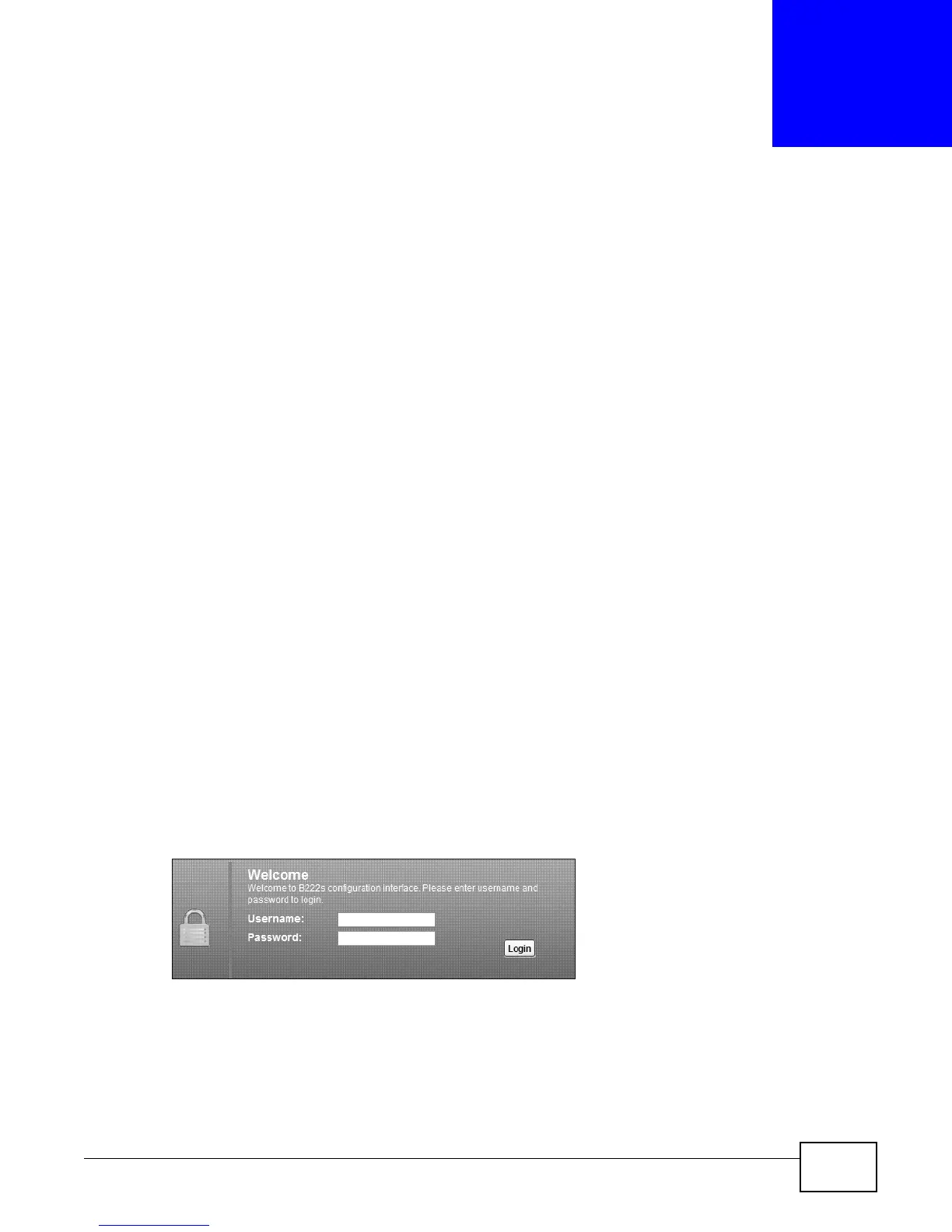
4 A password screen displays. Type “admin” as the default Username and “1234” as the default
password to access the device’s Web Configurator. Click Login. If you have changed the password,
enter your password and click Login.
Figure 6 Password Screen
Note: For security reasons, the LTE Device automatically logs you out if you do not use
the web configurator for five minutes (default). If this happens, log in again.











 To Next Page