Chapter 5 Wireless
B222s User’s Guide
47
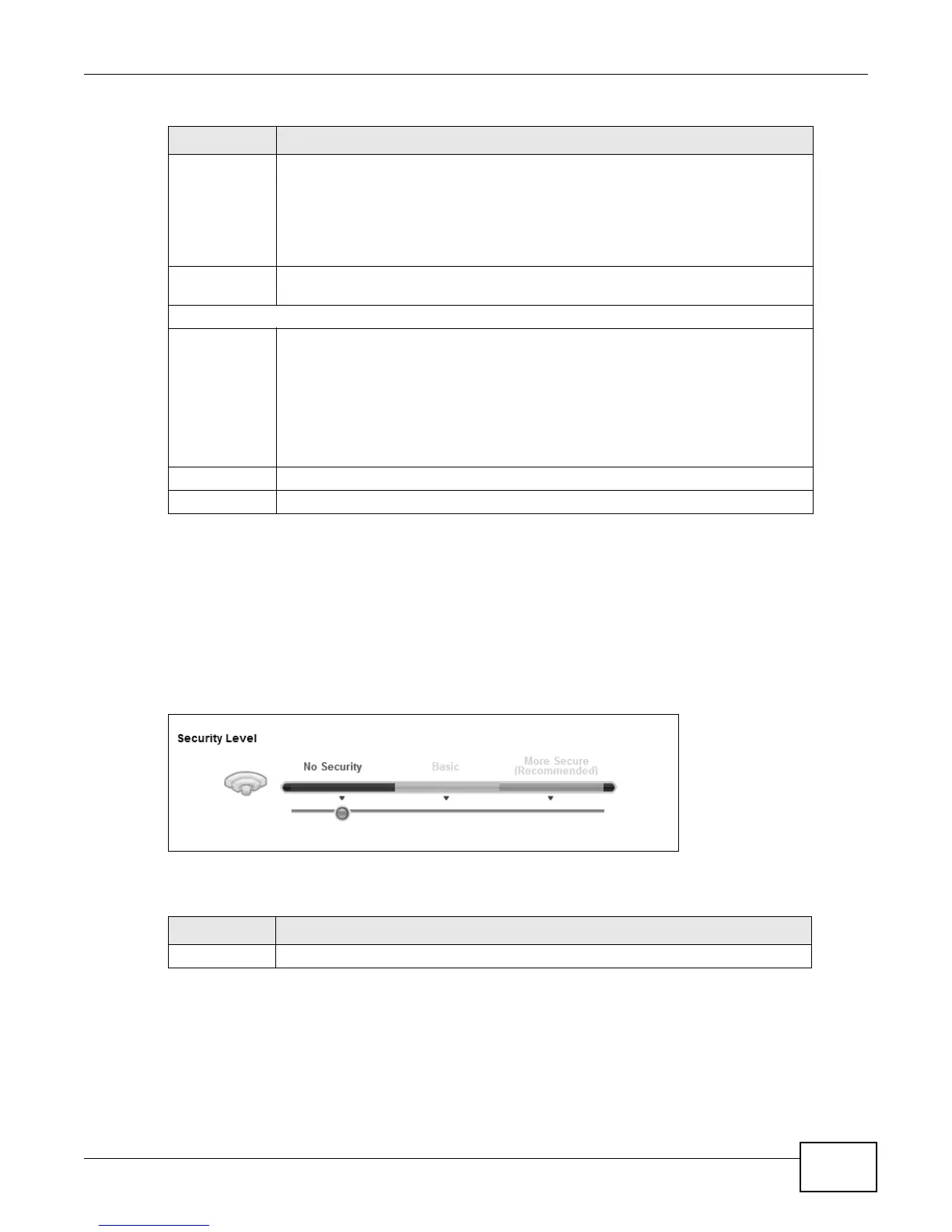
5.2.1 No Security
Select No Security to allow wireless stations to communicate with the access points without any
data encryption or authentication.
Note: If you do not enable any wireless security on your LTE Device, your network is
accessible to any wireless networking device that is within range.
Figure 21 Wireless > General: No Security
The following table describes the labels in this screen.
5.2.2 Basic (Static WEP/Shared WEP Encryption)
WEP encryption scrambles the data transmitted between the wireless stations and the access points
(AP) to keep network communications private. Both the wireless stations and the access points
must use the same WEP key.
Channel
Selection
Set the channel depending on your particular region.
Select a channel or use Auto to have the LTE Device automatically determine a
channel to use. If you are having problems with wireless interference, changing the
channel may help. Try to use a channel that is as many channels away from any
channels used by neighboring APs as possible. The channel number which the LTE
Device is currently using then displays in the Operating Channel field.
Operating
Channel
This is the channel currently being used by your AP.
Security Level
Security Mode Select Basic or More Secure to add security on this wireless network. The wireless
clients which want to associate to this network must have same wireless security
settings as the LTE Device. When you select to use a security, additional options
appears in this screen.
Or you can select No Security to allow any client to associate this network without
any data encryption or authentication.
See the following sections for more details about wireless security modes.
Apply Click Apply to save your changes back to the LTE Device.
Cancel Click Cancel to restore your previously saved settings.
Table 7 Network > Wireless LAN > General (continued)
LABEL DESCRIPTION
Table 8 Wireless > General: No Security
LABEL DESCRIPTION
Security Level Choose No Security from the sliding bar.











 To Next Page