B222s User’s Guide 155
CHAPTER 18
User Account
18.1 Overview
You can configure system password for different user accounts in the User Account screen.
18.2 The User Account Screen
Use the User Account screen to configure system password.
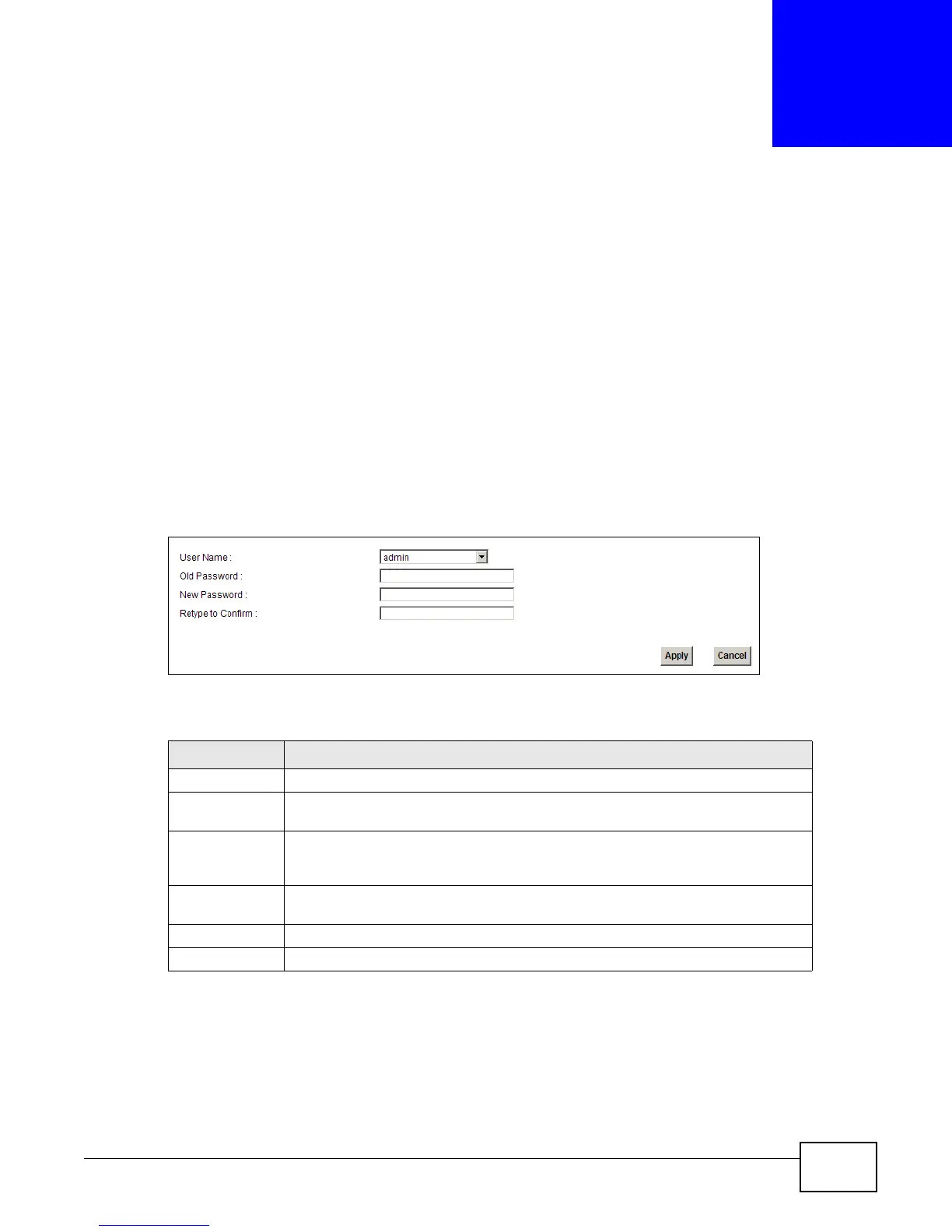
Click Maintenance > User Account to open the following screen.
Figure 87 Maintenance > User Account
The following table describes the labels in this screen.
Table 66 Maintenance > User Account
LABEL DESCRIPTION
User Name You can configure the password for the Power User and Admin accounts.
Old Password Type the default password or the existing password you use to access the system
in this field.
New Password
Type your new system password (up to 30 characters). Note that as you type a
password, the screen displays a (*) for each character you type. After you change
the password, use the new password to access the LTE Device.
Retype to
Confirm
Type the new password again for confirmation.
Apply Click Apply to save your changes.
Cancel Click Cancel to restore your previously saved settings.











 To Next Page