Chapter 1 Introduction
B222s User’s Guide
16
1.2.2 VoIP Features
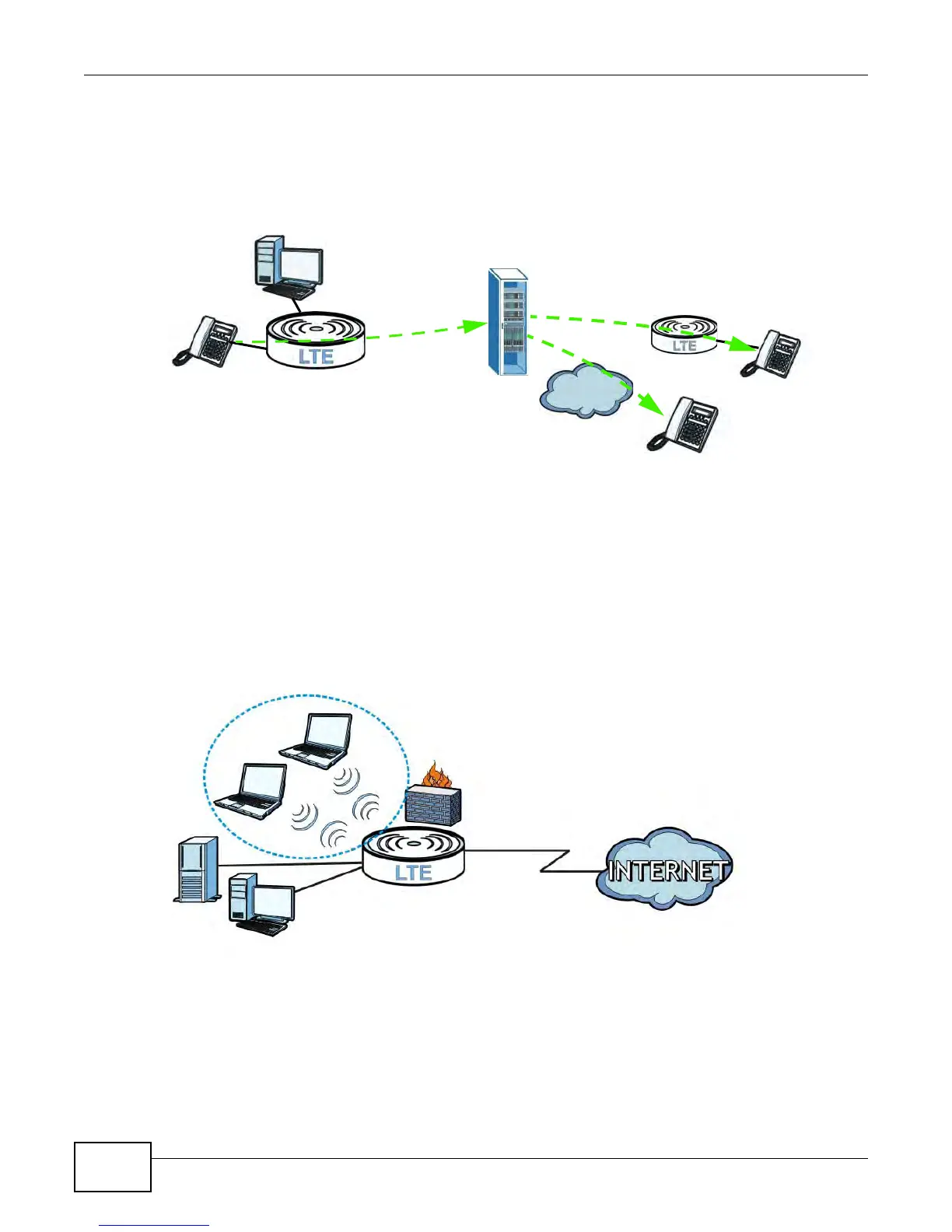
You can register 1 SIP (Session Initiation Protocol) profile (2 accounts for that profile) and use the
LTE Device to make and receive VoIP telephone calls:
Figure 2 LTE Device’s VoIP Application
The LTE Device sends your call to a VoIP service provider’s SIP server which forwards your calls to
either VoIP or PSTN phones.
1.2.3 Wireless Connection
By default, the wireless LAN (WLAN) is enabled on the LTE Device. Once Wireless is enabled, IEEE
802.11b/g/n compliant clients can wirelessly connect to the LTE Device to access network
resources. You can set up a wireless network with WPS (WiFi Protected Setup) or manually add a
client to your wireless network.
Figure 3 Wireless Connection Application
1.3 The WLAN Button
You can use the WIRELESS On/Off button on top of the device to turn the wireless LAN on or off. You
can also use it to activate WPS in order to quickly set up a wireless network with strong security.











 To Next Page