B222s User’s Guide 79
CHAPTER 8
DNS Route
8.1 Overview
DNS (Domain Name System) is for mapping a domain name to its corresponding IP address and
vice versa. The DNS server is extremely important because without it, you must know the IP
address of a machine before you can access it.
In addition to the system DNS server(s), each WAN interface (service) is set to have its own static
or dynamic DNS server list. You can configure a DNS static route to forward DNS queries for certain
domain names through a specific WAN interface to its DNS server(s). The LTE Device uses a system
DNS server (in the order you specify in the Broadband screen) to resolve domain names that do
not match any DNS routing entry. After the LTE Device receives a DNS reply from a DNS server, it
creates a new entry for the resolved IP address in the routing table.
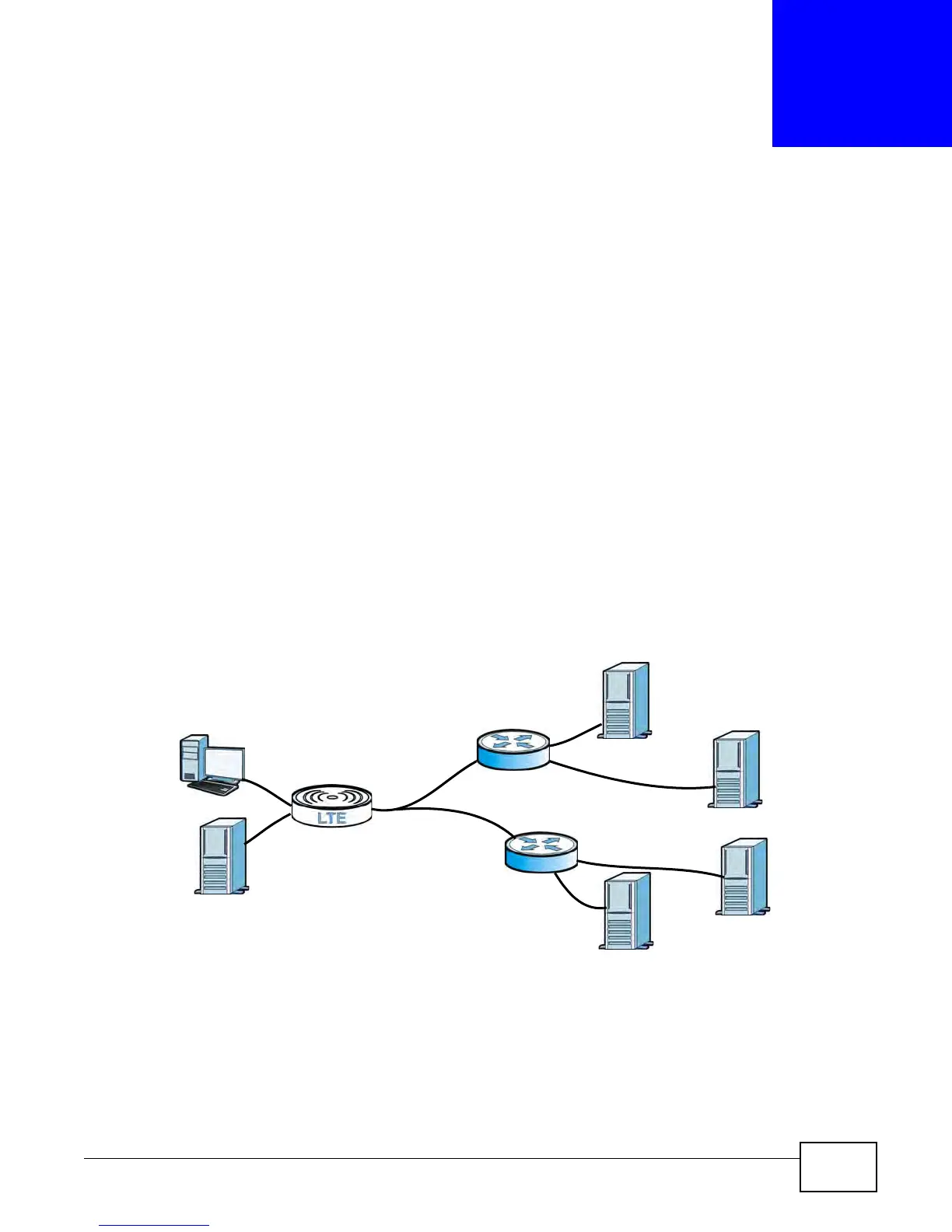
In the following example, the DNS server 168.92.5.1 obtained from the WAN interface atm0.100 is
set to be the system DNS server. The DNS server 10.10.23.7 is obtained from the WAN interface
ppp1.123. You configure a DNS route for *example.com to have the LTE Device forward DNS
requests for the domain name mail.example.com through the WAN interface ppp1.123 to the DNS
server 10.10.23.7.
Figure 43 Example of DNS Routing Topology
8.1.1 What You Can Do in this Chapter
The DNS Route screens let you view and configure DNS routes on the LTE Device (Section 8.2 on
page 80).
WAN
LAN
atm0.100
ppp1.123
DNS:10.10.23.7
DNS:168.92.5.1
sip.service.com
mail.example.com
(Default)











 To Next Page