Chapter 17 Traffic Status
B222s User’s Guide
152
17.5 The VoIP Status Screen
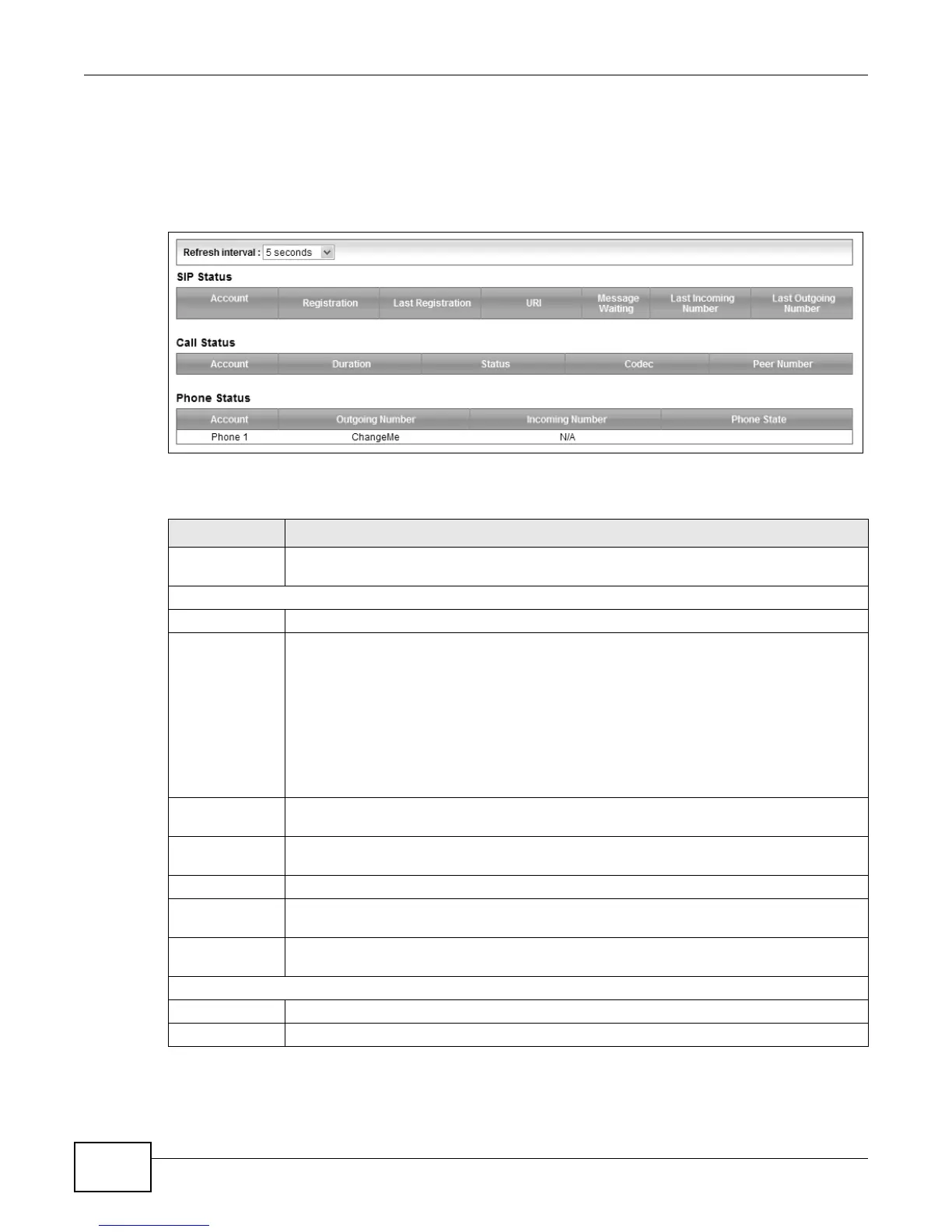
Click System Monitor > VoIP Status to open the following screen. You can view the VoIP traffic
statistics in this screen.
Figure 86 System Monitor > VoIP Status
The following table describes the fields in this screen.
Table 65 System Monitor > VoIP Status
LABEL DESCRIPTION
Refresh Interval Select how often you want the LTE Device to update this screen from the drop-down list
box.
SIP Status
Account This column displays each SIP account in the LTE Device.
Registration This field displays the current registration status of the SIP account. You can change this in
the Status screen.
Registered - The SIP account is registered with a SIP server.
Not Registered - The last time the LTE Device tried to register the SIP account with the
SIP server, the attempt failed. The LTE Device automatically tries to register the SIP
account when you turn on the LTE Device or when you activate it.
Inactive - The SIP account is not active. You can activate it in VoIP > SIP > SIP
Account.
Last
Registration
This field displays the last time you successfully registered the SIP account. The field is
blank if you never successfully registered this account.
URI This field displays the account number and service domain of the SIP account. You can
change these in the VoIP > SIP screens.
Message Waiting This field indicates whether or not there are any messages waiting for the SIP account.
Last Incoming
Number
This field displays the last number that called the SIP account. The field is blank if no
number has ever dialed the SIP account.
Last Outgoing
Number
This field displays the last number the SIP account called. The field is blank if the SIP
account has never dialed a number.
Call Status
Account This column displays the SIP account in the LTE Device.
Duration This field displays how long the current call has lasted.











 To Next Page