Appendix A IP Addresses and Subnetting
B222s User’s Guide
188
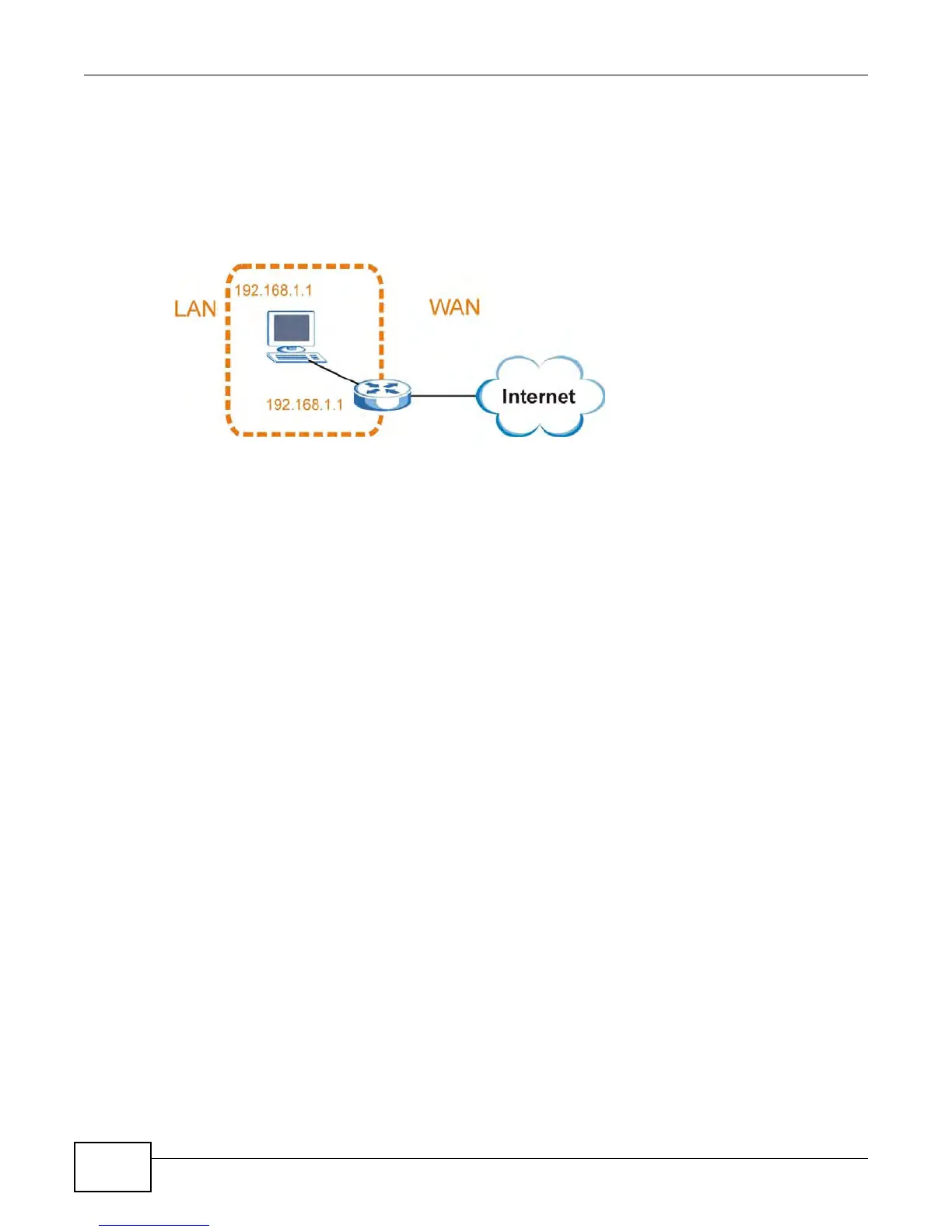
Conflicting Computer and Router IP Addresses Example
More than one device can not use the same IP address. In the following example, the computer and
the router’s LAN port both use 192.168.1.1 as the IP address. The computer cannot access the
Internet. This problem can be solved by assigning a different IP address to the computer or the
router’s LAN port.
Figure 106 Conflicting Computer and Router IP Addresses Example











 To Next Page