Appendix B Setting Up Your Computer’s IP Address
B222s User’s Guide
216
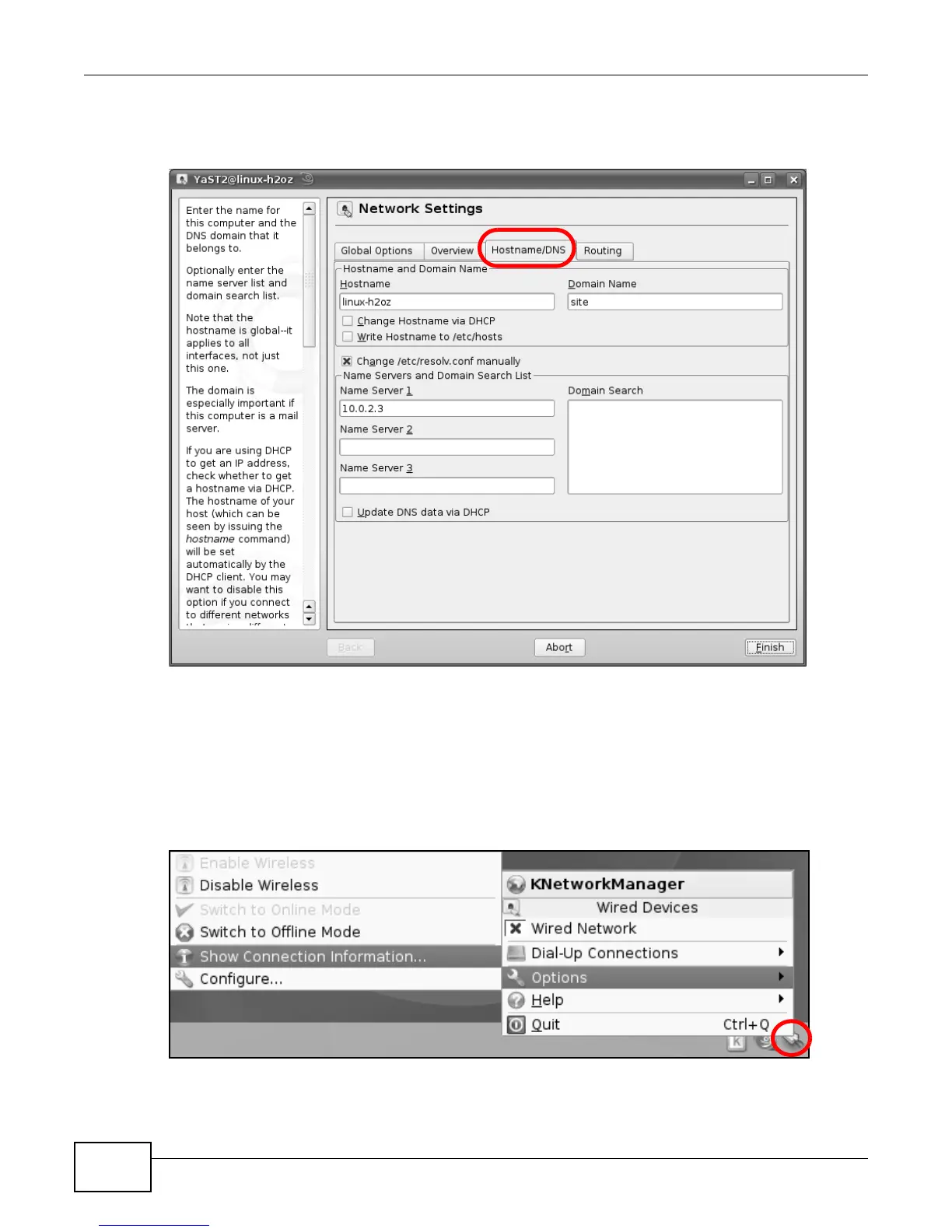
8 If you know your DNS server IP address(es), click the Hostname/DNS tab in Network Settings
and then enter the DNS server information in the fields provided.
Figure 149 openSUSE 10.3: Network Settings
9 Click Finish to save your settings and close the window.
Verifying Settings
Click the KNetwork Manager icon on the Task bar to check your TCP/IP properties. From the
Options sub-menu, select Show Connection Information.
Figure 150 openSUSE 10.3: KNetwork Manager











 To Next Page