Chapter 3 Connection Status and System Info
B222s User’s Guide
30
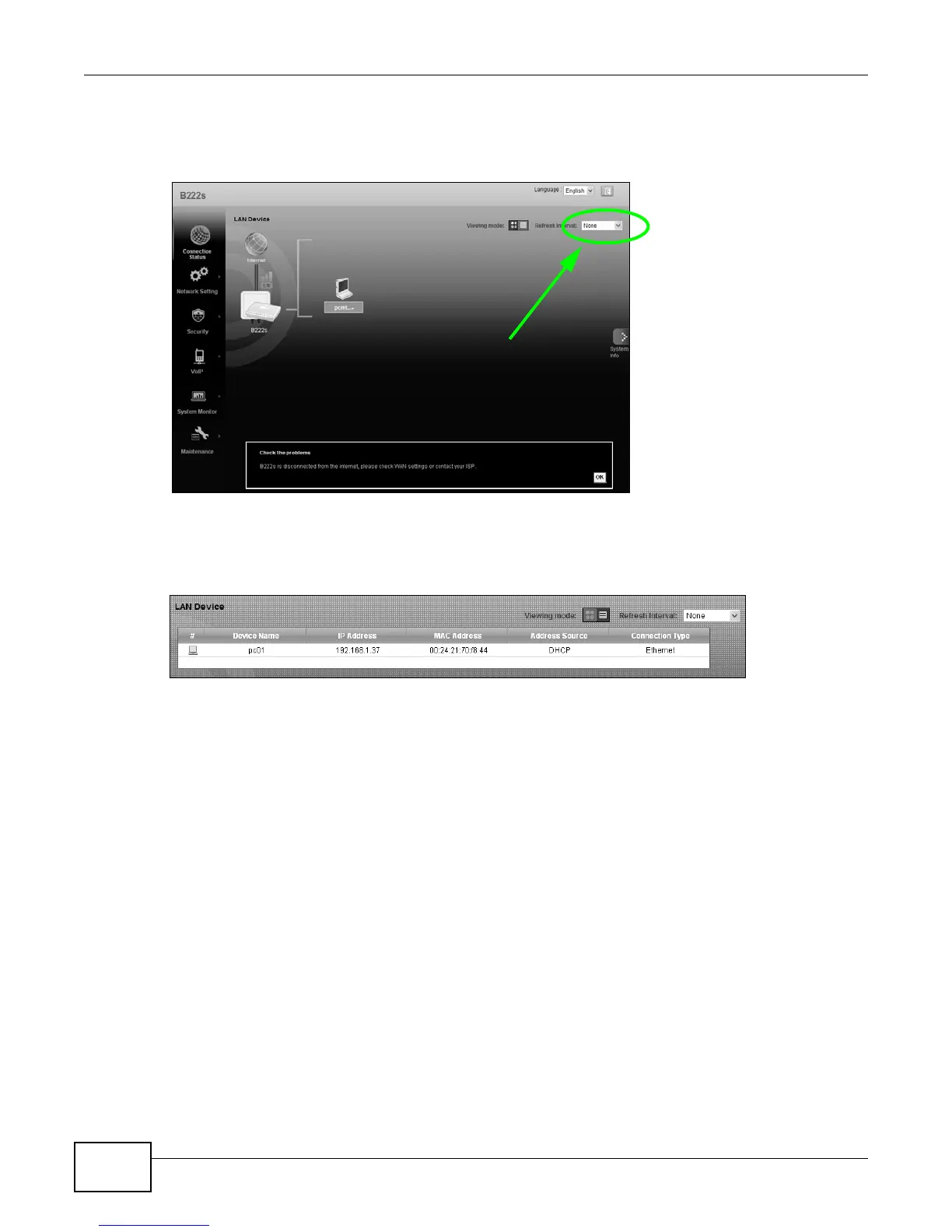
If you prefer to view the status in a list, click List View in the Viewing mode selection box. You
can configure how often you want the LTE Device to update this screen in Refresh Interval.
Figure 11 Connection Status: Icon View
Figure 12 Connection Status: List View
In Icon View, if you want to view information about a client, click the client’s name and Info. Click
the IP address if you want to change it. If you want to change the name or icon of the client, click
Change name/icon.
In List View, you can also view the client’s information.











 To Next Page