Chapter 6 Home Networking
B222s User’s Guide
74
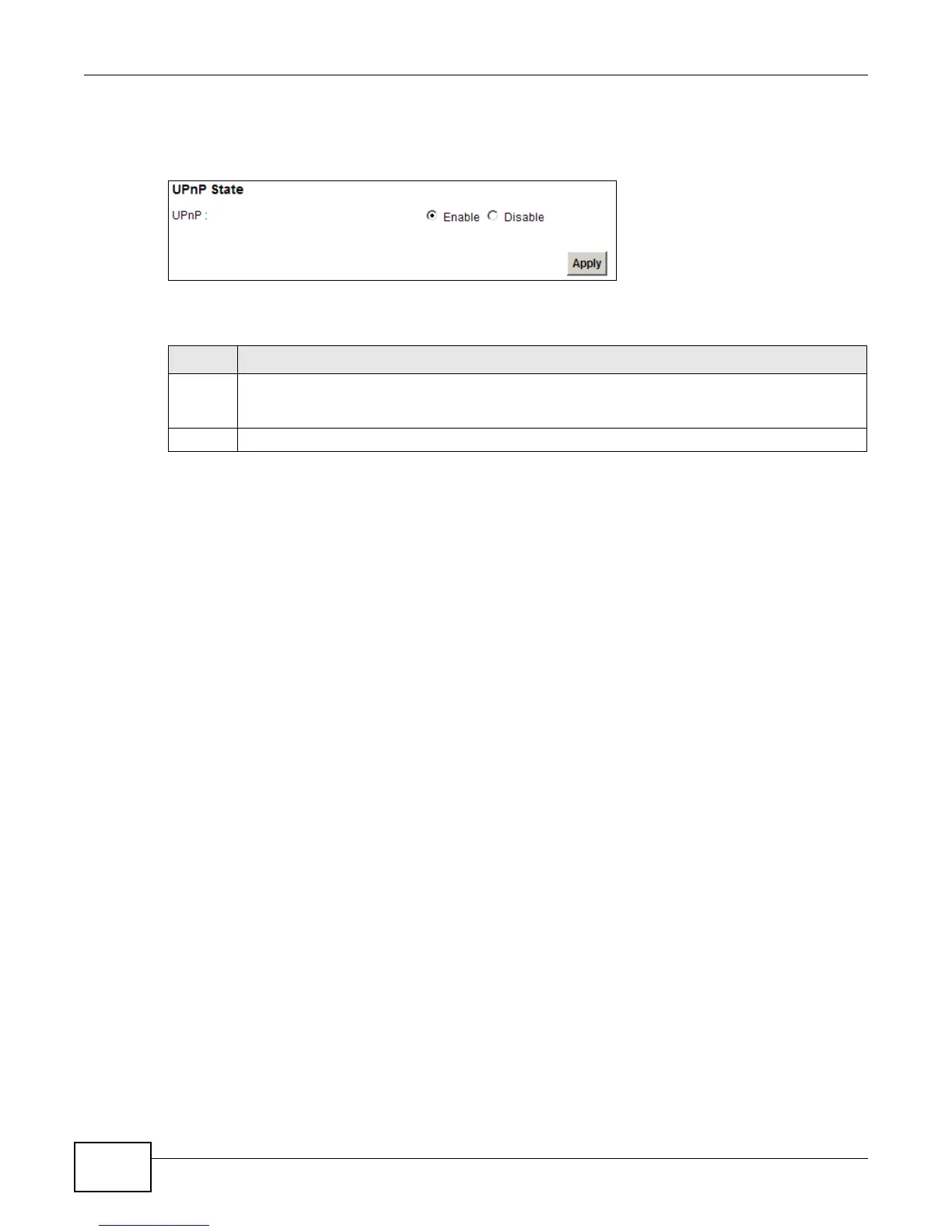
Use the following screen to configure the UPnP settings on your LTE Device. Click Network Setting
> Home Networking > Static DHCP > UPnP to display the screen shown next.
Figure 39 Network Setting > Home Networking > UPnP
The following table describes the labels in this screen.
Table 22 Network Settings > Home Networking > UPnP
LABEL DESCRIPTION
UPnP Select Enable to activate UPnP. Be aware that anyone could use a UPnP application to open the
web configurator's login screen without entering the LTE Device's IP address (although you must
still enter the password to access the web configurator).
Apply Click Apply to save your changes.











 To Next Page