NetCol5000-A 42 kW Air Cooled In-row Precision Air
Conditioner
User Manual
Huawei Proprietary and Confidential
Copyright © Huawei Technologies Co., Ltd.
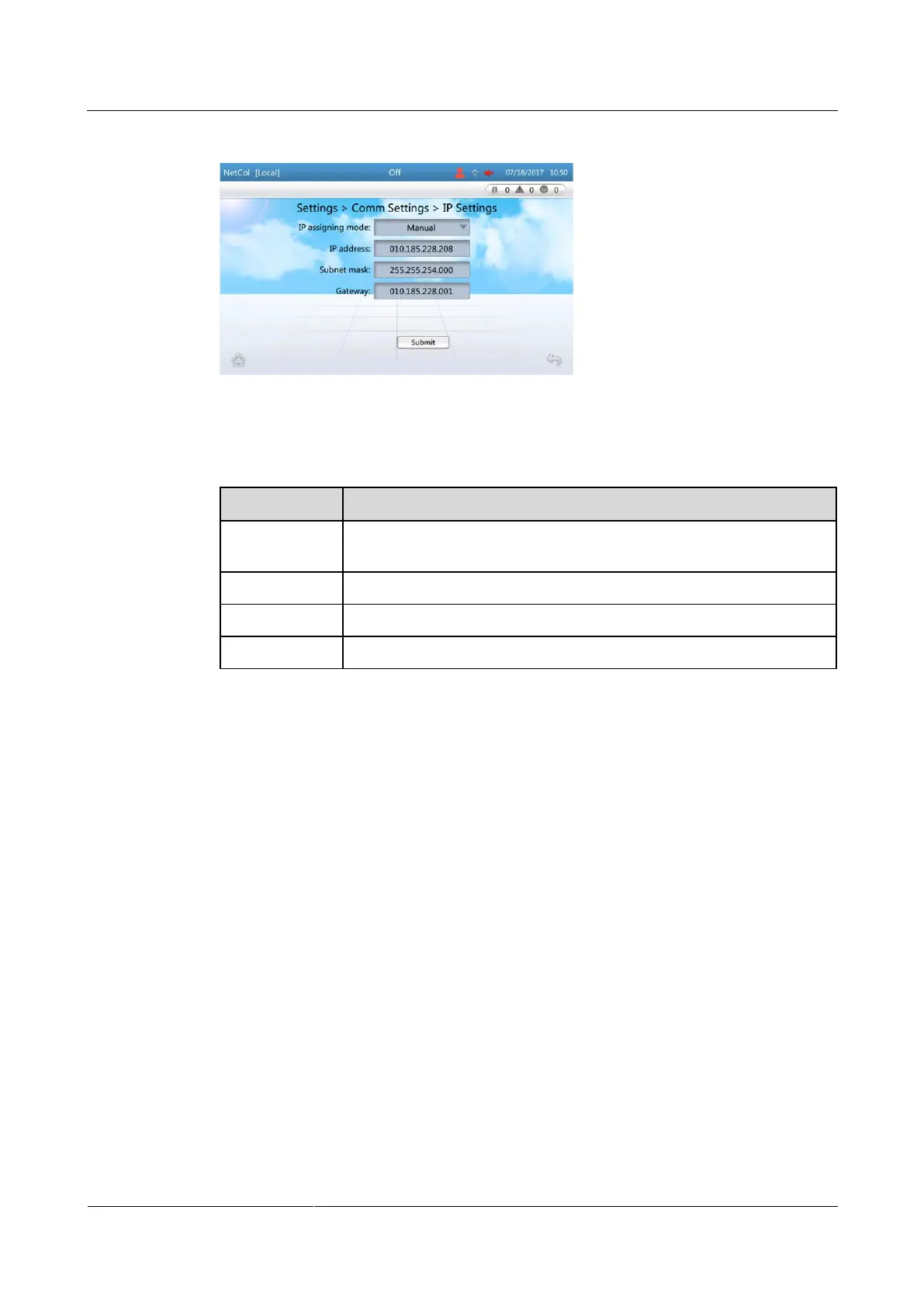
Figure 4-12 Setting the IP address, subnet mask, and gateway address
Step 2 Set the parameters by referring to Table 4-6.
Table 4-6 IP address settings
Set according to the actual plan.
Set according to the actual plan.
Set according to the actual plan.
Set according to the actual plan.
Step 3 Tap Submit.
----End
4.5.5 Setting Communications Parameters (WiFi Settings)
Prerequisites
After connecting the WIFI module of the USB interface to the USB port of the air
conditioning display, WiFi Settings is enable to be set.
Procedure
Step 1 On the home screen, choose Settings > Comm Settings > WiFi Settings. Figure 4-13 is
displayed.







 To Next Page