NetCol5000-A 42 kW Air Cooled In-row Precision Air
Conditioner
User Manual
Huawei Proprietary and Confidential
Copyright © Huawei Technologies Co., Ltd.
If the icon is not displayed on the Details screen, the alarm can be automatically
cleared after the fault is rectified.
If the icon is displayed on the Details screen, it indicates that the alarm can be cleared
manually. You need to tap Clear to clear the alarm after the fault is rectified. The alarm clearance
type (automatic or manual) varies with precision air conditioners. Some of the alarms can either be
cleared automatically or manually. Perform operations as required.
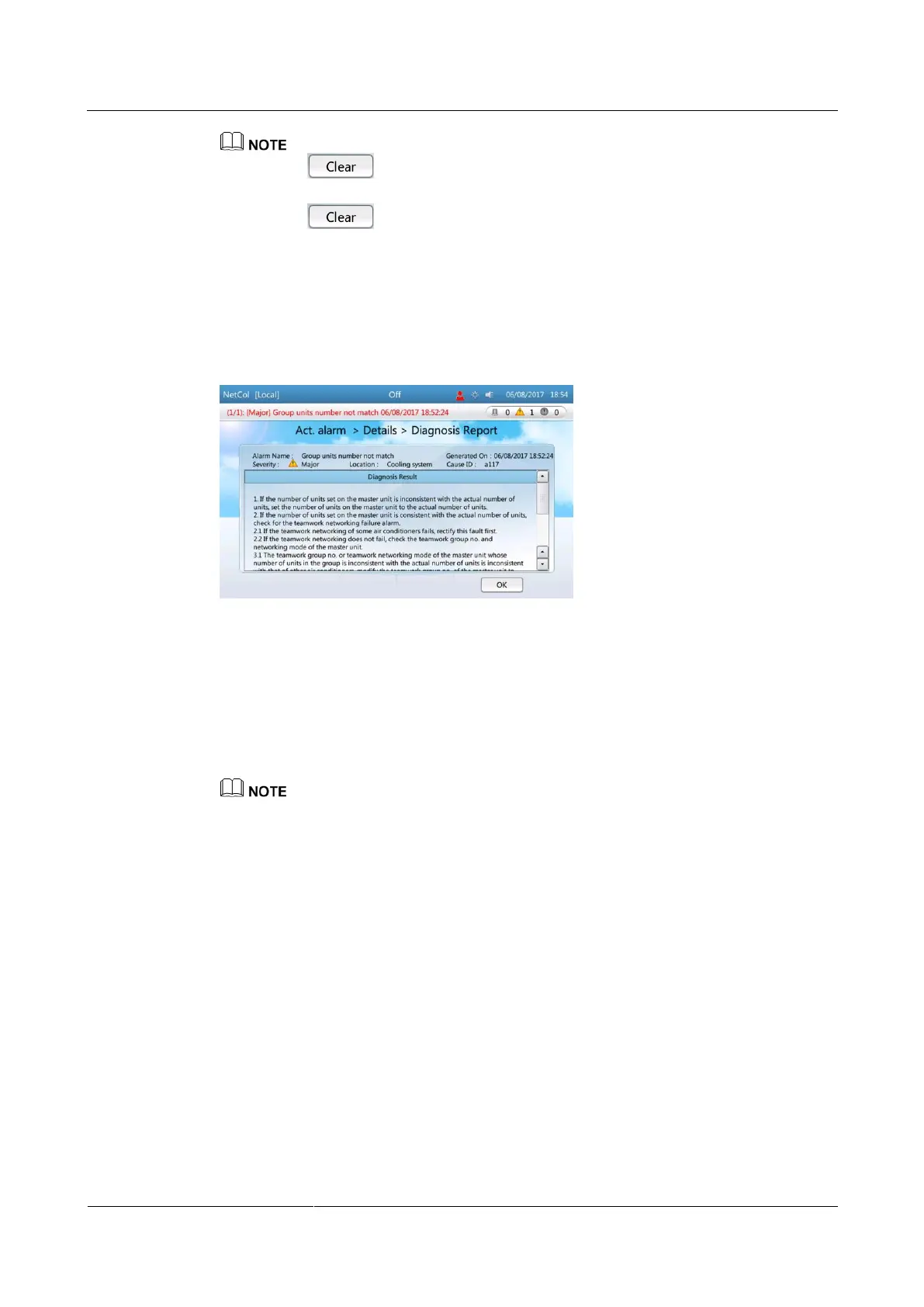
Step 3 Tap Diagnostic Mode to view the diagnosis report. Rectify the faults following instructions
in the diagnosis report.
Figure 6-4 Diagnosis report
----End
Follow-up Procedure
To query historical alarms, choose Common Functions > Query Hist. Alarms or Alarms >
Query Hist. Alarms on the home screen.
Historical alarms are displayed in chronological order. The latest cleared alarm is displayed in the
uppermost row.
6.3 Querying Logs
Context
The Query Logs screen displays the operations performed by the user.
Procedure
Step 1 On the home screen, choose Maint > Log Maint > Query Logs. Figure 6-5 is displayed.







 To Next Page