NetCol5000-A 42 kW Air Cooled In-row Precision Air
Conditioner
User Manual
Huawei Proprietary and Confidential
Copyright © Huawei Technologies Co., Ltd.
6.8 Deleting Historical Alarms
Context
To delete historical alarms, log in as the admin user.
Exercise caution when deleting all historical alarms. Because this operation may cause
clearance of all historical alarms and affects device maintenance.
Procedure
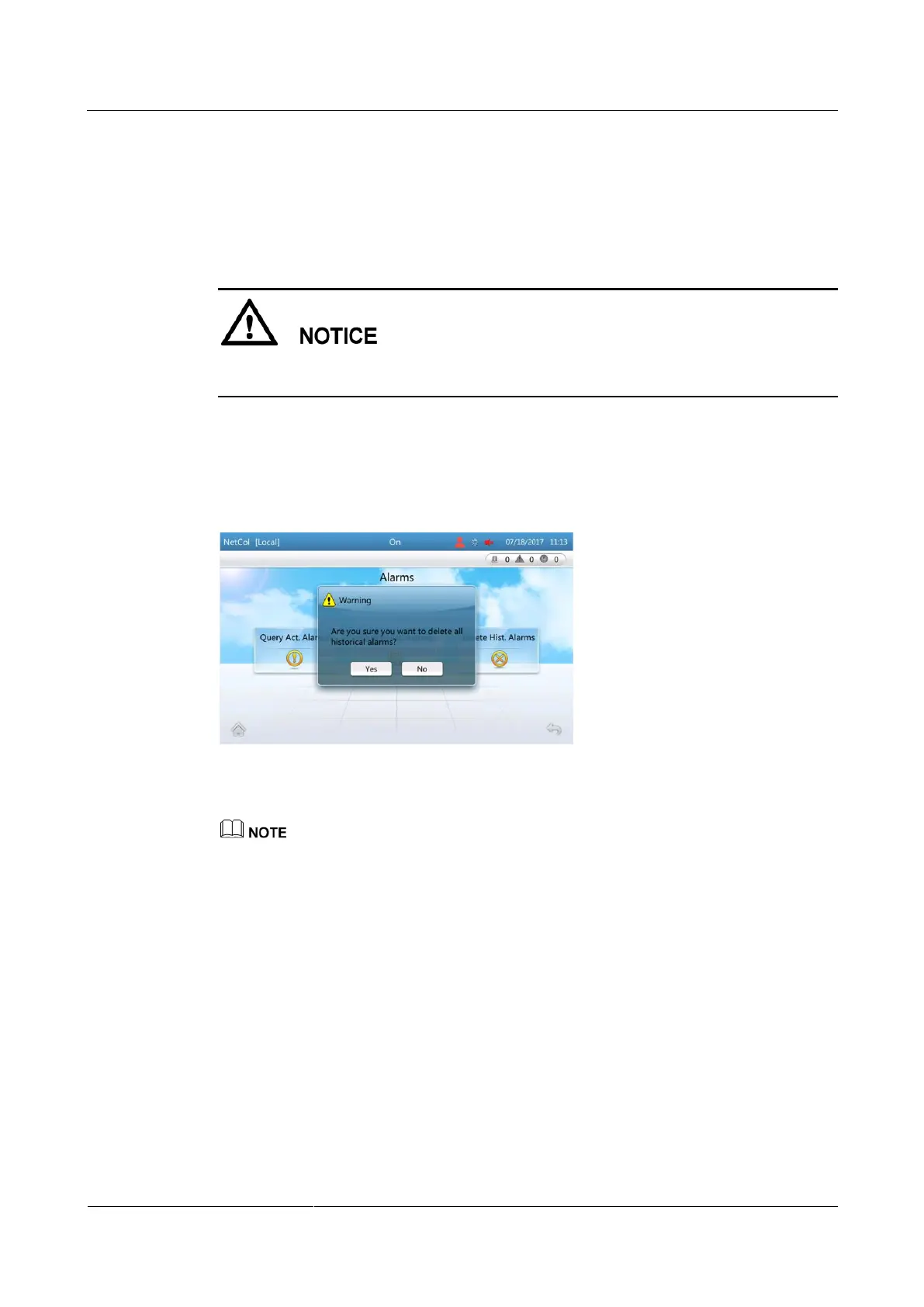
Step 1 On the home screen, choose Alarms > Delete Hist. Alarms. Figure 6-13 is displayed.
Figure 6-13 Delete hist. alarms screen
Step 2 Tap Yes to delete all historical alarms.
After alarms are deleted, the operation is recorded in logs.
----End
6.9 Deleting Logs
Context
Logs can be deleted in a one-click manner.
To delete logs, log in as the admin user.







 To Next Page