NetCol5000-A 42 kW Air Cooled In-row Precision Air
Conditioner
User Manual
Huawei Proprietary and Confidential
Copyright © Huawei Technologies Co., Ltd.
Step 6 If teamwork networking is required, verify that the teamwork cable is correctly connected.
Step 7 Verify that the cable connections and DIP switch settings of the T/H sensors are correct.
Step 8 If humidifier is required, verify that the main water inlet valve is open.
Step 9 Verify that the humidifier water inlet pipe and drainpipe are correctly connected, refrigerant
pipes are connected, and refrigerant has been precharged.
Step 10 Verify that fan switches Fan1–Fan10 are turned on.
----End
4.3 Power-On
Context
All switches are set to OFF before delivery. If the preset status is changed, restore the preset
status before any operation.
Procedure
Step 1 Turn on the air conditioner switch in the upstream PDC.
Step 2 Turn on the switch QF3 that controls the outdoor unit and compressor, and switch QF4 that
controls the electric heating. (If electric heater is not configured, it is not need to turn on the
QF4.)
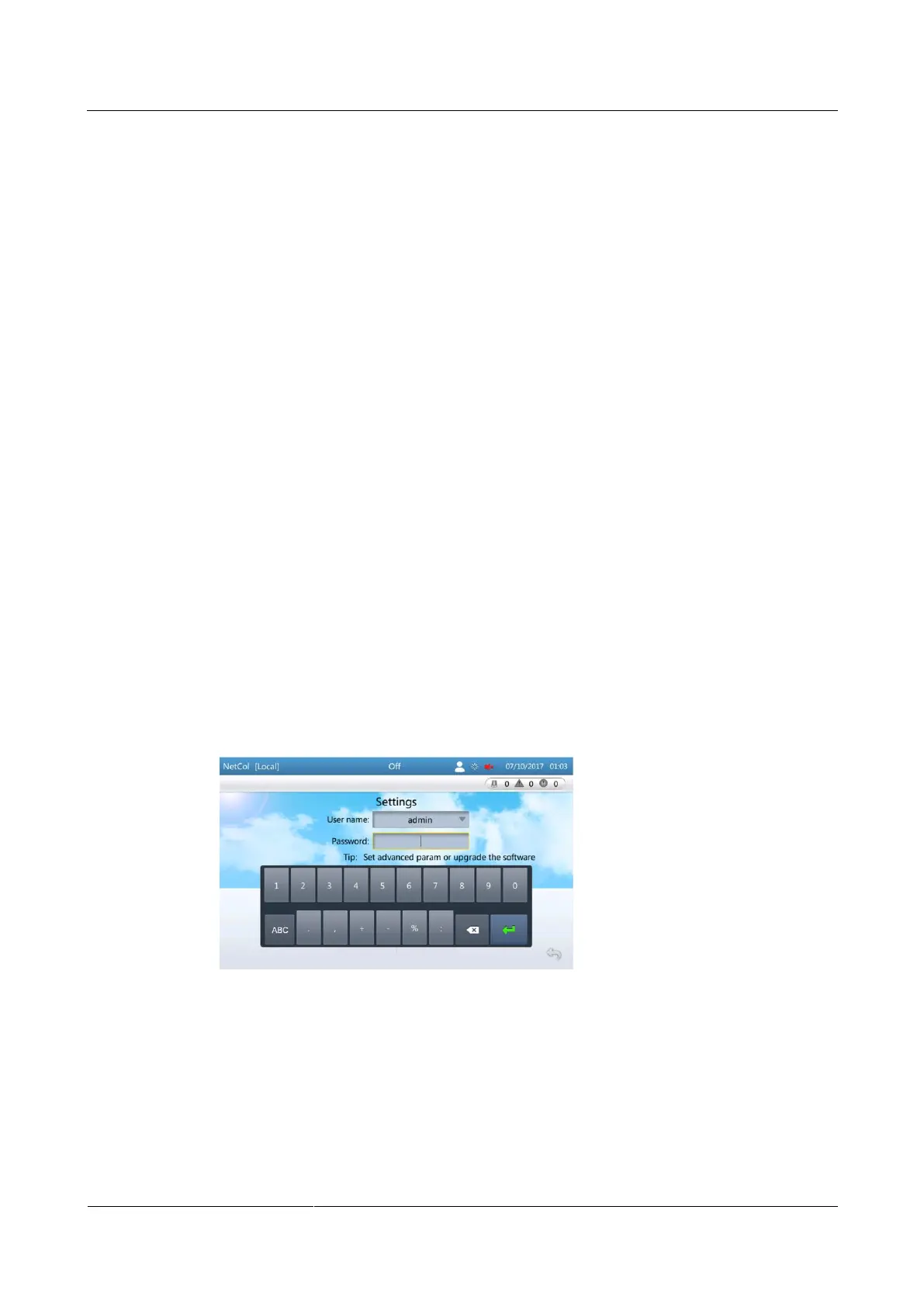
Step 3 After the system is powered on for the first time, the Quick Settings screen is displayed. Log
in as the admin user, as shown in Figure 4-5.
Figure 4-5 Initial power-on







 To Next Page