NetCol5000-A 42 kW Air Cooled In-row Precision Air
Conditioner
User Manual
Huawei Proprietary and Confidential
Copyright © Huawei Technologies Co., Ltd.
6.16 How to Modify a Password
Prerequisites
To modify a password, log in as the admin user or operator user.
You can only modify the password of the current user.
Procedure
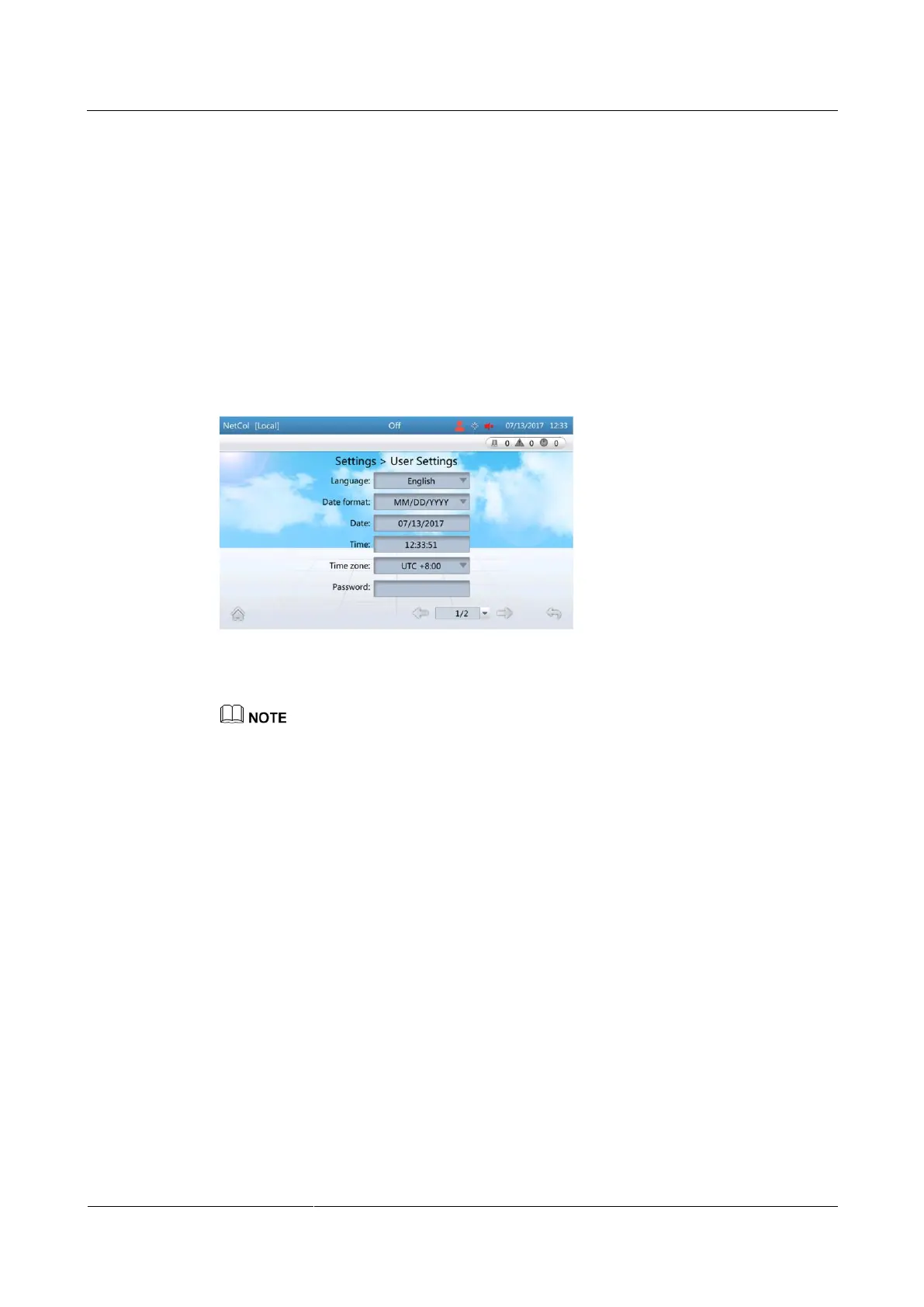
Step 1 On the home screen, choose Settings > User Settings to enter the User Settings screen, as
shown in Figure 6-22.
Figure 6-22 User Settings
Step 2 Tap Password to enter the password changing screen, as shown in Figure 6-23.
It is recommended that the password should contain at least two types of characters.







 To Next Page