NetCol5000-A 42 kW Air Cooled In-row Precision Air
Conditioner
User Manual
Huawei Proprietary and Confidential
Copyright © Huawei Technologies Co., Ltd.
6.24 How to Import a Configuration file
Context
You are advised to use the FAT32 USB flash drive with a capacity no greater than 64 GB.
Procedure
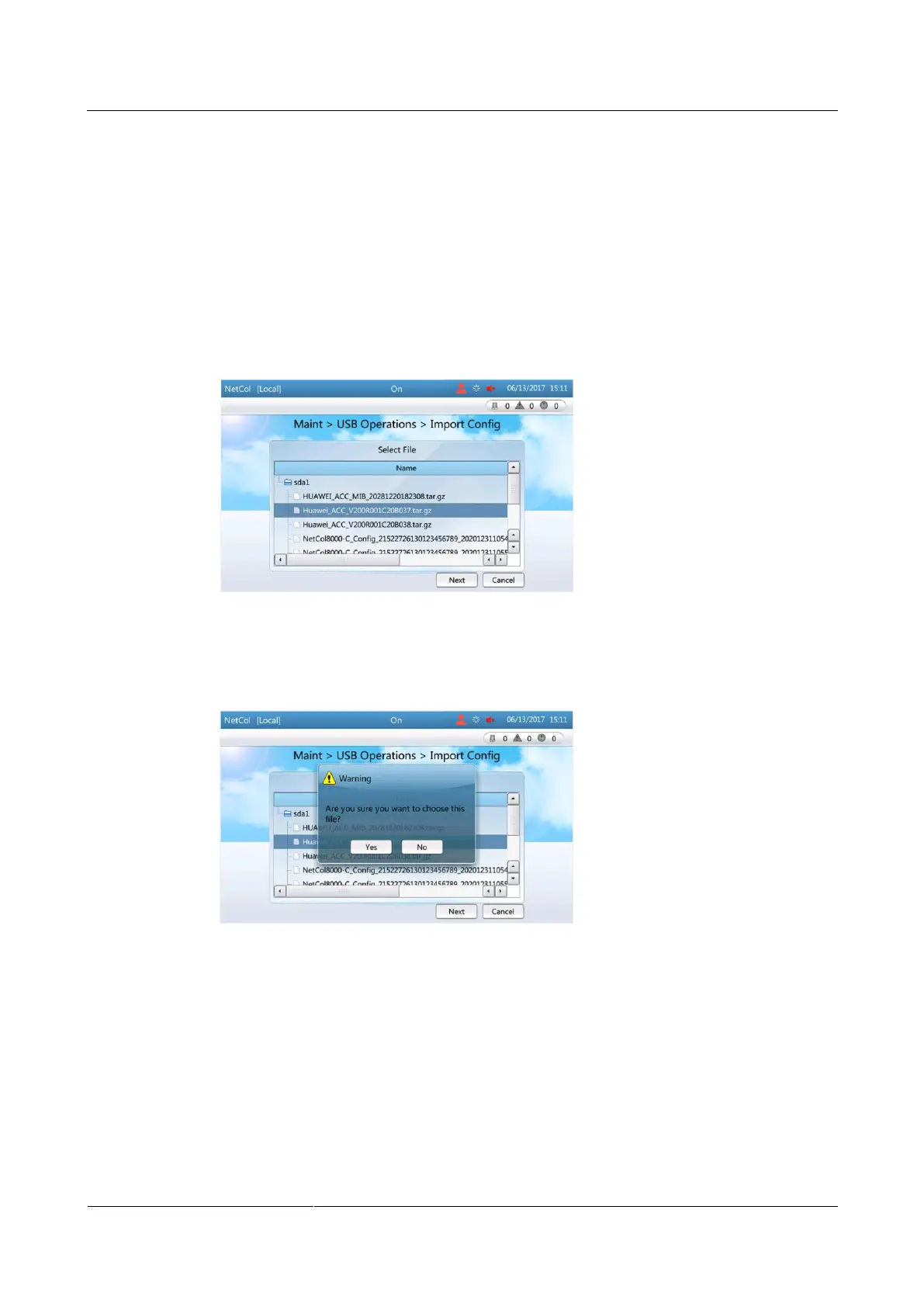
Step 1 Tap Maint > USB Operations > Import Config, as shown in Figure 6-31.
Figure 6-31 Select file
Step 2 Select the file that needs to be imported and tap Next, as shown in Figure 6-32.
Figure 6-32 Confirming the file
Step 3 After you tap Yes and Next, Figure 6-33 and Figure 6-34 are displayed.







 To Next Page