NetCol5000-A 42 kW Air Cooled In-row Precision Air
Conditioner
User Manual
Huawei Proprietary and Confidential
Copyright © Huawei Technologies Co., Ltd.
You can view the humidity from (humidity set point - 5%) to (humidity set point + 5%) at least, and
from (humidity set point - 50%) to (humidity set point + 50%) at most. Specific humidity fluctuation
range displayed varies according to different models of precision air conditioners.
----End
6.2 How Can I Handle Active Alarms?
Procedure
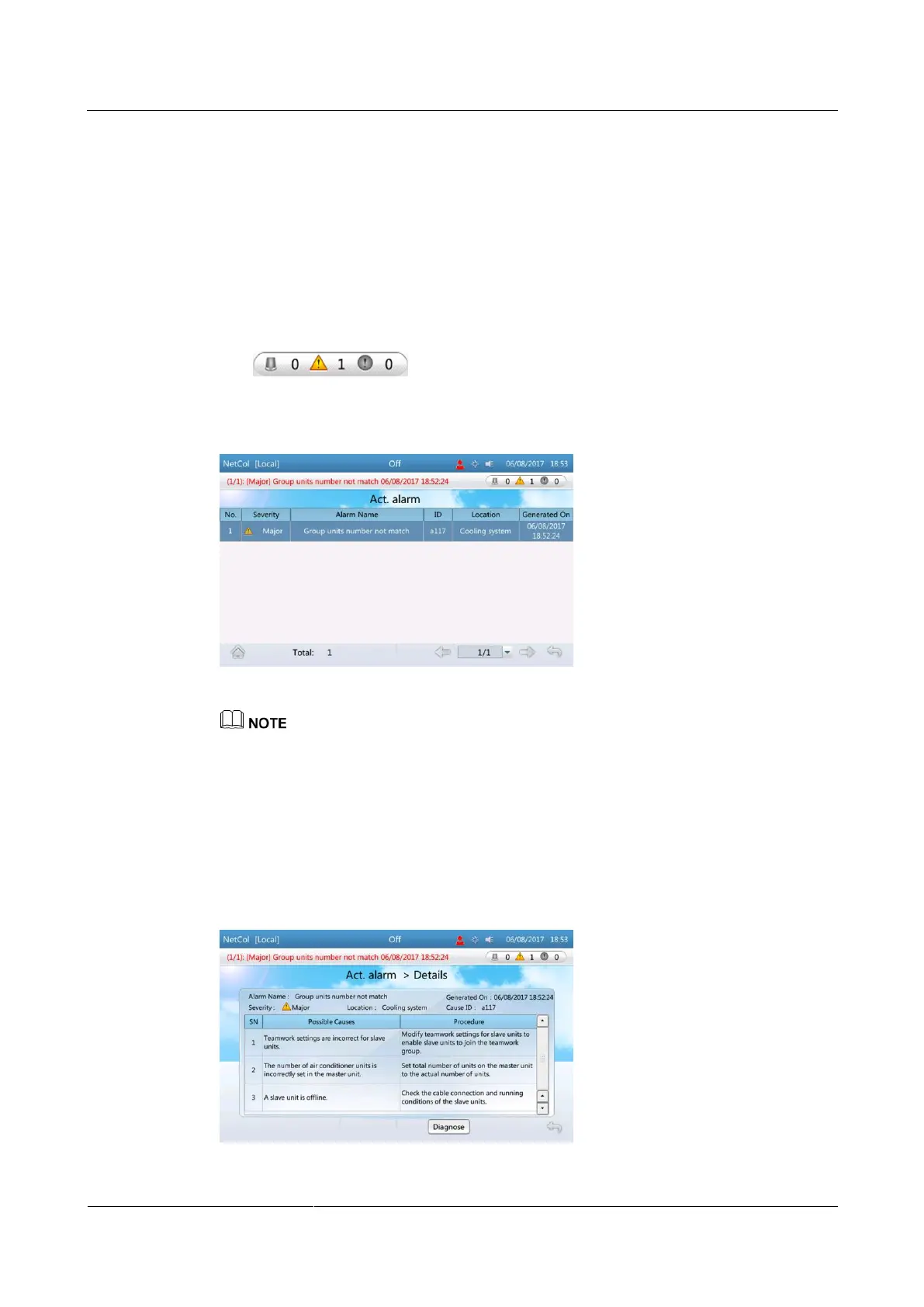
Step 1 Tap or choose Alarms > Query Act. Alarms on the home screen to
enter the Query Act. Alarms screen.
Figure 6-2 Query Act. Alarms
Active alarms are displayed in chronological order. The latest generated alarm is displayed in the
uppermost row.
If active alarms exist, they are displayed on the alarm bar one by one.
You can query an alarm on the alarm list in related user manual for precision air conditioner based
on the alarm ID to view causes of the alarm and methods used to clear the alarm.
Step 2 Click each alarm to open the Details page, which contains Alarm Name, Severity, Location,
Cause ID, SN, Possible Causes and Procedure for the alarm.
Figure 6-3 Details







 To Next Page