troubLeSHootInG
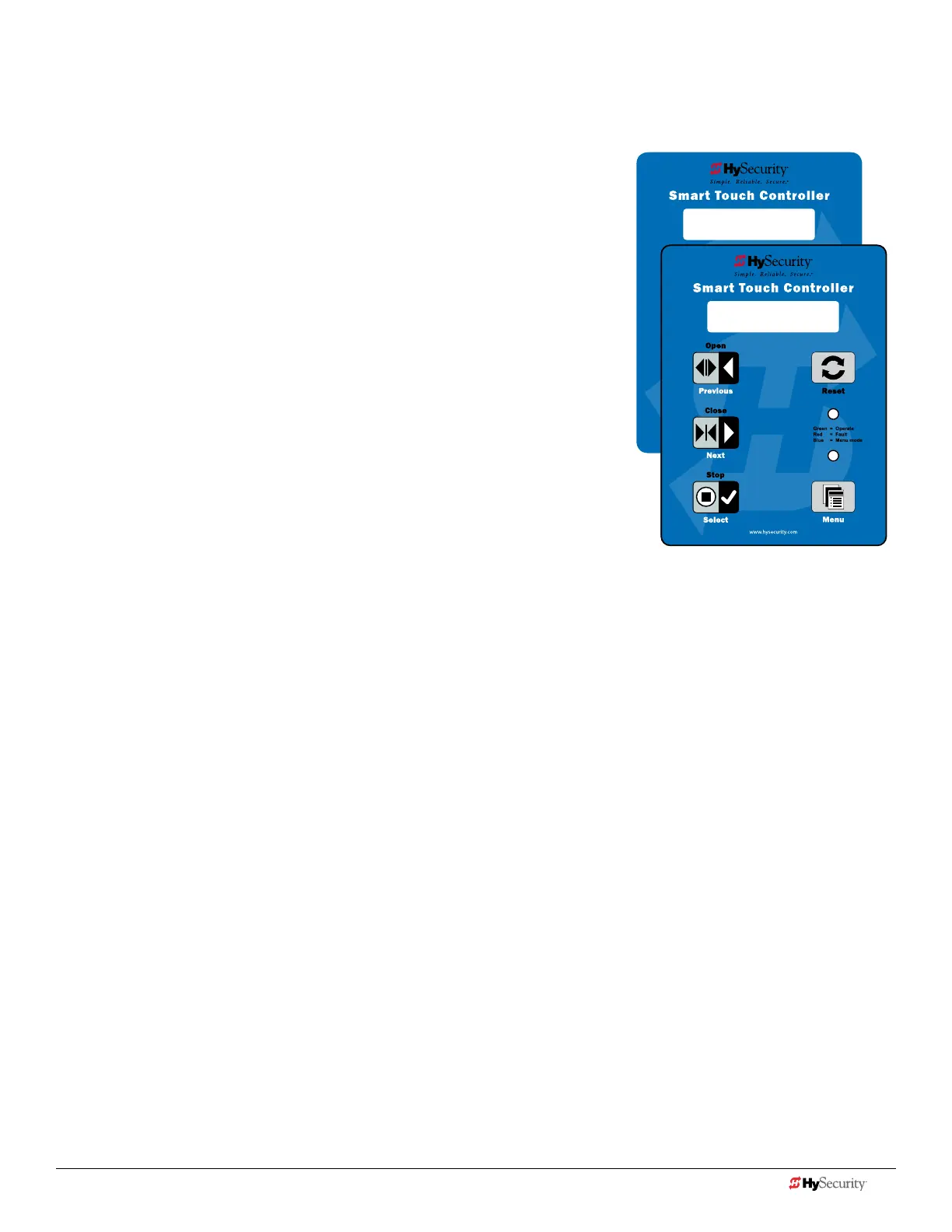
The Smart Touch Controller reports system malfunctions using three simultaneously occurring methods:
• Codes presented on its display (alert, fault or error)
• Activation of a buzzer which emits a series of chirps at dened intervals
• Stop gate travel (and/or reverse direction of travel)
Overriding a tripped sensor or fault condition on a HySecurity gate operator
with monitored entrapment sensors requires a 2-step process:
• Press Open or Close momentarily. Audible beeps in quick succession
indicate tripped sensors or fault conditions.
• Within 5 seconds of hearing the beeps, apply constant hold pressure
to override the tripped sensor or fault. The gate operator runs while
pressure is maintained to actuating device (examples include, Push
button Open, Push button Close, Open Partial or Keypad Open/
Close), or a limit is reached, or another sensor trips.
A short list of codes appears in Table 7: Troubleshooting Codes and provides
additional troubleshooting solutions. For a complete list of troubleshooting
codes, refer your gate operator’s Programming and Operations manual.
NOTE: A qualied technician may troubleshoot the operator with the aid of the
information and procedures that follow. If it is necessary to call a distributor for
assistance, be sure to have the model and serial numbers available. Other helpful
information is the job name, approximate installation date, and service records of any
recently-performed maintenance work.
FAULT 2
SENSOR #1
HYSECURITY
GATE STOPPED
12 D0726 Rev. J UL 325 - 2016 HySecurity Monitored Sensors © 2016 www.hysecurity.com
www.hysecurity.com © 2016 Quick Start D0726 Rev. J 13











 To Next Page