How Software HandLeS monItored entrapment
Since HySecurity gate operators use software to control gate movement, contacts, and accessories, the changeover to
monitored sensors is simple. In fact, the ability to monitor sensors has always been an available Installer Menu item. (Refer
to Table 6: Setting the Sensor Logic on page 11) Instead of an option, it now becomes the default standard.
• Build Year is a new Installer Menu item in Smart DC and Smart Touch Controllers versions h5.50 and h4.50 (and
higher).
• New labels show where Edge, Photo Eye Open and Photo Eye Closed have changed to "SENSOR" inputs. You
can program the type of sensor wired to one of those inputs. Refer to illustrations on page 7 and Table 4
below.
• Installer Menu items, PC and GC (Photo eye output and edge sensor output) which used to default to Normally
Open (NO) have been converted to Normally Closed (NC) contacts so the software can detect the presence and
proper operation of entrapment protection sensors.
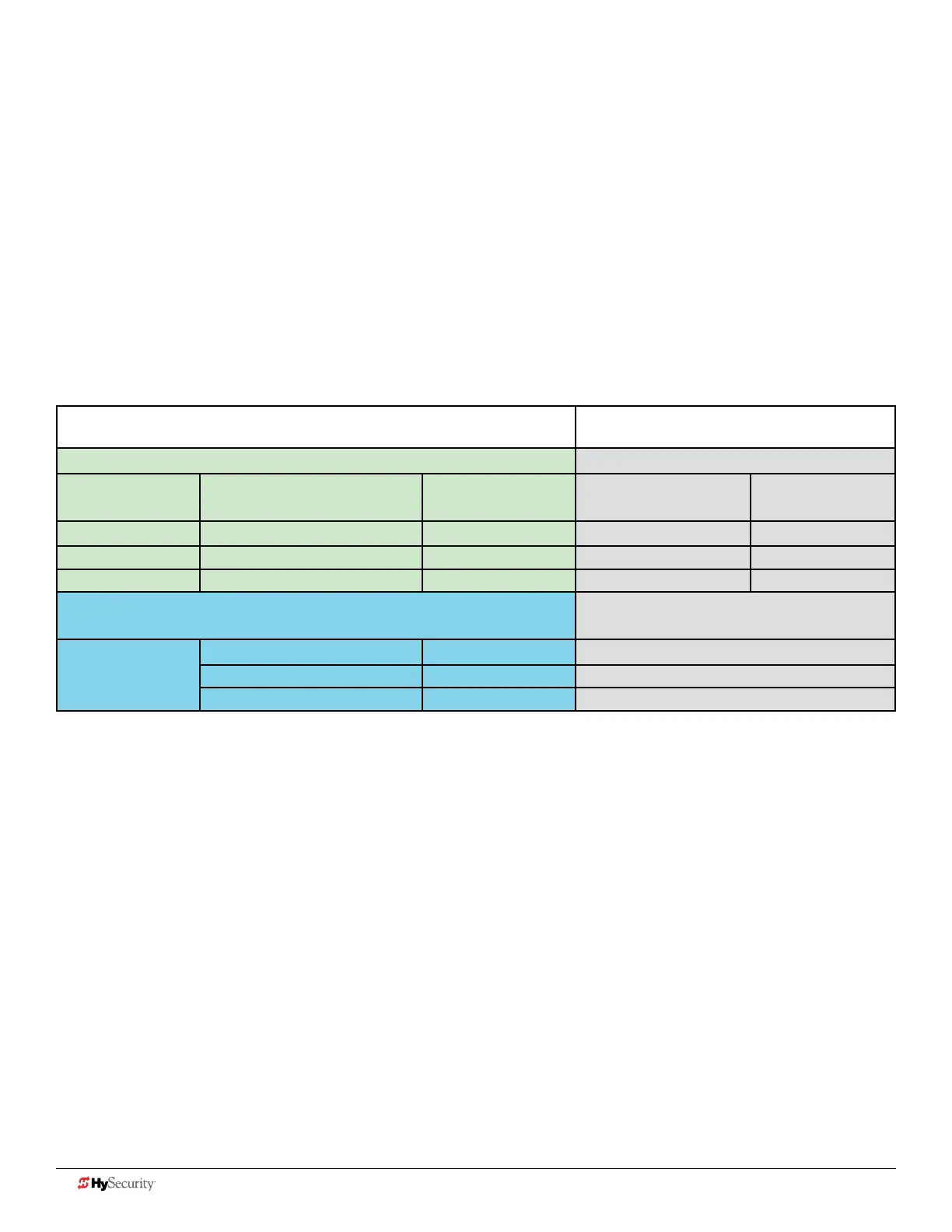
Table 4: Changes to Sensor Inputs on the Controller
Location of Sensor Inputs on Controller Installer Menu Item Codes
Smart Touch Controller (STC): Hydraulic gate operators Smart Touch Display:
Input # Current Silk Screen Label 2016 Silk Screen
Label
OLED - two line,
32 character
LCD - 7
segment text
13 EDGE SENSOR SENSOR 1 S1 SENSOR 1
S1
17 PHOTO EYE OPEN DIRECTION SENSOR 2 S2 SENSOR 2
S2
19 PHOTO EYE CLOSE DIRECTION SENSOR 3 S3 SENSOR 3
S3
Smart DC Controller (SDC):
Electromechanical gate operators
Smart DC Display:
32 character LCD
No numerical input
number appears on
Smart DC
EYE OPEN SENSOR 2 S2 SENSOR 2
EYE CLOSE SENSOR 3 S3 SENSOR 3
EDGE SENSOR 1 S1 SENSOR 1
NOTE: Three inputs for external entrapment protection sensors are available on the HySecurity gate operator controller. New silk
screen controller boards are on order, but until they are ready for shipment, labels will be overlaid on the board to indicate
terminology adaptations.
Table 4 indicates how the edge and photo eye inputs have been renamed to generic "sensor" inputs. They are
interchangeable and congurable. The software must know what type of sensor is wired to SENSOR 1, 2, and 3 BEFORE it
will allow gate travel. Refer to page 10.
8 D0726 Rev. J UL 325 - 2016 HySecurity Monitored Sensors © 2016 www.hysecurity.com











 To Next Page