Control Panel Removal
1.
Position Printer Power switch to OFF; unplug printer power
cord from wall outlet and disconnect Parallel Printer Cable.
2.
Remove forms.
3.
Remove forms rack (See page 3-56).
4. Remove access cover (See page 3-32).
5. Remove top cover (See page 3-88).
6.
Invert top cover.
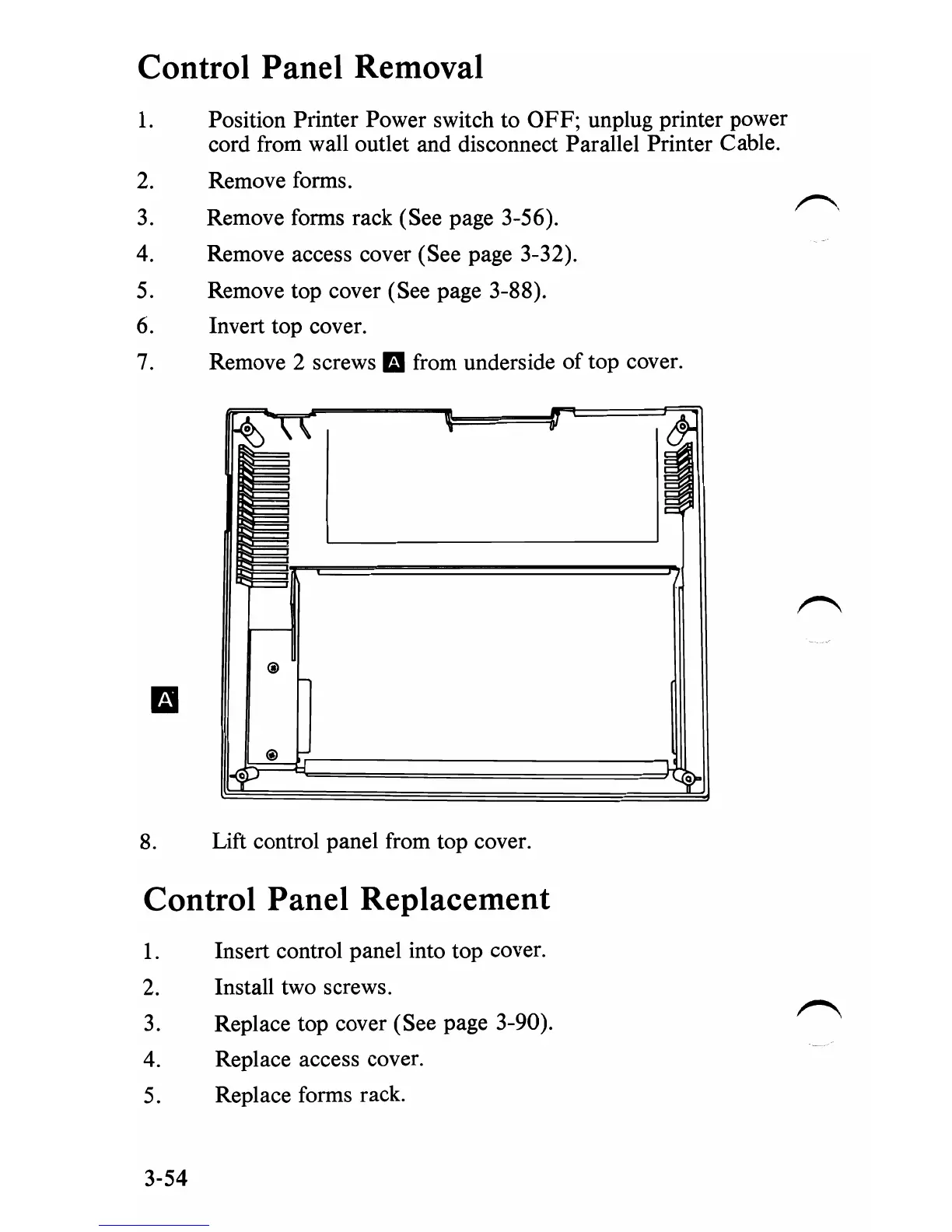
7.
Remove 2 screws
IE!
from underside
oftop
cover.
8.
Lift control panel from top cover.
Control Panel Replacement
1.
Insert control panel into top cover.
2.
Install two screws.
3.
Replace top cover (See page 3-90).
4. Replace access cover.
5. Replace forms rack.
3-54


 To Next Page
 Loading...








