Installation steps
Follow these steps to install the IBM AnyPlace Kiosk:
1. Install your options. See “Installing the options” on page 14.
2. Route, connect, and retain the cables. See “Retaining the cables” on page 13.
Note: Be sure to route the cables through the tabletop mount before connecting
to the unit.
3. Install the IBM 4838 on your mounting option: tabletop (see “Tabletop mount”
on page 21) or wall (see “Wall mount” on page 23) or the third-party VESA
mount instructions.
4. Power On the IBM 4838. See “Powering on” on page 23.
Opening the cable covers
The cable covers provide security and protection to the IBM 4838 cable and
connections.
Note: The MSR/USB cable cover can be opened independently of the main cover.
Follow these steps to open the cable covers:
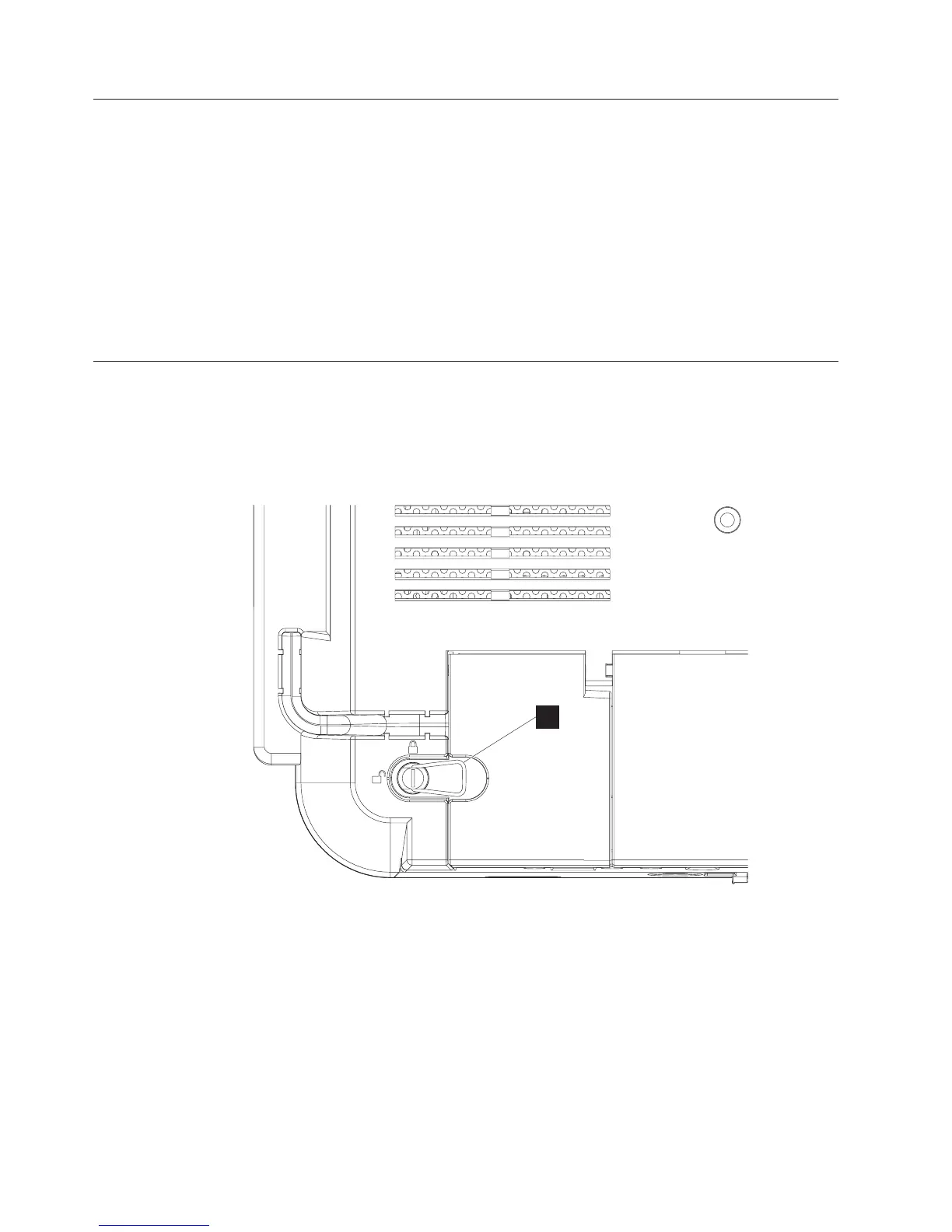
1. Flip up the metal handle (P).
2. Rotate the quarter-turn latches to the unlocked position.
3. Open the MSR/USB cable cover before opening the main cable cover.
P
Figure 5. Close-up view of quarter-turn latch
Installing the IBM AnyPlace Kiosk
12
IBM AnyPlace Kiosk 4838



 To Next Page