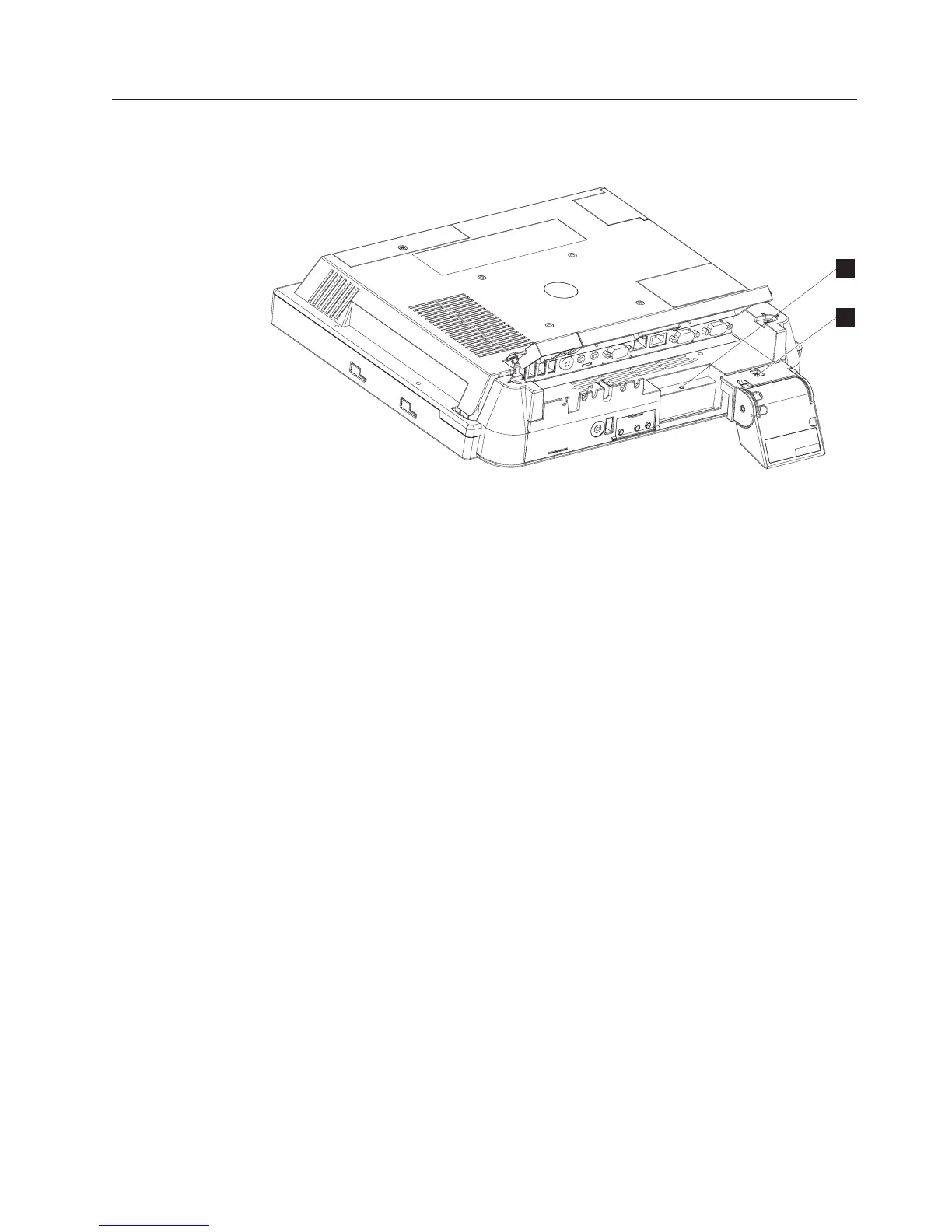
Removing the scanner and scanner window
To remove the scanner, follow these steps:
1. Remove the unit from the VESA mount (tabletop, wall or third party).
2. From the rear of the IBM AnyPlace Kiosk, open the cable cover using the two,
one-quarter turn latches. See Figure 5 on page 12.
3. Disconnect the scanner cable from the scanner port.
4. Loosen the screw (Bin Figure 27 on page 46) securing the scanner.
B
A
Figure 26. Removing the scanner
Removing and replacing FRUs
Chapter 4. Removing and replacing FRUs 45



 To Next Page