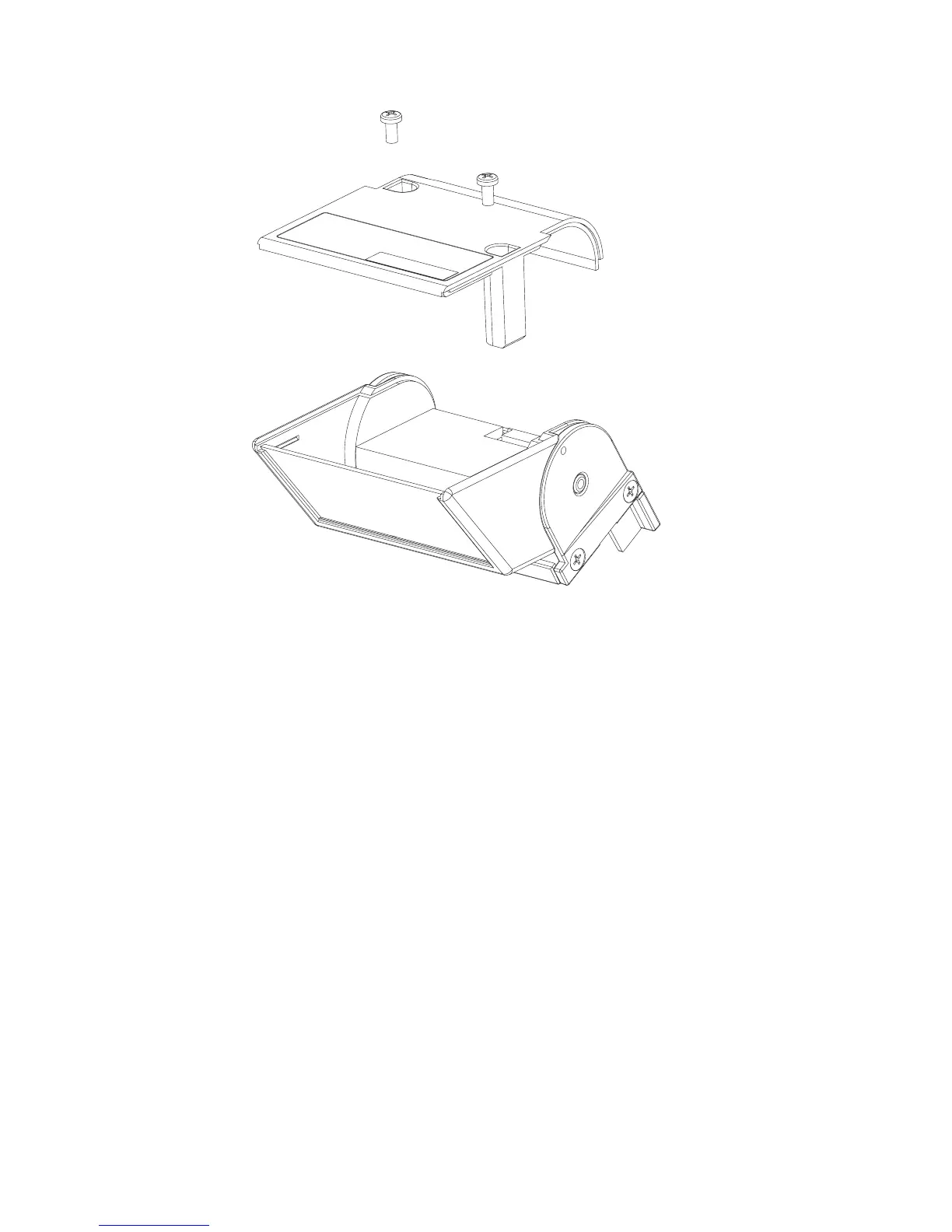
To remove the scanner window, follow these steps:
1. See Figure 27. Remove the two Phillips-head scanner cover screws.
2. Remove the scanner bottom cover assembly.
3. Remove the scanner window, taking note of the window orientation.
Note: Avoid touching the inside of the scanner window so as not to leave dust
or finger prints.
4. To replace, reverse the previous procedure.
Figure 27. Removing the scanner window
Removing and replacing FRUs
46
IBM AnyPlace Kiosk 4838



 To Next Page