Installing the hard drive
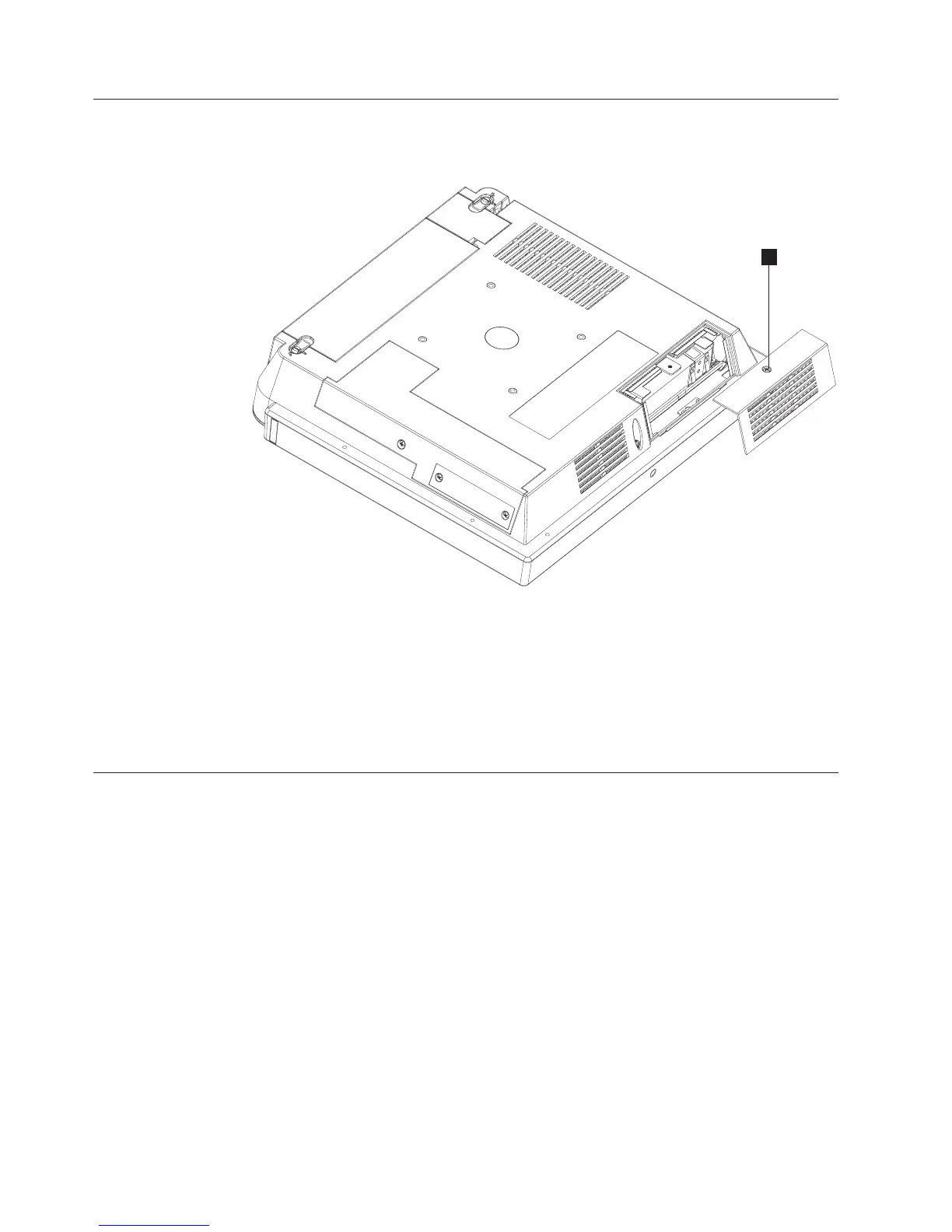
Follow these steps to install a hard drive:
1. Loosen the captured screw (C in Figure 12) to remove the HDD door.
2. Locate the slot and brackets and fully insert the hard drive until the hard drive
is latched into place.
3. Close hard drive door and fasten the captured screw.
Note: Do not over tighten the screw
Installing additional memory
Follow these instructions to install an additional memory card.
1. Place the 4838 face down on a sturdy surface.
C
Figure 12. Opening the HDD door
Installing the IBM AnyPlace Kiosk
20
IBM AnyPlace Kiosk 4838



 To Next Page