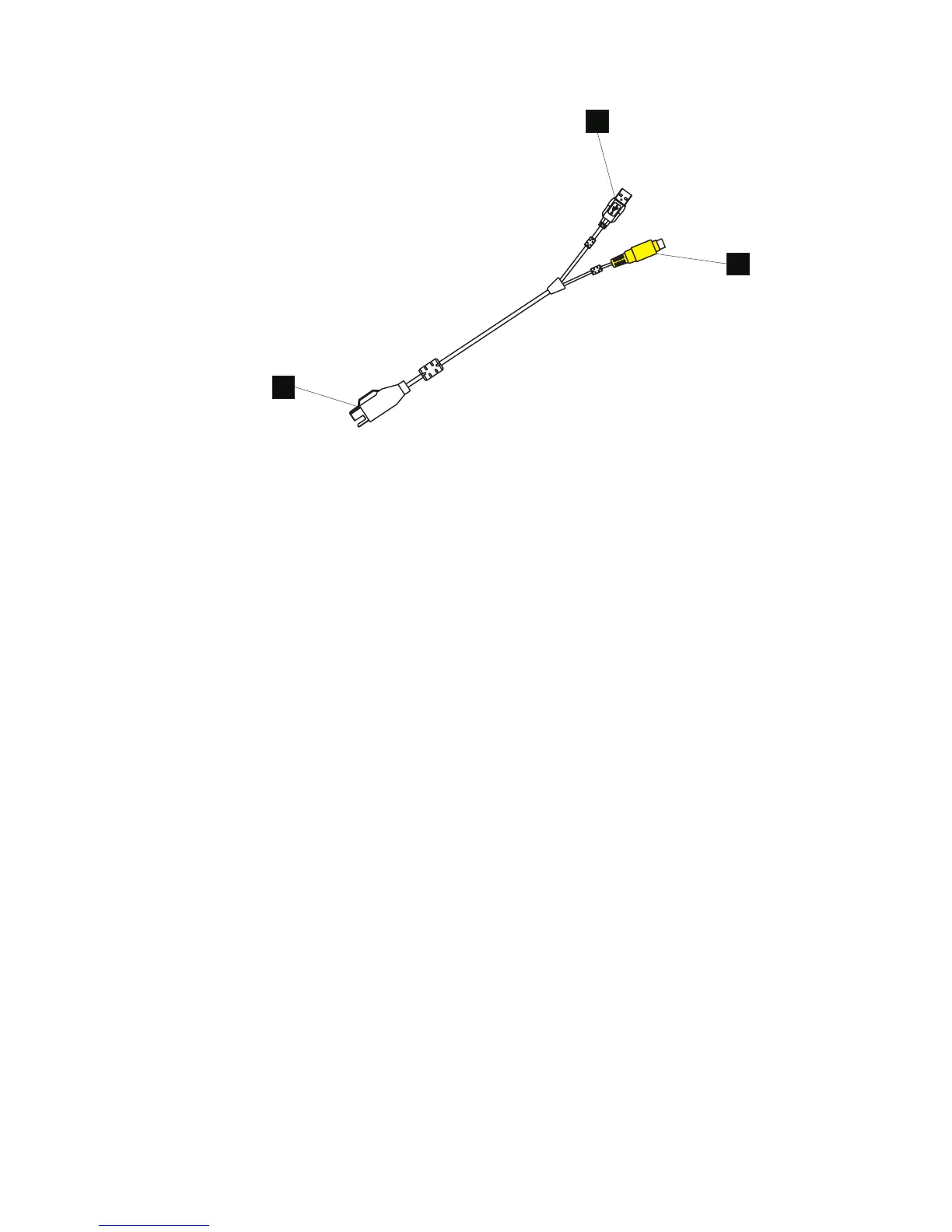
F Standard PC USB connector that attaches to one of the kiosk
USB ports
G Power connector that attaches to the power input connector on
the kiosk
H Connector that attaches to the AnyPlace POS Hub
2. Review Figure 10 on page 18 and connect your peripheral units to the hub.
Connect the AnyPlace POS cable (D in Figure 10 on page 18) to the USB port
directly adjacent to the power input port. and to the IBM AnyPlace Kiosk.
3. Connect the power cord of the AnyPlace POS Hub to an external power source.
4. Power on IBM AnyPlace Kiosk and the AnyPlace POS Hub is automatically
powered on.
Note: Plugs F and G in Figure 11 must remain connected while the IBM
AnyPlace Kiosk and hub are powered on. Removing the USB hub (E) will
shut off the kiosk.
F
G
H
Figure 11. AnyPlace POS cable connectors
Installing the IBM AnyPlace Kiosk
Chapter 2. Installing the IBM AnyPlace Kiosk 19



 To Next Page