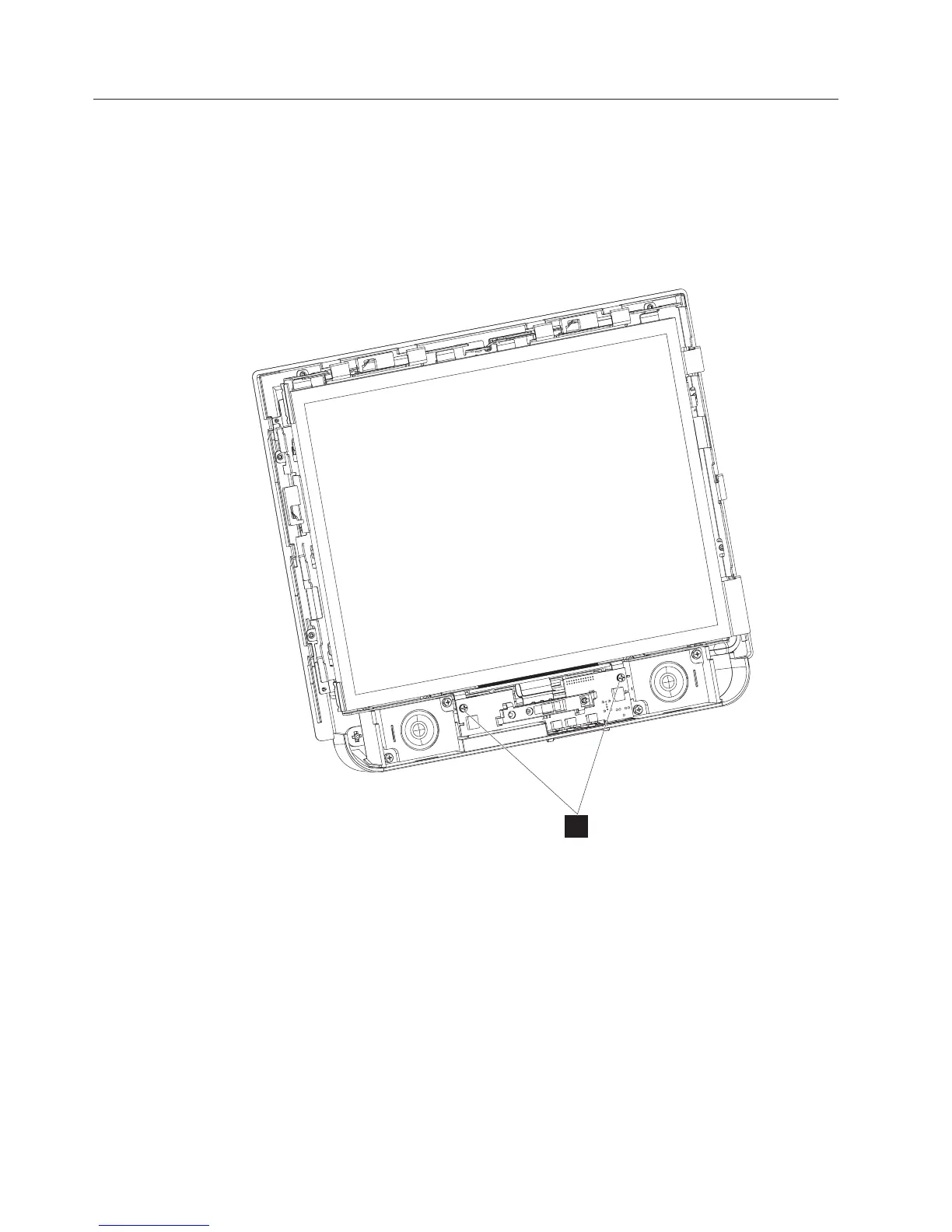
Removing the control card
The control card contains the infrared presence sensor and the LED housing.
Follow these steps to remove the control card:
1. Switch OFF the power to the IBM AnyPlace Kiosk. Unplug the power cord
from the external power source.
2. Remove the front assembly as described in “Removing the front cover/touch
assembly” on page 55.
3. Remove the two screws (I in Figure 37) that hold the control card in place,
and lift out the card
4. Disconnect the two speaker cables, and the control card cable from the rear of
the control card.
5. To replace, reverse this procedure, being sure to angle the card such that the
control buttons line up with the button holes.
Removing the control buttons
Follow these steps to remove the control buttons:
1. Switch OFF the power to the IBM AnyPlace Kiosk. Unplug the power cord
from the external power source.
2. Remove the control card as described in “Removing the control card.”
I
Figure 37. Removing the control card
Removing and replacing FRUs
58
IBM AnyPlace Kiosk 4838



 To Next Page