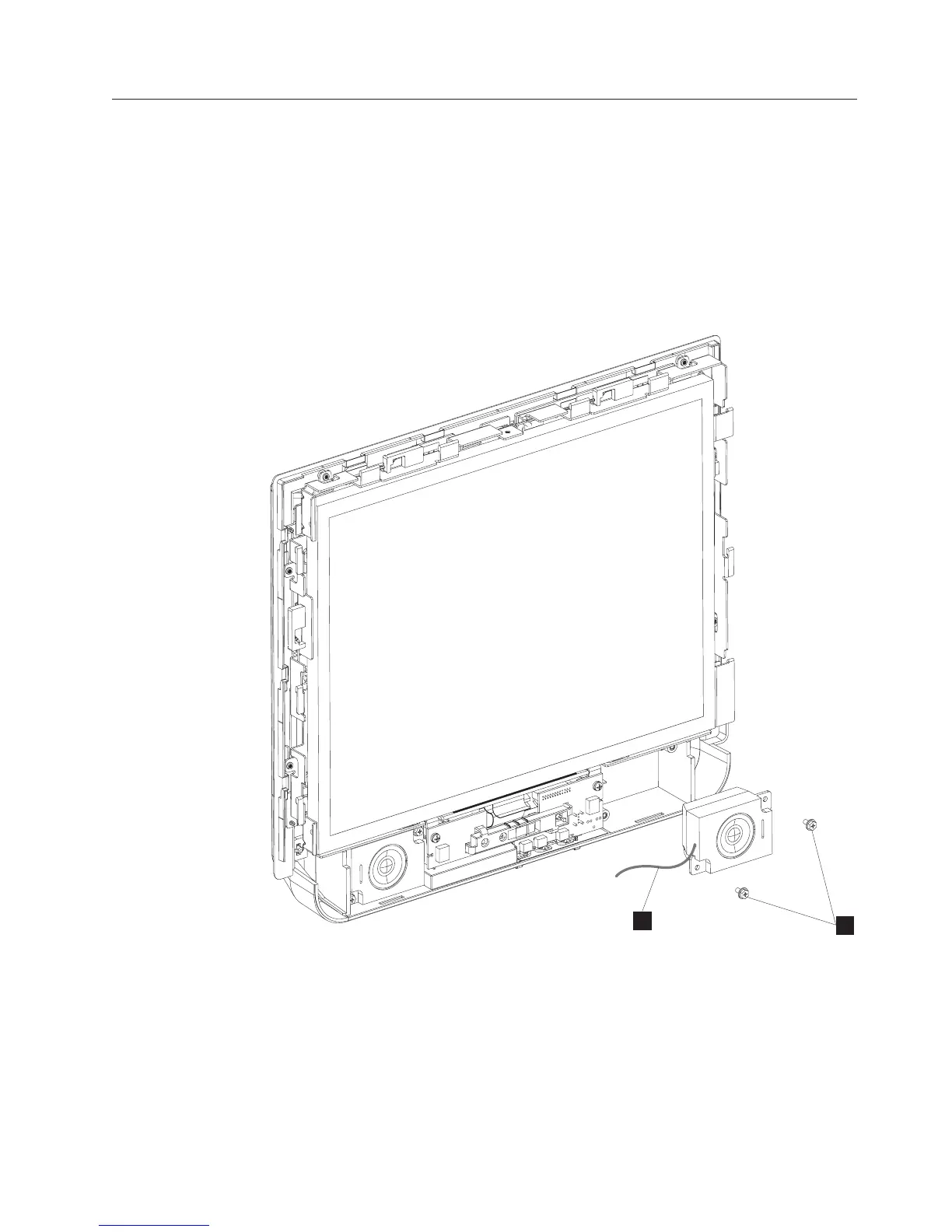
Removing the speakers
Follow these steps to remove the speakers:
1. Switch OFF the power to the IBM AnyPlace Kiosk. Unplug the power cord
from the external power source.
2. Follow the steps in “Removing the front cover/touch assembly” on page 55 to
remove the front assembly.
3. Remove the two screws (W in Figure 36) that retain each speaker and lift to
remove.
4. Detach each speaker cable (V) from the control card.
5. To replace, reverse these steps.
W
V
Figure 36. Removing the speakers
Removing and replacing FRUs
Chapter 4. Removing and replacing FRUs 57



 To Next Page