Mounting to hollow walls
v Method 1: Wood surface – A minimum wood thickness—38 mm (1.5 in.) by 28
cm (11 in.)—of high, construction-grade wood is recommended.
Note: This method provides the most reliable attachment of the unit with little
risk that the unit will come loose or require ongoing maintenance.
v Method 2: Drywall walls – Drywall over wood studs is acceptable.
Mounting to a solid concrete or brick wall – Mounts on a flat smooth surface.
Selecting the location
Plan the mounting location thoroughly. Locations such as walkway areas, hallways,
and crowded areas are not recommended. Mount the unit to a flat, sturdy,
structurally sound column or wall surface.
The best mounting surface is a standard countertop, cabinet, table, or other
structure that is, minimally, the width and length of the unit. This recommendation
reduces the risk that someone can accidentally walk into and damage the device.
Local laws governing the safety of individuals might require this type of
consideration.
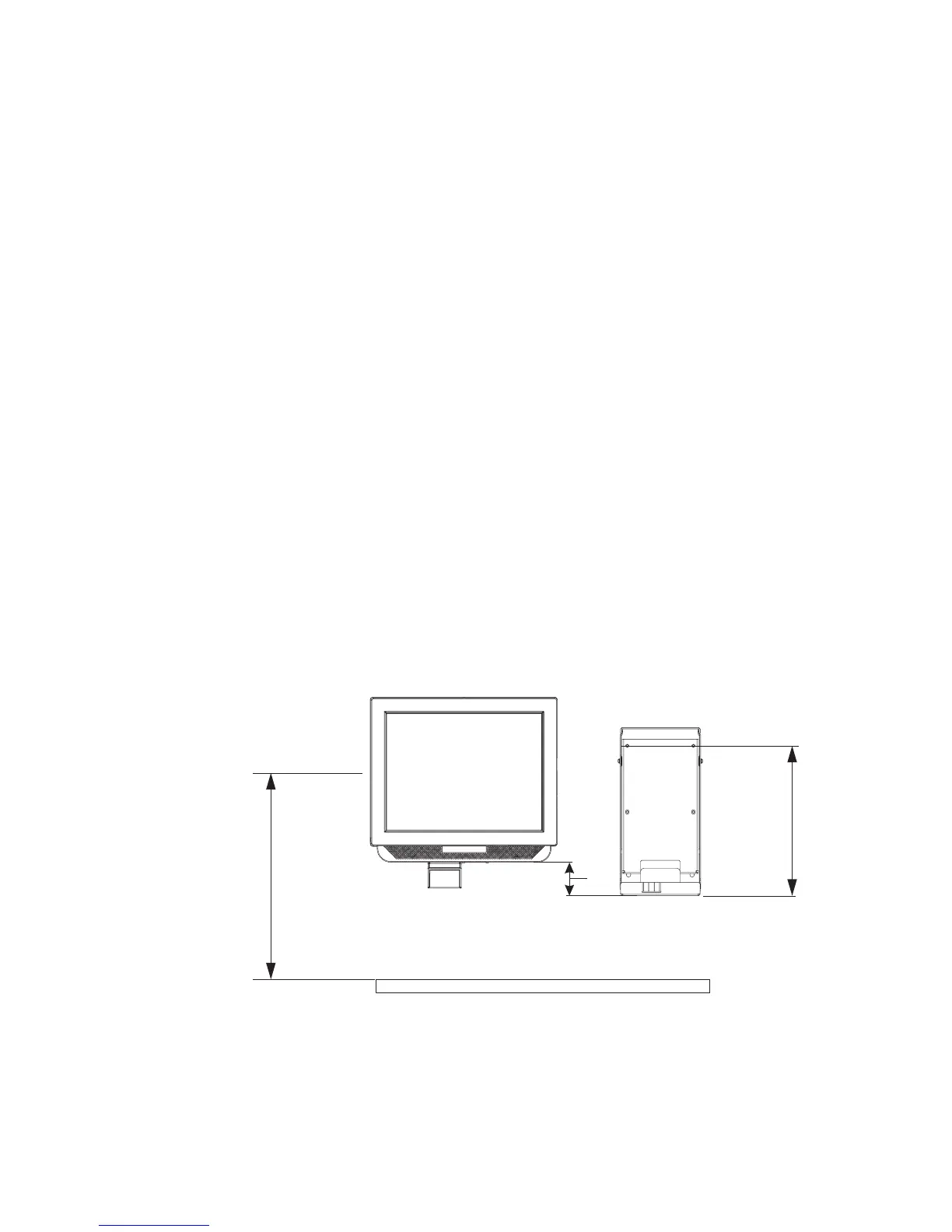
Determining the mounting height of wall mount plate
For users in a standing position, the typical height is approximately 122 cm (48 in.)
from the floor to the center of the touch display. The height used should be
appropriate and comfortable for a majority of the users. Local laws might also
govern the accessibility of the unit. In the United States, the Americans with
Disabilities Act (ADA) limits the height of the top of the LCD image to a height of
137.2 cm (54 inches) above the floor, and this height might need to be lower
depending on the size of obstructions that limit the depth of reach.
122 cm
48 in.
Floor
25.4 mm
1 in.
231.1 mm
9.1 in.
Figure 17. IBM 4838 mounting height
Mounting the IBM AnyPlace Kiosk to the wall
28
IBM AnyPlace Kiosk 4838



 To Next Page